

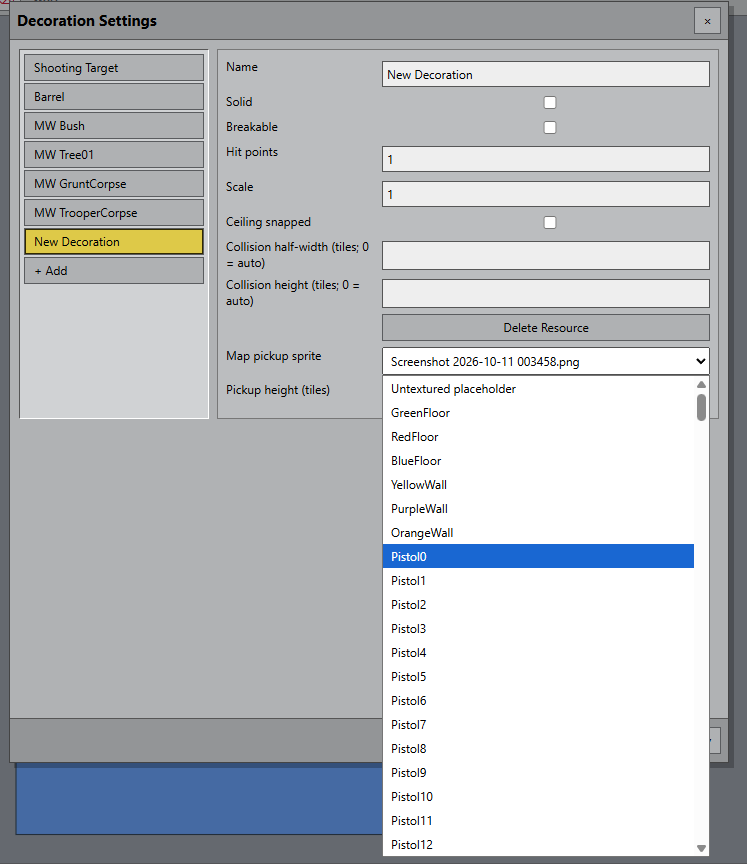
At the top, *Import Resources* > Textures Artwork. Then under decorations you can select the object image from the drop down menu. I will streamline this and make it a bit easier and more straight forward in next update.
OK. Cool. They were showing under the floors and walls when I imported. But I was able to use them as decorations also. Thank you.