Indie game storeFree gamesFun gamesHorror games
Game developmentAssetsComics
SalesBundles
Jobs
TagsGame Engines
(+1)

I've been trying out the game (protogaia), and I start in a sort of village. Before I even have a chance to figure out how to play—that is, to see what the controls are and so on—suddenly several hostile characters come at me and kill me.

If I try to get away from them to gather resources and start crafting, they come at me at high speed and kill me again, and I lose everything I’m carrying.

At first, it seems a little counterintuitive to me to show up in a place where the first thing I want to do is check the controls and explore my surroundings. Take this as constructive criticism—most games don't throw enemies at you right away.

Maybe I just had bad luck with my world seed or something, but this isn't a pleasant experience. Any advice on how to get rid of these guys right away so I can explore in peace?

I've also had the misfortune of sometimes right-clicking and accidentally opening a submenu, which takes me out of the game. I understand that this isn't actually a problem with the game itself—it's just a browser issue :)
(2 edits) (+1)

I took note of your comment and will adjust and change certain thing to either solve or make the mechanic better

(+1)

i've made some adjustment to speed and agro level, let me know what you think

(+1)

Hi there!
Sorry, I've been travelling for a few days. Thanks for correct those things.

Fortunately, it seems that enemies (whether animals or people) don't run any faster than I do.
I've finally managed to find some materials, and I've been able to make a few tools :)

I have two things I think I'd improve.
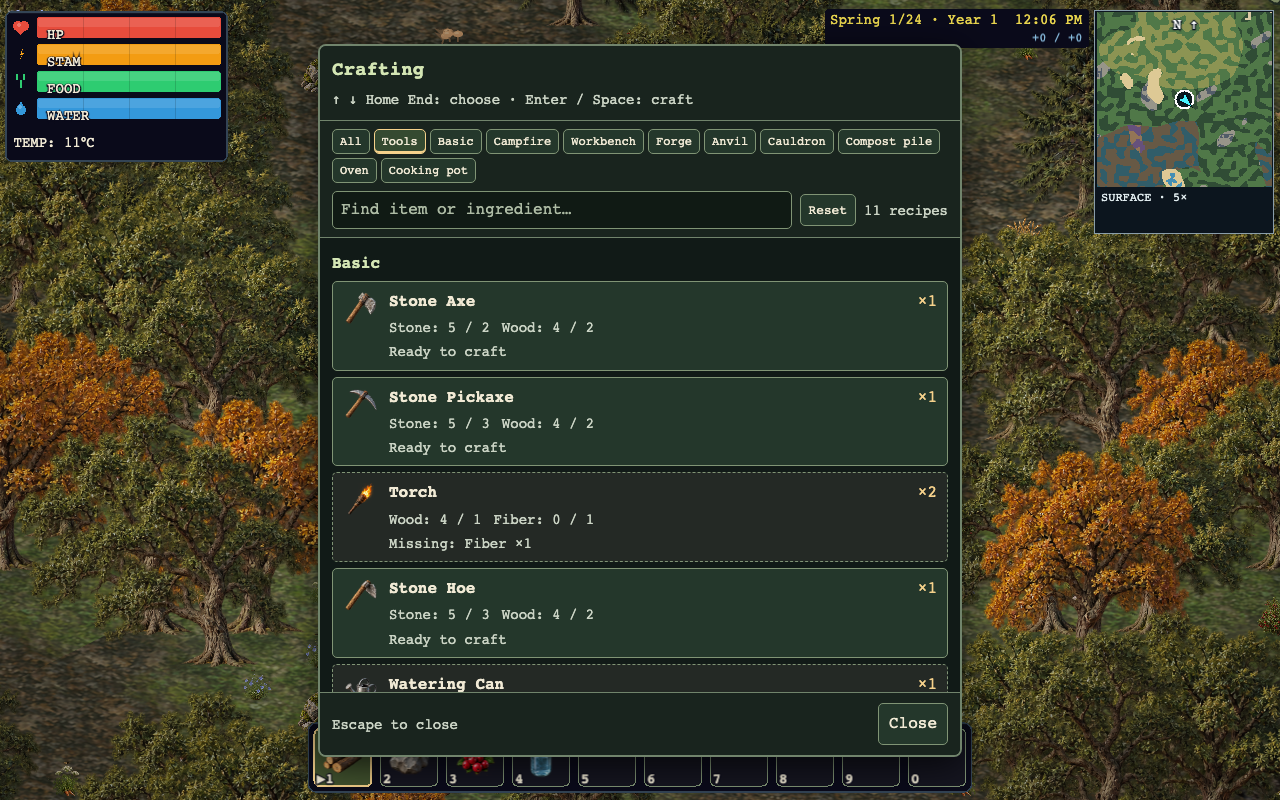
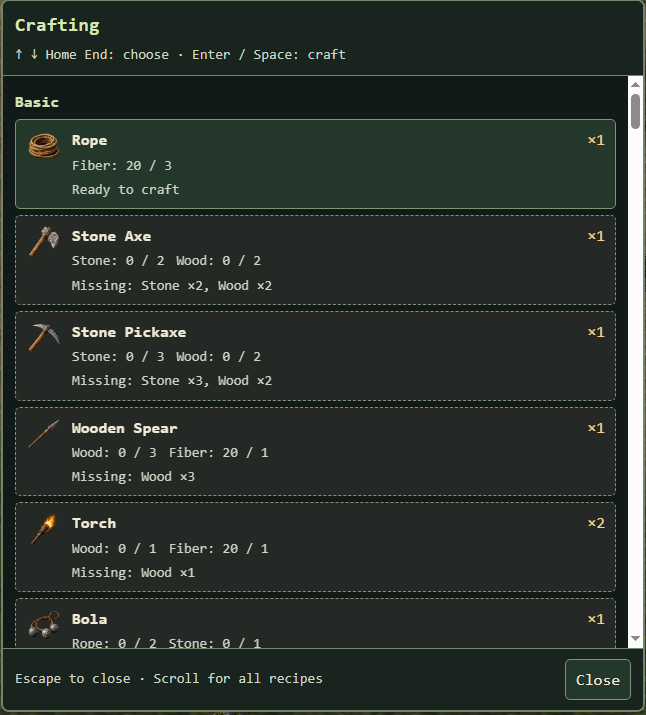
First, in the crafting menu, it would be nice to have categories like “All,” “Tools,” “Campfire,” etc., but at the top.

If you always have to scroll down through, I don’t know, 30 or 40 items to find something, it gets a little annoying. It’s good that there’s already an “End” and “Home” key. Maybe you could even add a “finder” feature.

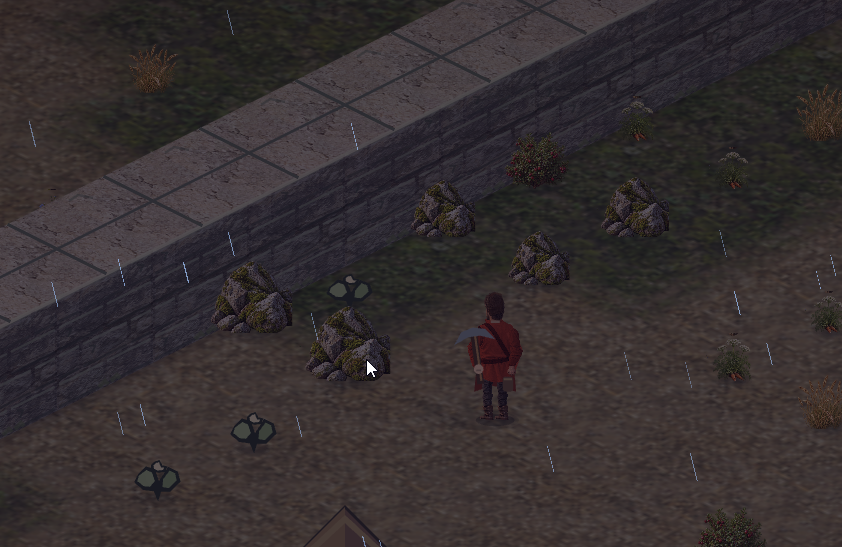
I understand that the game is still in development, but for example, in the screenshot I'm posting now, I clicked to pick up a rock right where the mouse icon is, but it ended up picking up a rock that was between two other rocks.

This doesn't just happen with rocks—it happens with almost every object I've tried to pick up. It's not very clear exactly where to click to pick it up. I understand this is something you're planning to improve :)

Regards!

thank you very much for the input, i am aware of the offset position of the click to pick, as for the menu ease of finding i was planing on switching it to a tab menu but i take note of your opinion, i'll try to do those change before i leave in a few day for work, if not ill try to work o it in my spare time

(+1)

let me know how it is


(+1)

Now that’s what I’d call a huge improvement!

Well done ^^