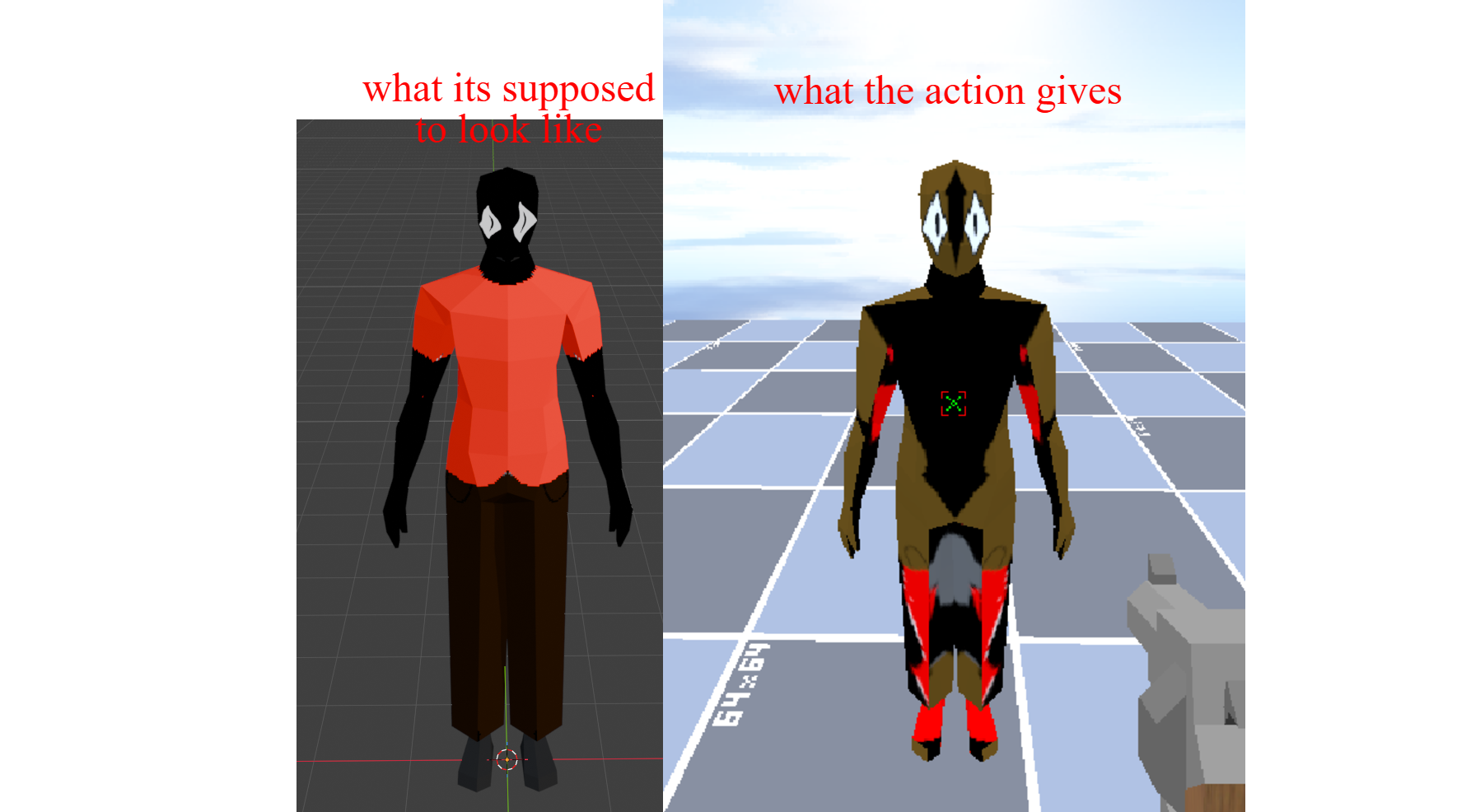
Hey, I'm back. I'm trying to use the Replace Material With Texture action, and the UVs are all messed up. Can you please make the texture follow the UVs, or am I doing something wrong?
I think it's because, like you know a glb model has individual materials. So you can have 5 for glass, wood. And that action applies it to every material so it looks off. I would recommend using the Replace Material With Texture. That one is more for replacing everything to white, wood, without having to spam 10 actions for every material.