

Step 1: Go to Project Aether on the itch.io app.
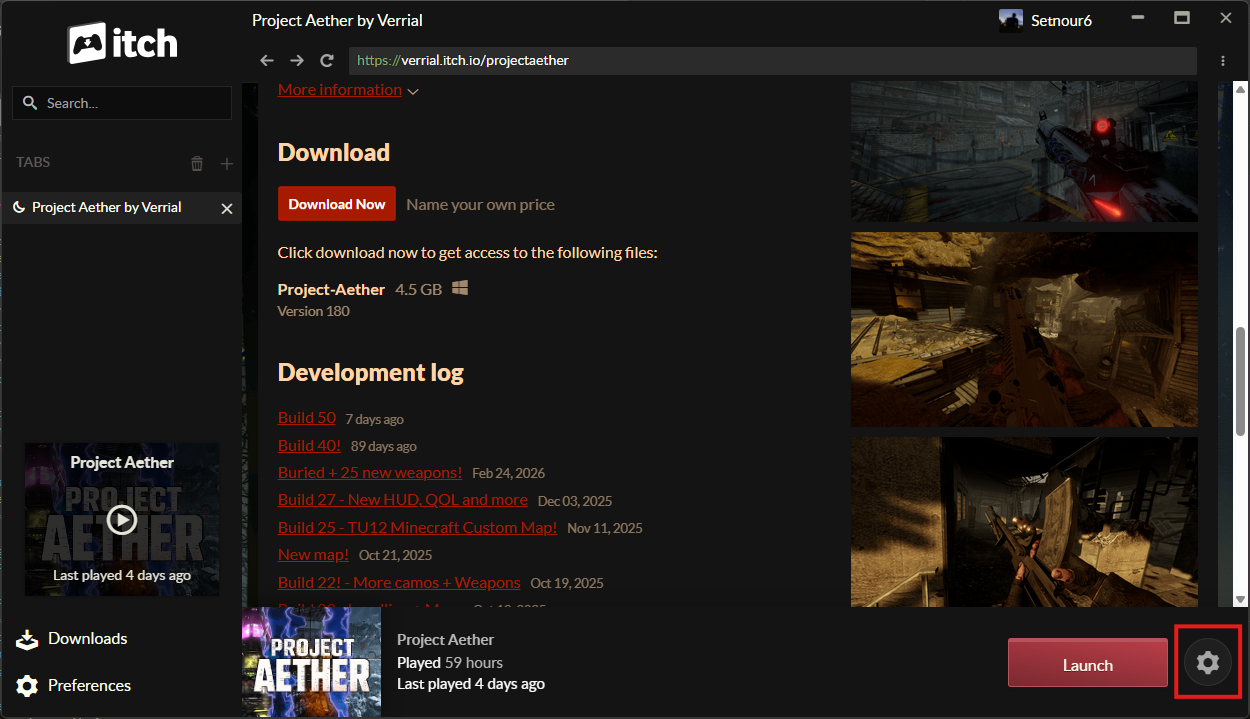
Step 2: Click on the settings/cog icon.
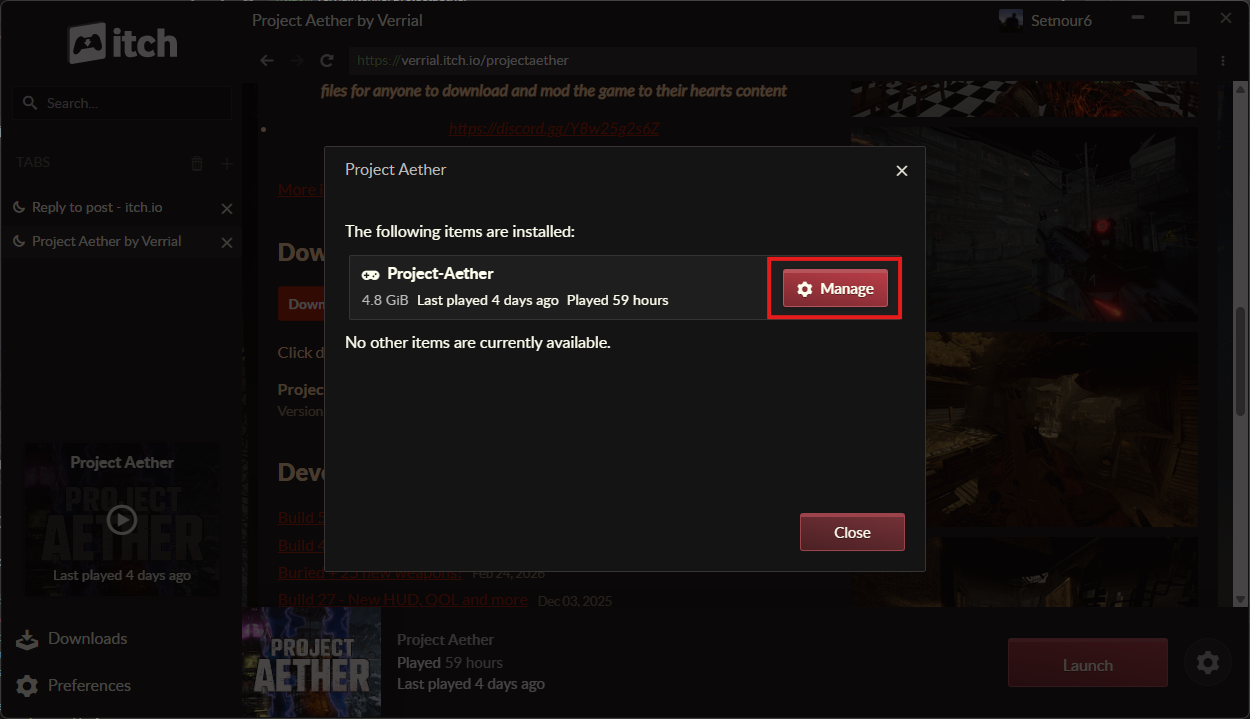
 Step 3: Click on “Manage”.
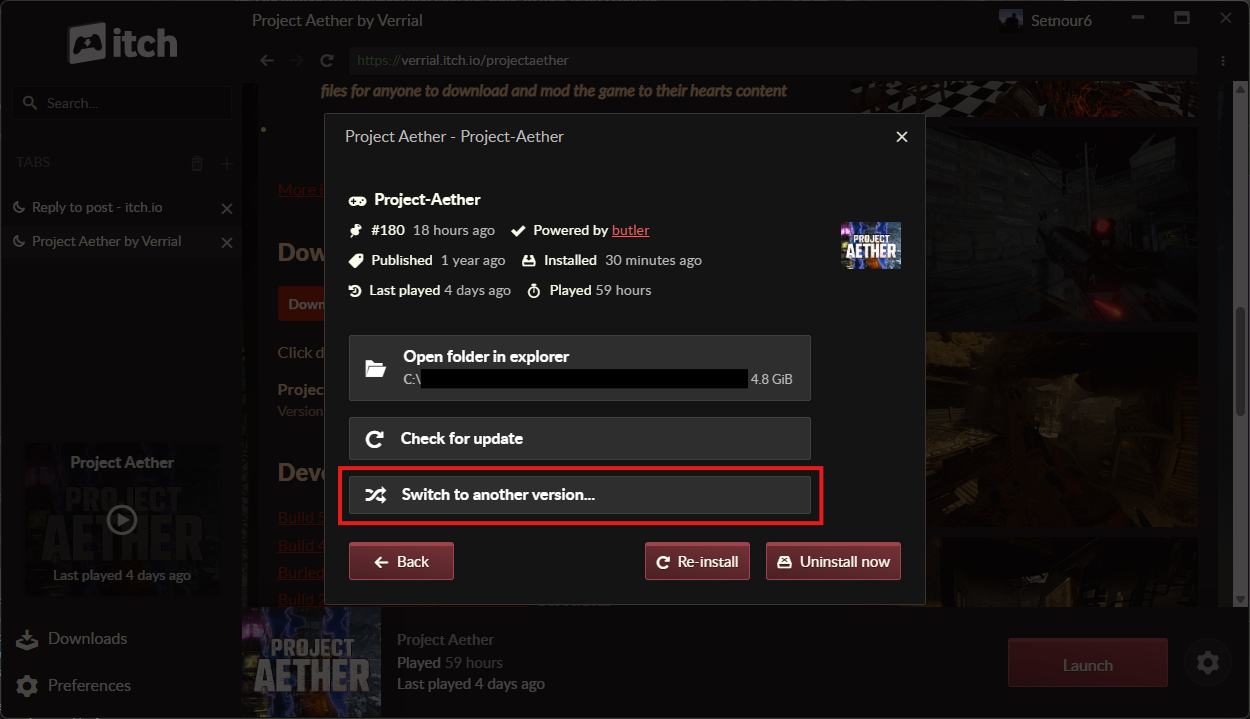
 Step 4: Click on “Switch to Another Version”.
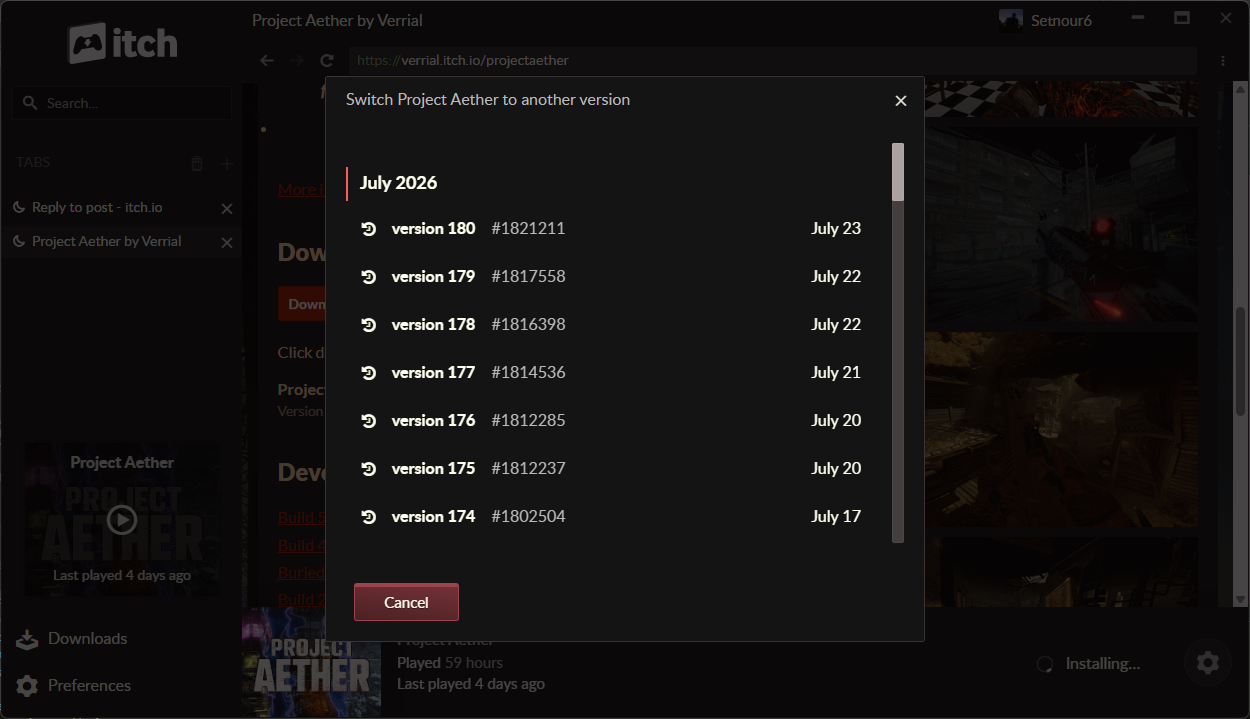
 Step 5: Click on an itch build version of the game you want to play on. Anything before Build 50 (i.e. before July) is what you want in your case, but won’t have the new content and changes that Build 50 introduces.
 Step 6: Wait for the installation of the new version to be complete.
Step 7: Launch the game.
Step 6: Wait for the installation of the new version to be complete.
Step 7: Launch the game.