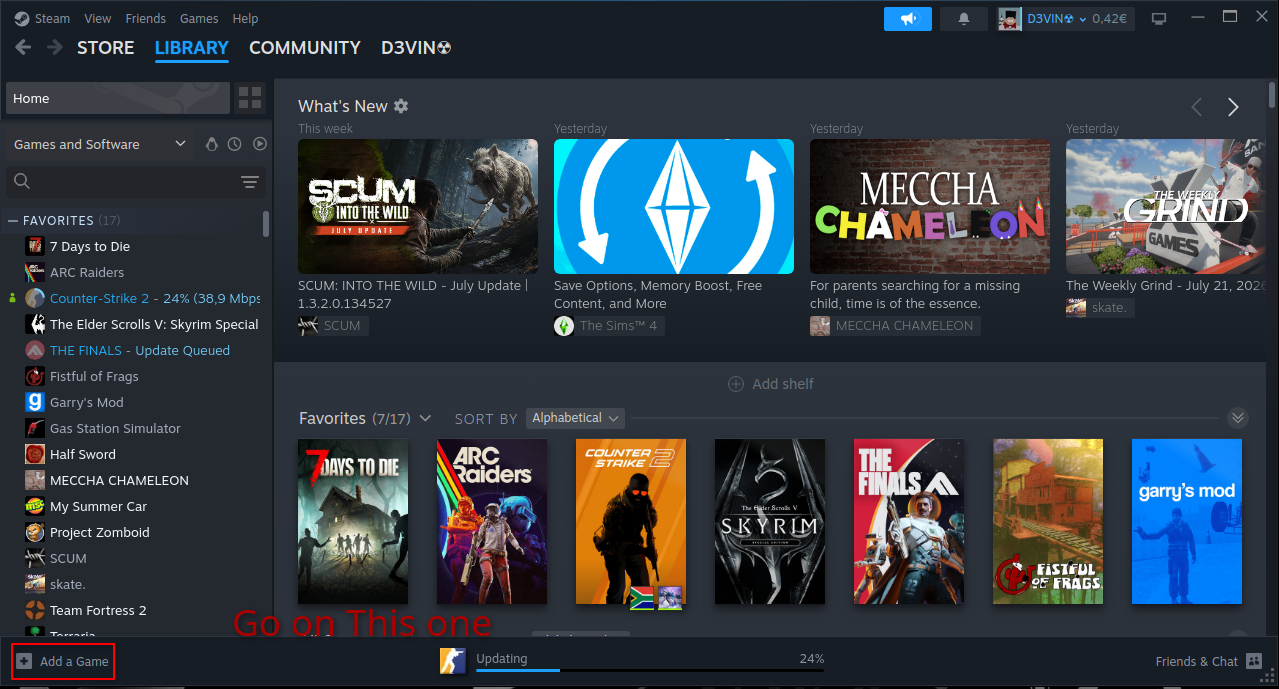
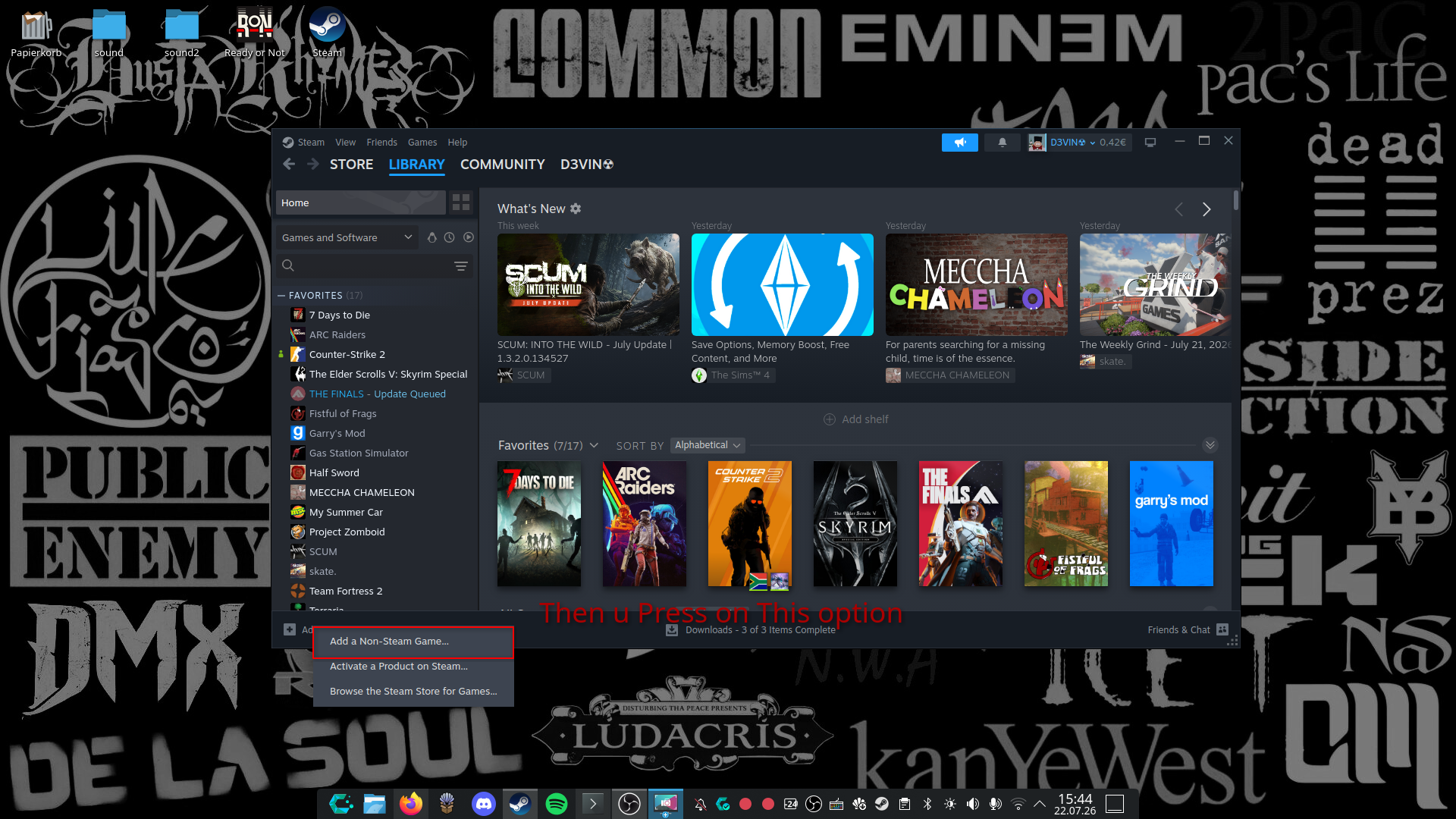
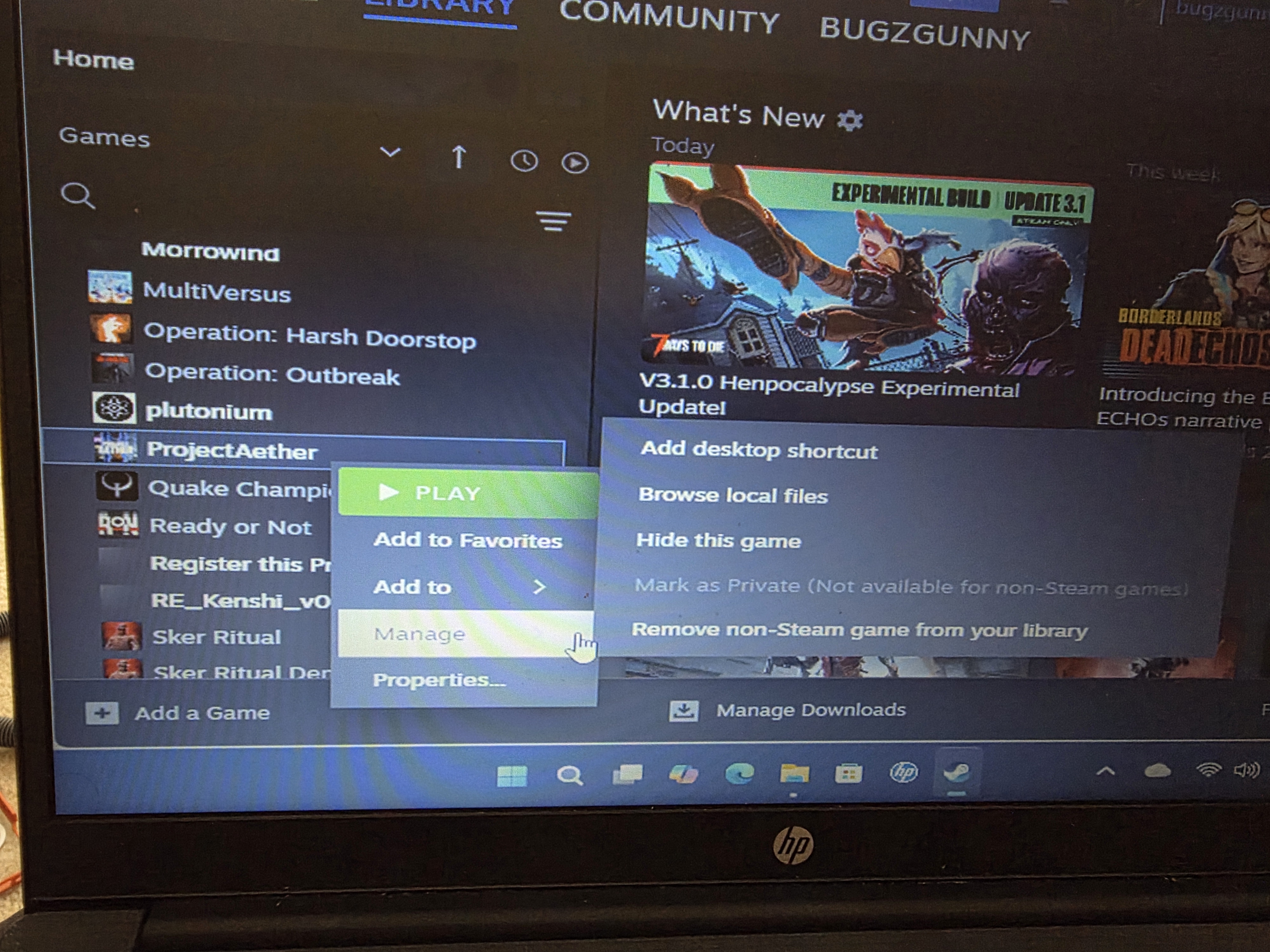
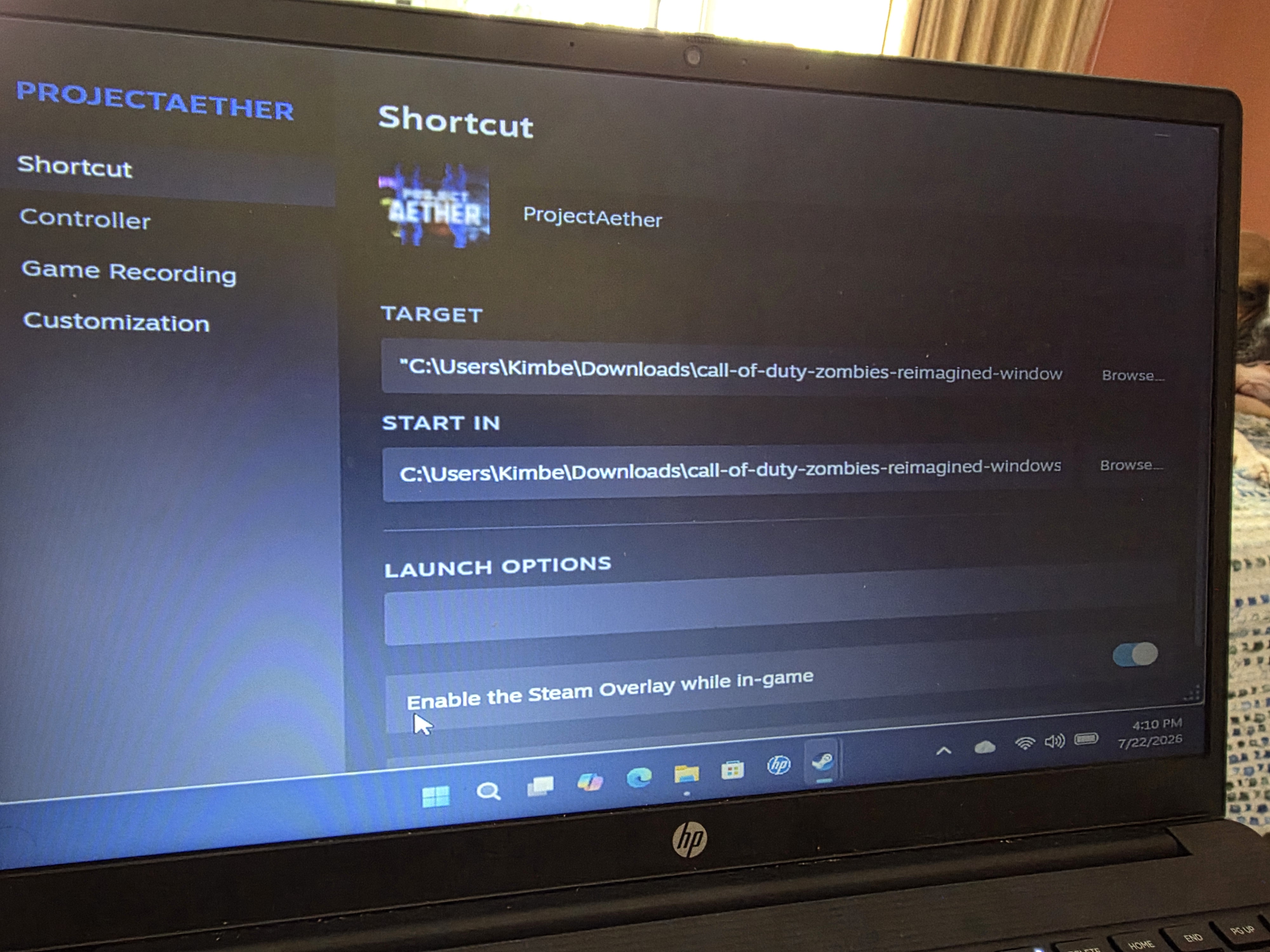
Hey Guys, Here's a quick tutorial I made, Help the Ones Out that Asked for Help in Terms of Linux Installation or Playability.
When Anything Isn't running good or as it Should post it in this thread.
Hope Anyone is Helped out :D
So you donwload the game and in deskttop mode and then in desktop mode your going to left click and add non steam game go back to gaming mode and then go to the non steam game click on game icon settings and then go to conpatibility and us proton experimental or any other one and it should boot up and then just adjust the in game controls with the steam button and the game controller settings
You could try to Download it from the Itch.io Site (https://verrial.itch.io/projectaether) there is an Download Button, then u get an .zip file u Extract the file to an Folder and then run the ProjectAether.Exe
No, you could Download the Itch.io App (https://itch.io/app) and try to Download and run it over this way, but Tell me real Quick, what is the Problem with the Game, dont starting, crashes?