Indie game storeFree gamesFun gamesHorror games
Game developmentAssetsComics
SalesBundles
Jobs
TagsGame Engines
(+1)

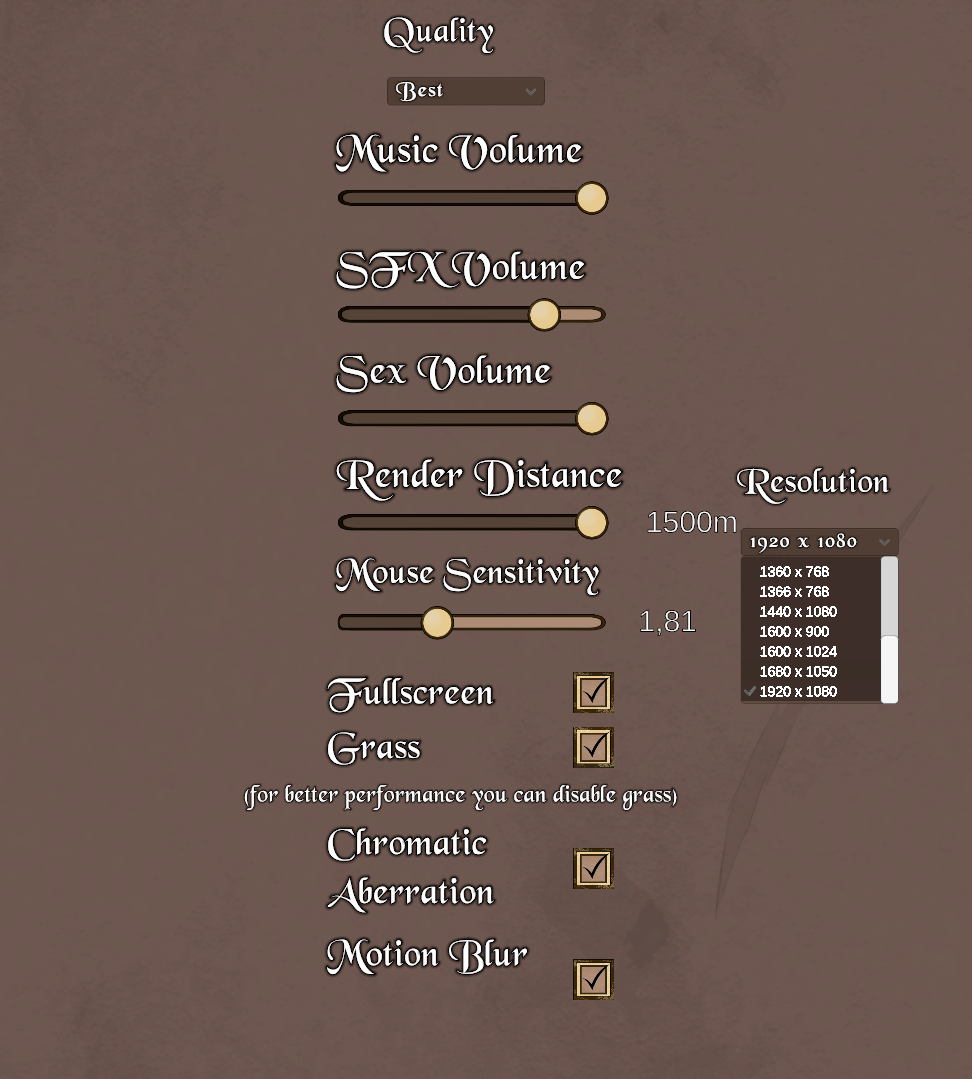
At 3440x1440, in fullscreen:

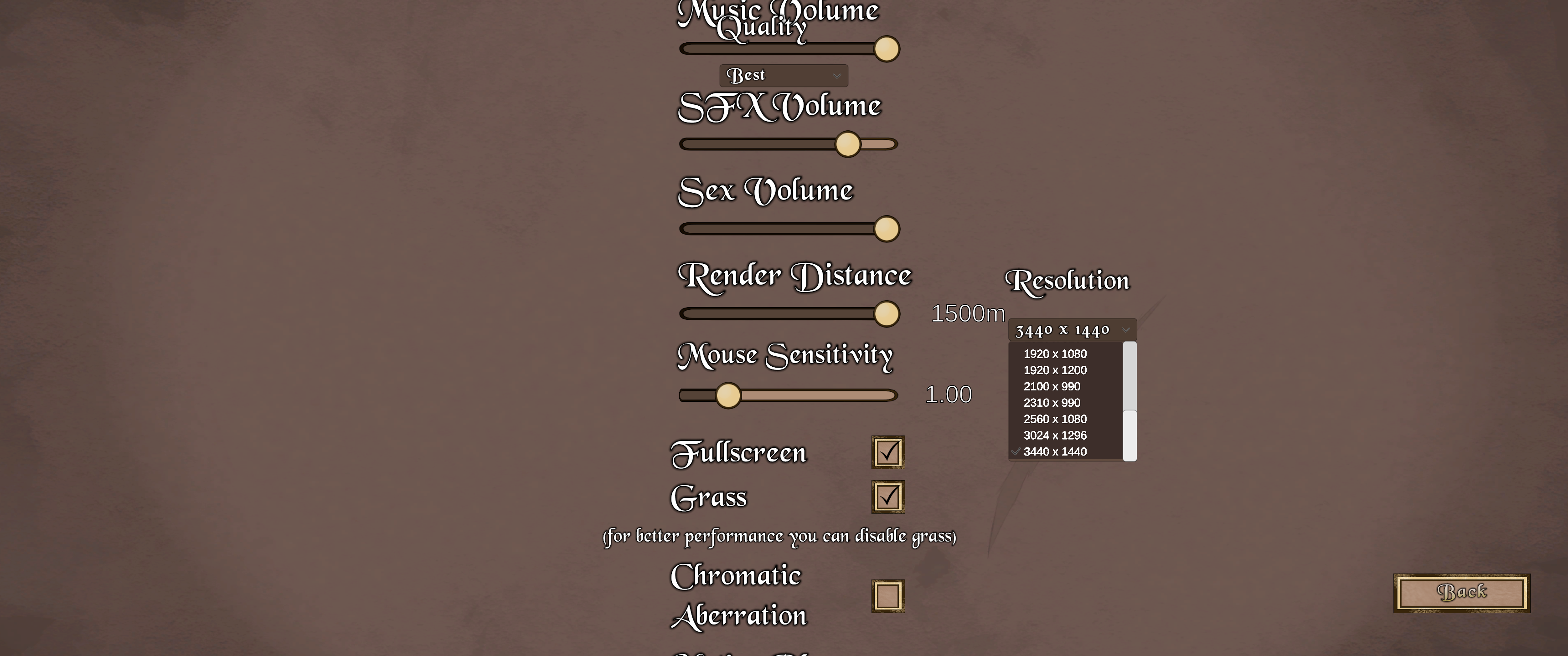
  • The main settings menu is enlarged such that the motion blur setting is pushed past the bottom of the screen. The music volume setting is pushed to the top of the screen with the tops of the letters cut off,  and the quality setting hovers over the top of the music volume slider.
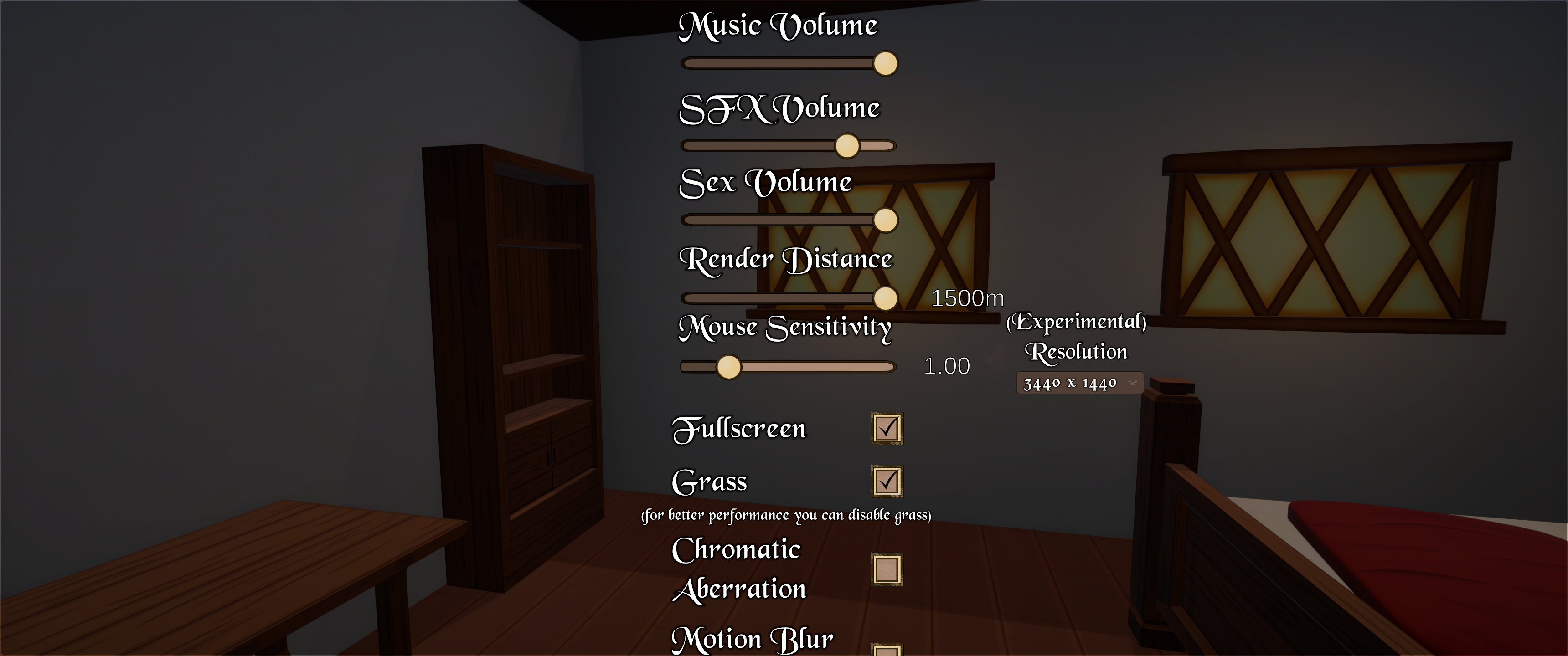
  • The pause settings menu is enlarged such that the quality setting is beyond the top of the screen, and the motion blur setting has half its toggle box visible.
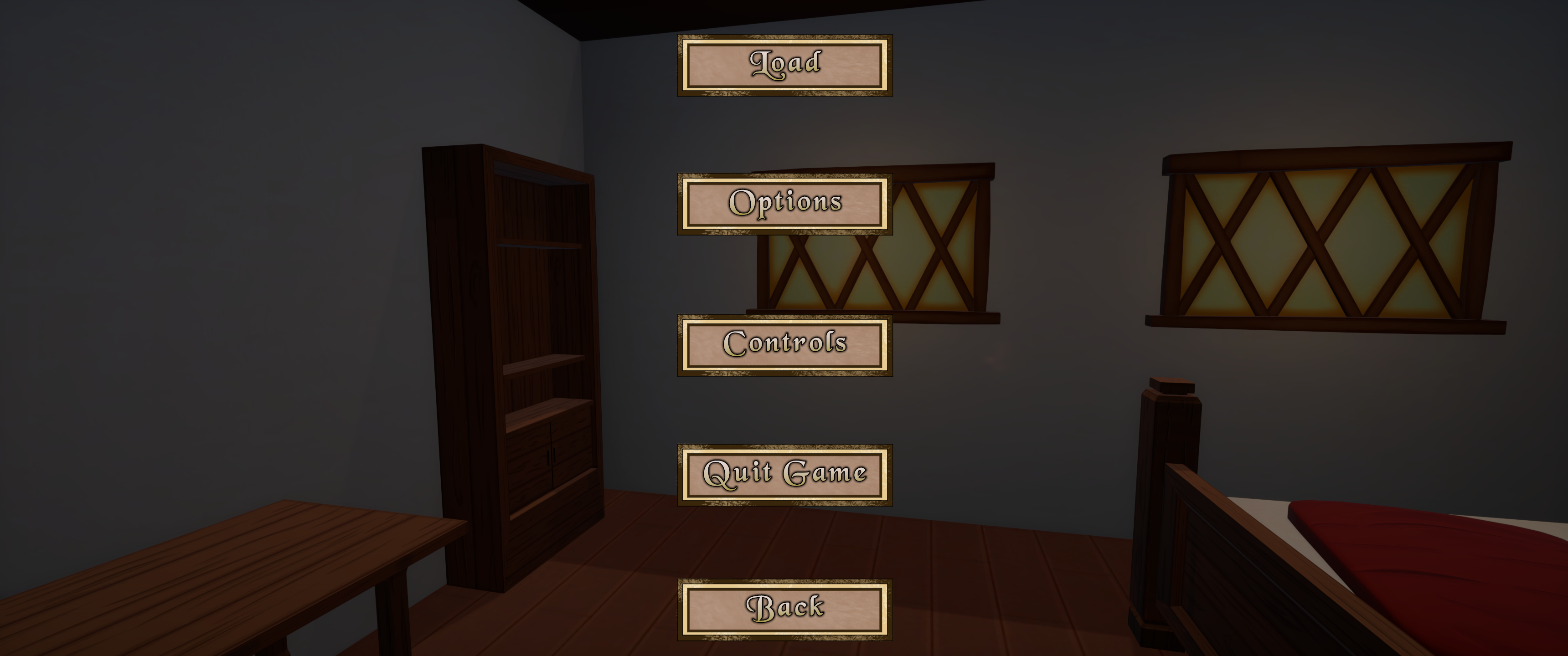
  • The pause menu is enlarged such that the save button is beyond the top of the screen.
  • The load menu is enlarged such that the "back" and "delete all saves" buttons are barely visible, with their text being outside the screen. This presumably applies to the save menu as well, but I can't test it since I can't click the save button.
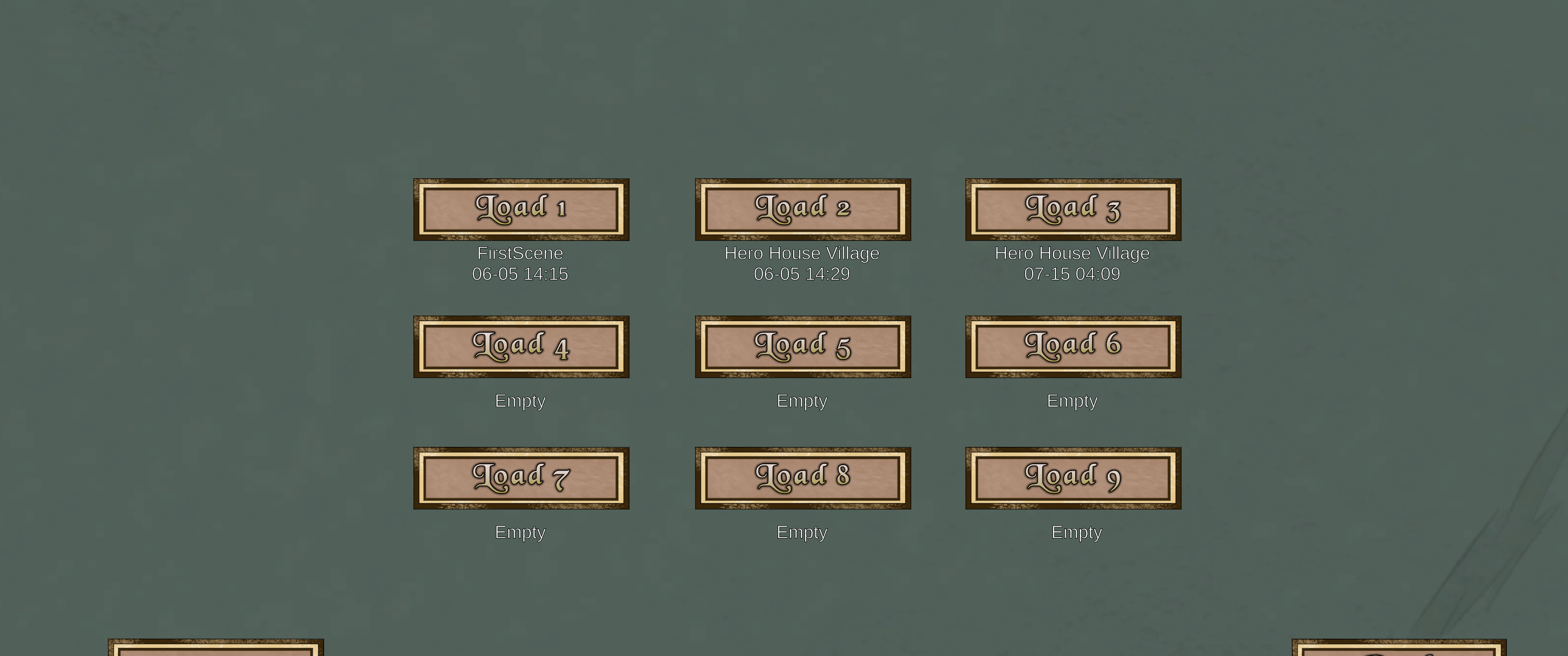
(+1)

That's a lot of information, thanks a lot, bro.
I'm actually working on a new UI layout right now because some new options are coming, and I'm separating the sound from the graphics. I'll take a closer look at what's not working right and try to fix it.
I don't even have that resolution option in my settings xd That's why I was surprised I open the game and thought, “Ultra Wide?” The highest resolution is 1600 
I had to set the system to automatically detect certain parameters, and add these resolutions if someone has that kind of setup.
This was done a while ago and it was done in the last 5 minutes before the update, at the fans' request , I must have forgotten about those ultra-wide . Oh well, at least I learned something xd I don't really get it yet enough