
Indie game storeFree gamesFun gamesHorror games
Game developmentAssetsComics
SalesBundles
Jobs
TagsGame Engines

vTuber Kit

An All-In-One Free vTubing Solution! · By Kyuppin

Vtuber Kit won't open and displays error message "Couldn't switch to requested monitor resolution"

A topic by Mimu-go-mimir created 97 days ago Views: 150 Replies: 1
Viewing posts 1 to 2

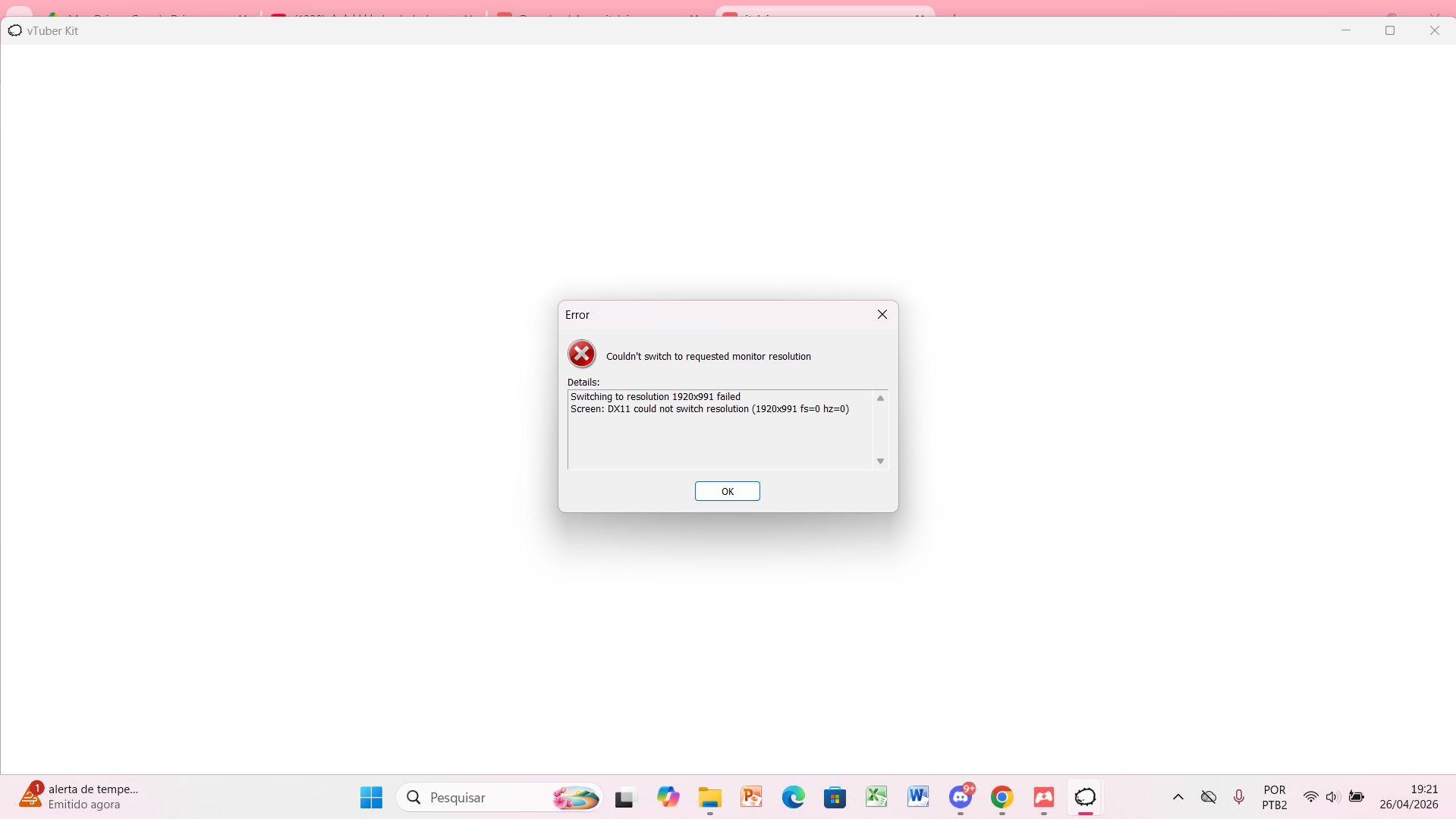
I need help, out of nowhere Vtuber kit stopped working, whenever I try to open the .exe it shows an error message saying

 "Couldn't switch to requested monitor resolution Details: Switching to resolution 1920x991 failed Screen: DX11 could not switch resolution (1920x991 fs=0 hz=0)"

when I close the error message the program closes as well

My monitor is in the default resolution of 1920x1080, I tried switching to other resolutions to see if it would help, but it didn't, I tried to delete everything and install the program again and the same issue ocurred, I tried to use the itch.io launcher and it also still displays the same error.

I really need help, I have no idea of what to do

sorry for any mistakes english is not my first language 

screenshot of the error: 
Developer (1 edit)

Weird. Looks like maybe the fps was set to zero?  Not sure. You're gonna have to hit the windows key and type "regedit.exe" and hit enter. 

Go to edit > Find. Search for "vTuber Kit". On the right side find something that looks like "native refresh rate". double click it and tick the "decimal box" then set it to something like 30 or 60. Hit OK and close out of this.


Then open windows explorer and in the top bar, type "%appdata%" and hit enter. Go up one folder level until you see the "LocalLow" folder. Go in there, then go to Kyuppin, and then vTuber Kit and open the "vTuberKitData.uwu" text file. search for a variable called "vTuberKitFPS" and change the value to 30 or 60. Save the file and close it. 


Then you can try running vtuber kit. In vtuber kit, go to the settings panel and just make sure fps is set to 30 or 60 so it sticks.