

idk if somebody have it but when i run votv graphics set on zero and if i try to reset settings after i press aplly its again reset to zero and i cant load into save even cant open tutorial its on a09I (there no sounds too) 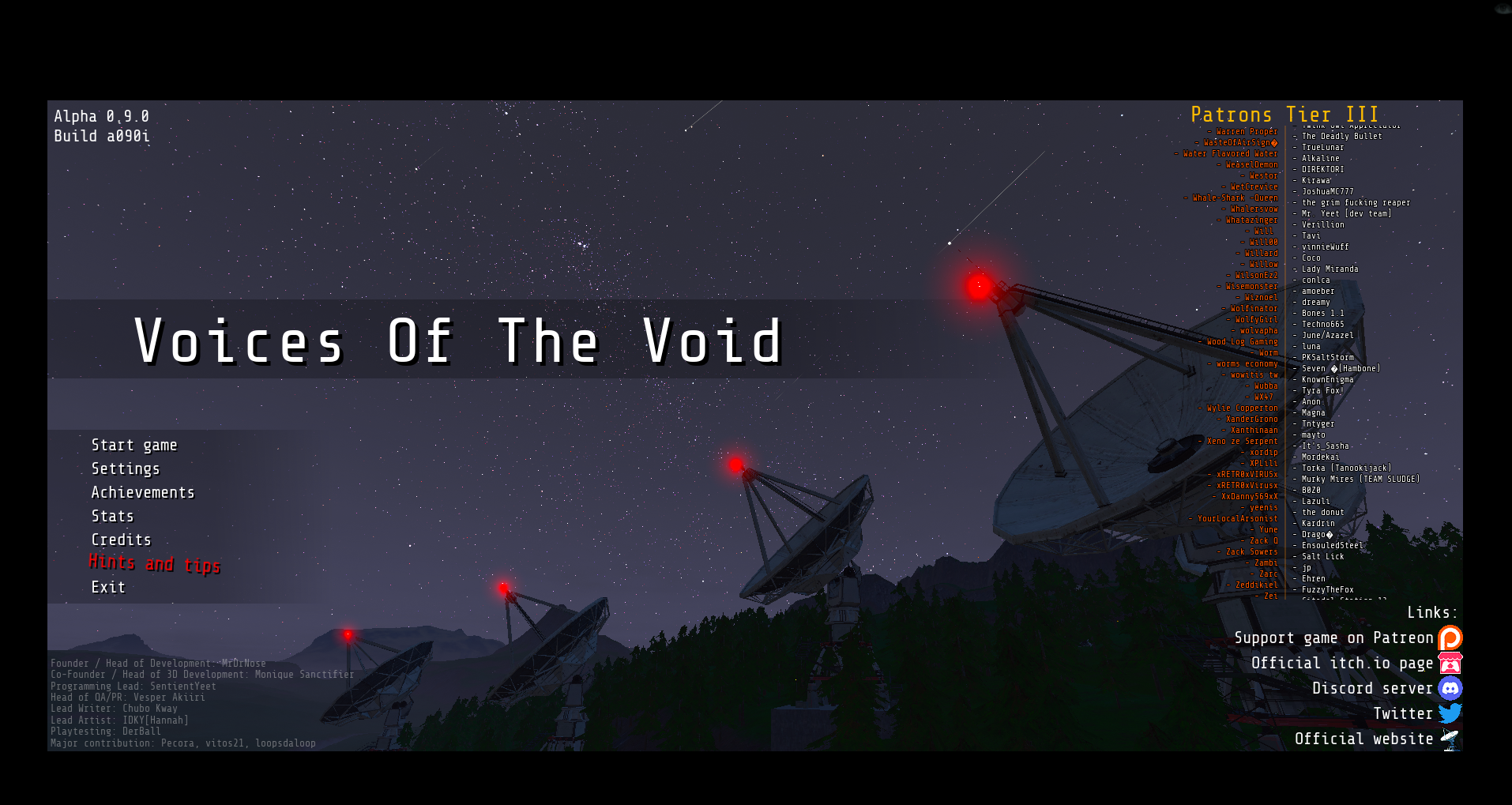

Gather unknown signals from deep, silent space · By
I'm pretty sure you're dealing with a common Windows permission conflict where the game is being "locked out" of its own configuration files. Since your settings reset to zero and you can't even load the tutorial, it means the game engine is failing to write to your disk or initialize the audio/logic engine properly. Here are the specific steps to fix this, without the fluff:
Win + R), type (%localappdata%), and find the (VotV) folder. Go to (Saved > Config > WindowsNoEditor) and delete everything inside, especially (GameUserSettings.ini). When you relaunch, the game will be forced to generate clean files that actually work.
VotV) folder in LocalAppData, go to Properties, and uncheck "Read-only". Click "Apply" and make sure it applies to all subfolders and files. If the game doesn't have "write" access, clicking "Apply" in the menu does nothing because the file is locked by the system.
Downloads), (Desktop), or (Program Files), Windows Security might be sandboxing it. Move the entire VotV folder to a different drive (like D:) or directly to the root of your (C:) drive (e.g., C:\VotV). Also, make sure you are running the .exe as an Administrator.
oalinst.exe) and run it. If it’s not there, download the OpenAL Windows Installer manually. Without this, the game often soft-locks when trying to load assets or saves.
In short: delete the old config files in AppData, move the game to a non-protected drive, and install OpenAL. If those suwaki (sliders) still won't stay put, your Windows user profile might have corrupted permissions, but these steps usually solve it for 99% of players. Let me know if that gets you back into the facility!