


Getting your work into Barotrauma is as easy as creating a blueprint in CS2 and pasting it as an item assembly in the submarine editor.
Step 1
Either deselect everything or select only the components you’d like to export to Barotrauma. In this example, I have the following components and I’ve selected nothing because I’d like the system to automatically export everything.
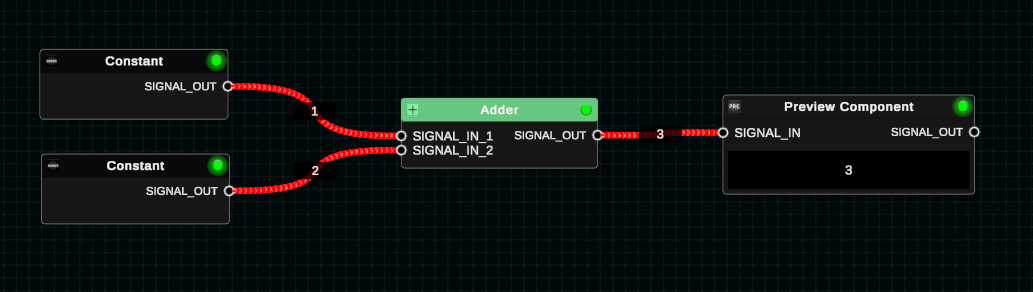
Step 2
- Go to Tools -> Export as Item Assembly…
- You can do either “to clipboard” which will let you paste it into Barotrauma, or you can create an XML file. In this case I’ve chosen to clipboard.

Step 3
- Go to the Barotrauma sub editor and hold SHIFT and then right click
- Select “Paste item assembly”

Notes
- This feature was difficult for me to implement and get the way it is. I’m still working on it, but you may notice that sometimes wires don’t move with the components they’re supposedly connected to. To fix this, go into wire editing mode and make sure each wire’s start/end nodes are overlapping with the component they’re meant to be attached to. Moving the circuits around will then include moving the wires around too.