

Hello game developers and artists! Occasionally I like to talk about art tips, but I feel like I don't talk about the very basics enough! In this blog post, I want to briefly talk about the benefits of practicing line sketches stage before jumping straight into shading and coloring. If you're a beginner, then this is the simplest as pixel art gets so you might want to consider this. It's a great way to just practice shapes, proportions, and perspective first before you move on to more advanced things such as shading/specularity, coloring/hue-shifting, small details, fancy tricks such as anti-aliasing, or fancy outlines with subtle colors instead of full black. You may want to avoid all that extra stuff and focus on the basics first and start small. Besides, you can also always add additional layers over your line sketch or create frames to include those things later. And one of the key things benefits is that these sketches or line art can be done anywhere from 5 minutes to an hour, depending on your speed as well as how much detail you plan to include.
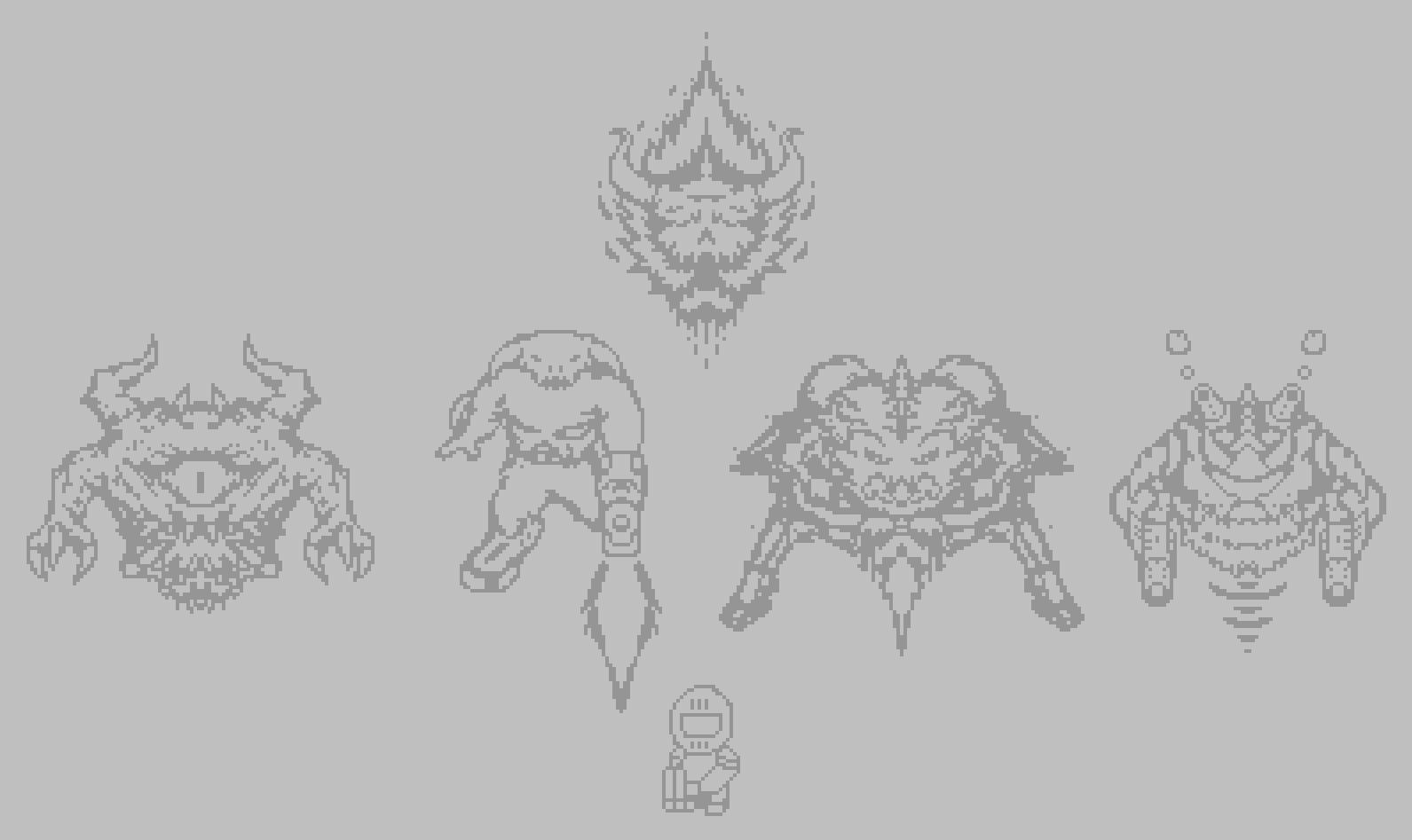
I've done a few examples for some DOOM sprites. The sketch on the far right isn't officially from Doom, but it's a cybernetic take of the Cacodemon or Pain Elemental. The larger sprites here are about 100x100 pixels.
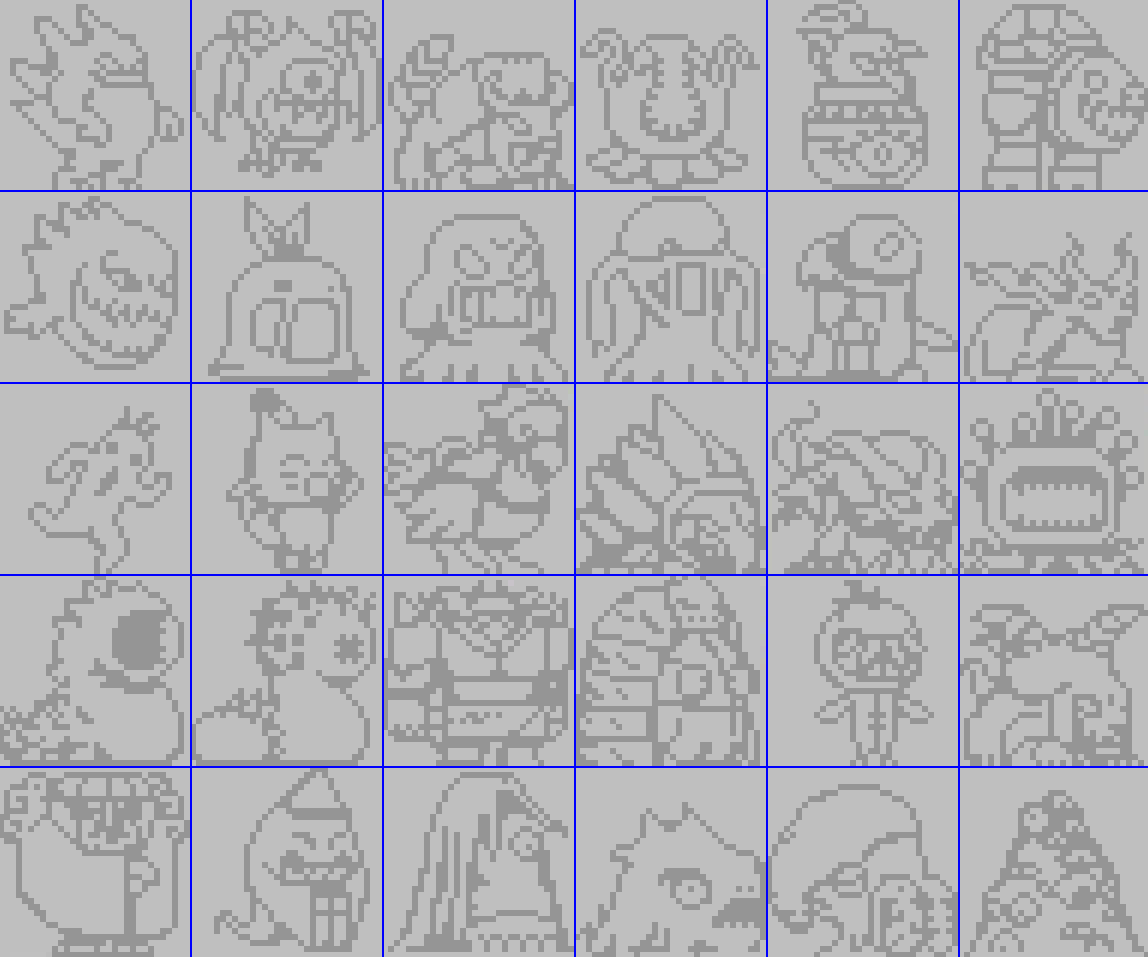
I also have these various line sketches of enemy designs from the Final Fantasy JRPG series and each of these sprites fit within a grid of 32x32 pixels.
If you want ideas to draw, I'd say pick things you're a fan of and just find some things to draw. Search up screenshots of things from your favorite games or something you enjoy. Go on Wikis or print some screenshots from YouTube maybe (you can press "PrtSc" on your keyboard or Shift + Window + S to crop a section of your screen and paste it somewhere, or just open up "Snip & Sketch" and use the app). Try to do whatever you have to do to find stuff to draw I guess.
But as you can see, all these sprites are just 2 colors, which means you aren't spending so much time constantly thinking and carefully picking many colors with color sliders. Instead you just pick 2 colors and use the eye dropper tool or set up a keyboard shortcut in your pixel art software to swap between the two colors.
These things are subtle, but you also don't have to think about think about:
- Hue-Shifting
- Specularity (for shiny, wet, or other reflective materials),
- Subtle techniques such as anti-aliasing (to create a smoother or blurry look for small details and borders) or creative outlines.
Overall, just limiting yourself to 2 colors is a great way to get an intro to pixel art.
When I find more time, I want to talk about adding one more color (or possibly 2) to shade these sprites.