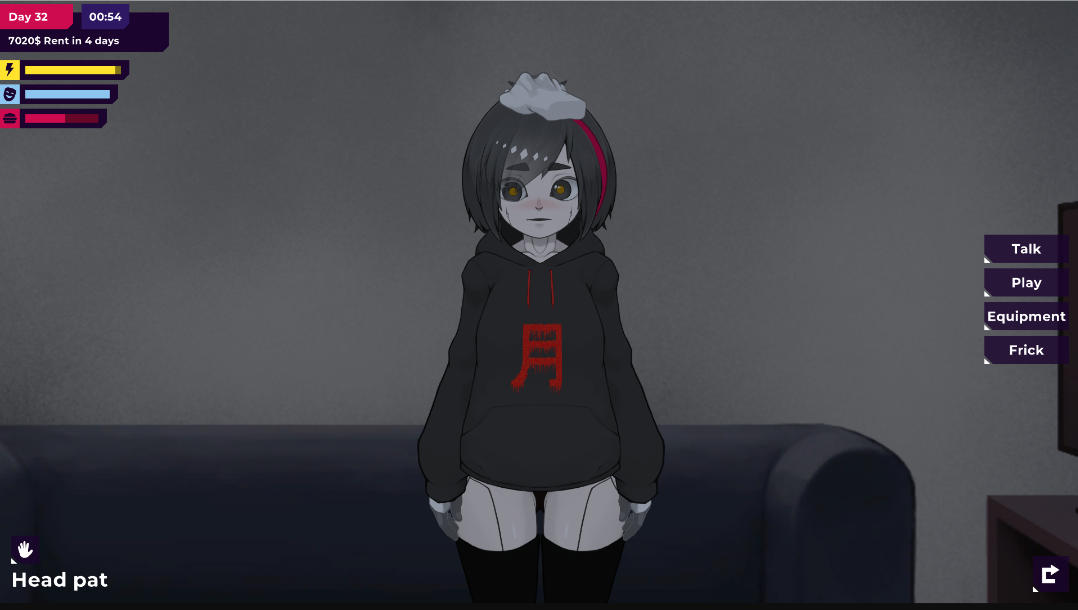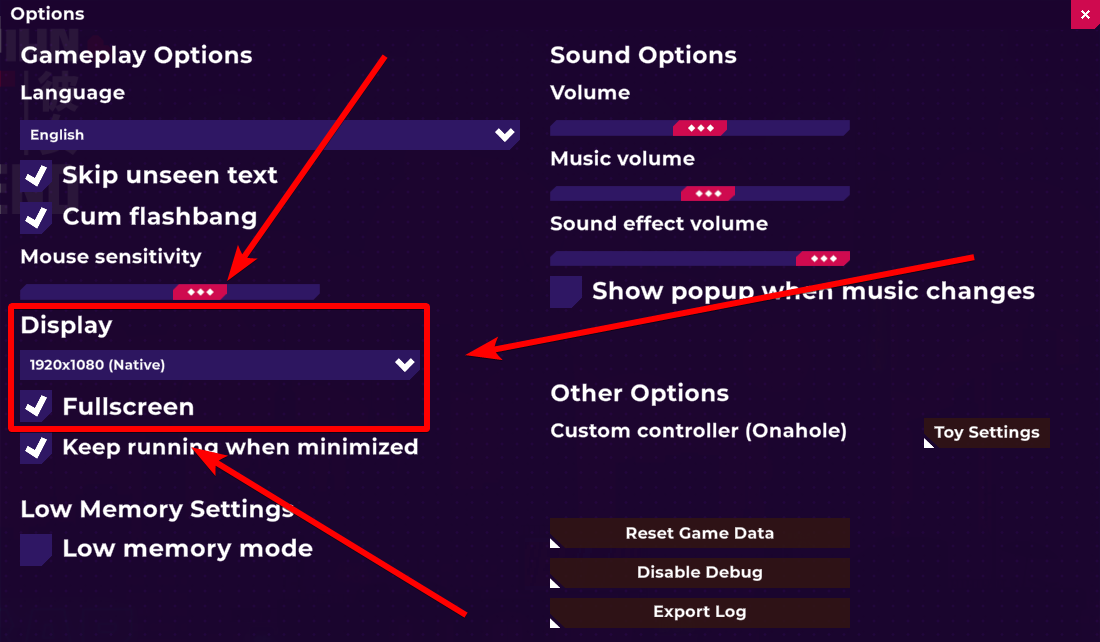
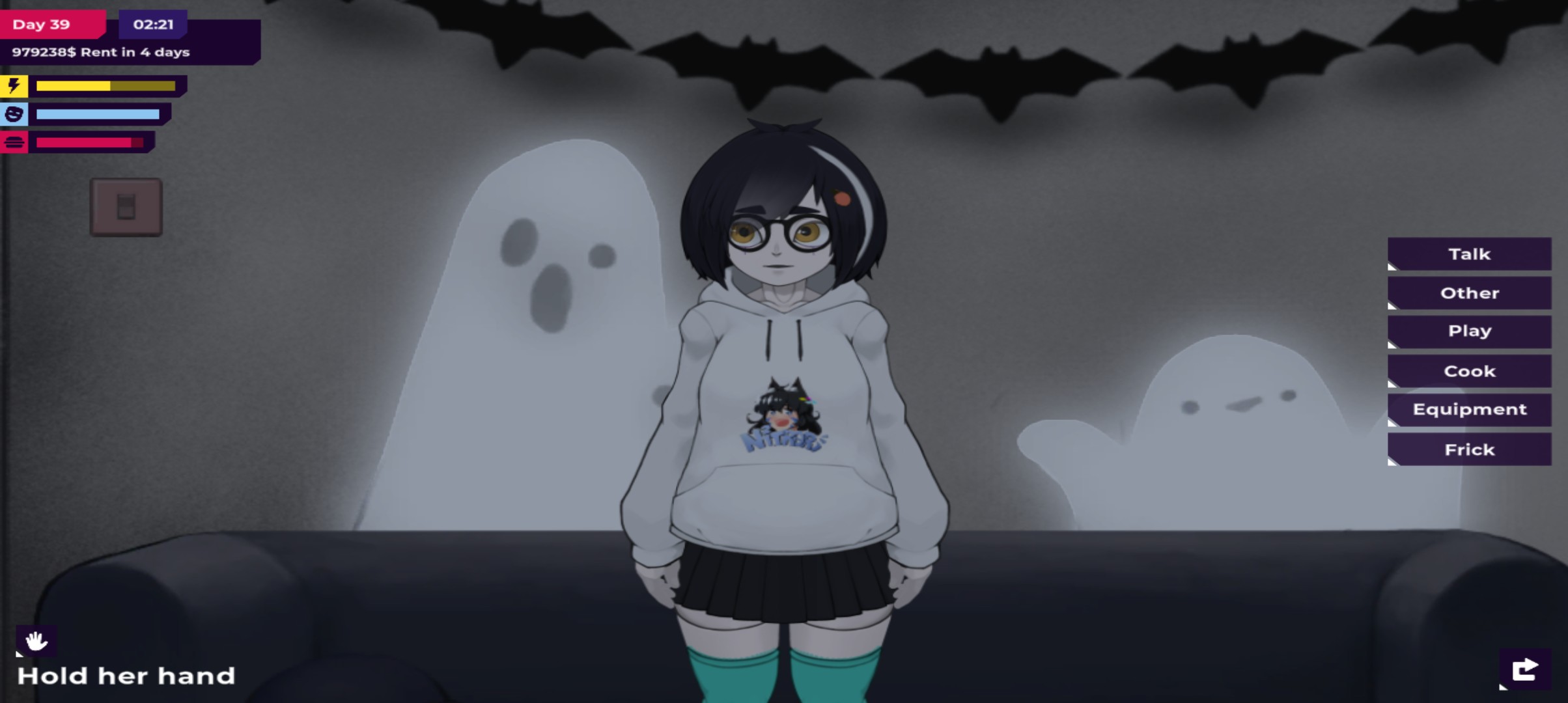
 Below is the change, and above is the change. The screen seems to have become wider, which is very uncomfortable for the gaming experience. I'm sorry, this comment may have caused some impact, but I still hope the author can fix this problem and thank the author for continuing to update this game😃