

An Android user, I'm assuming?
Well, here's a step by step.
1. Go open your game, then load your current save.
2. Head to menu, look to your left and you'll see upload sync, click that.
3. Go to downloader/the new app version, then go load without loading anything since you'd see nothing saved, anyway, you'll see the download sync, then just paste the code.
Also, you are no dumdum, you'll follow it without problem.
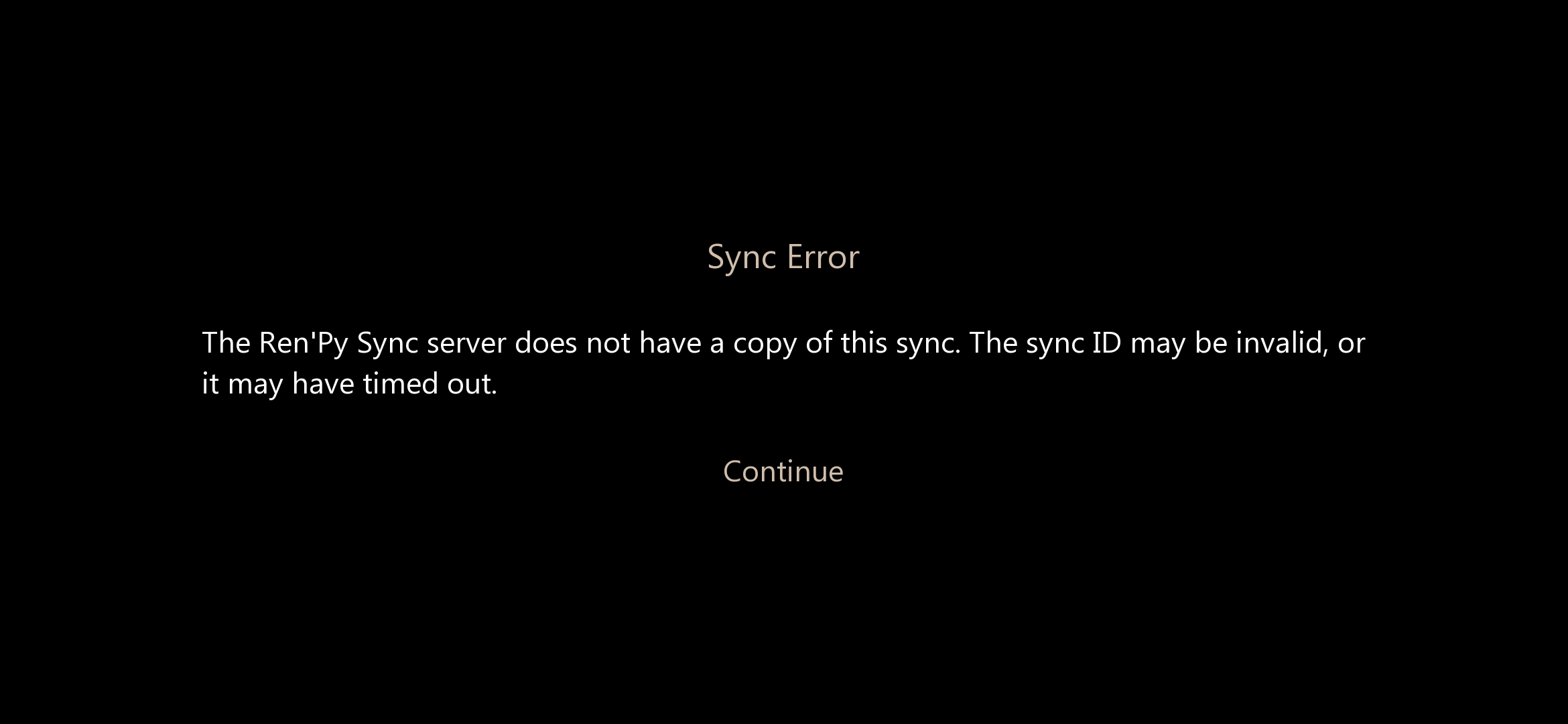
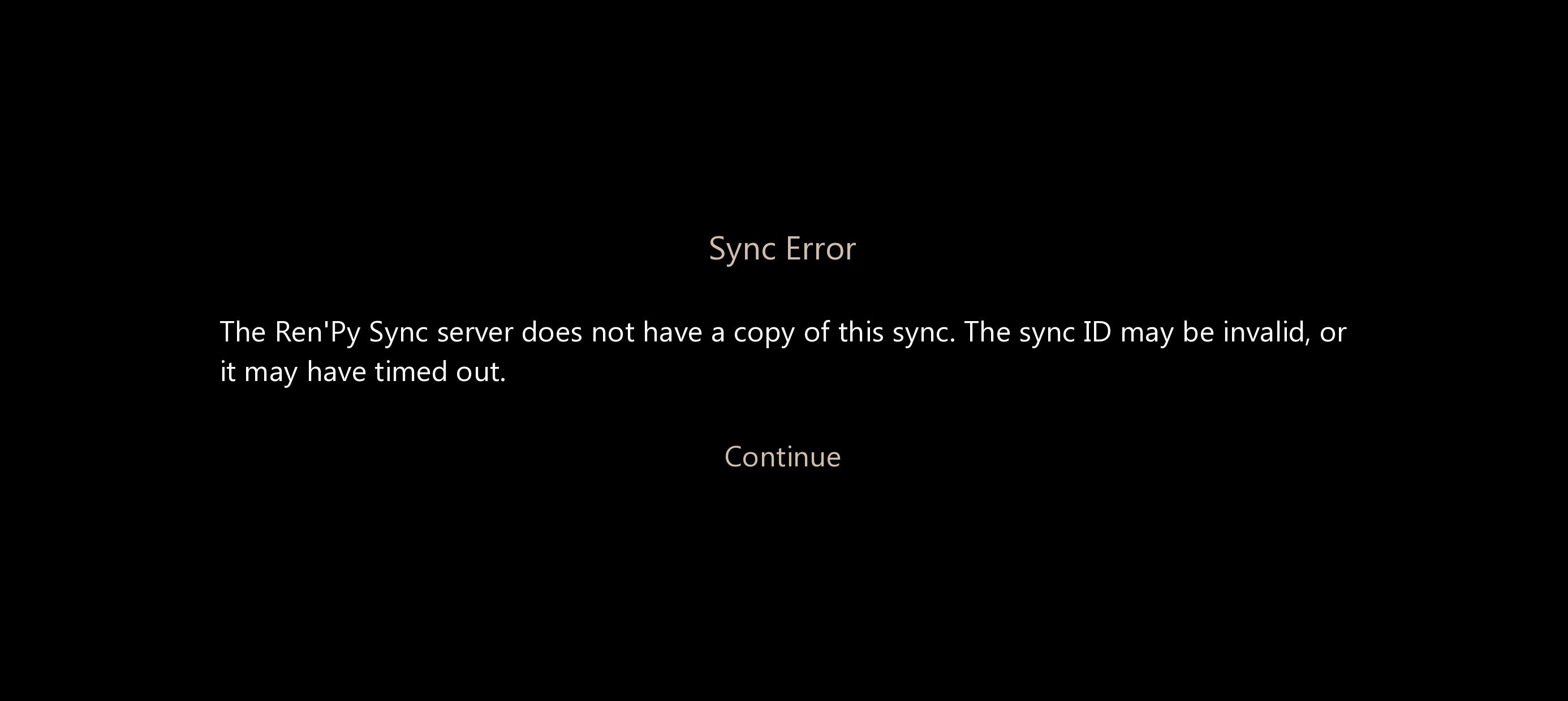 not working for me, as expected. I made sync code literally 5 minutes ago.