Now that the latest update is out, I wanted to do something a bit different.
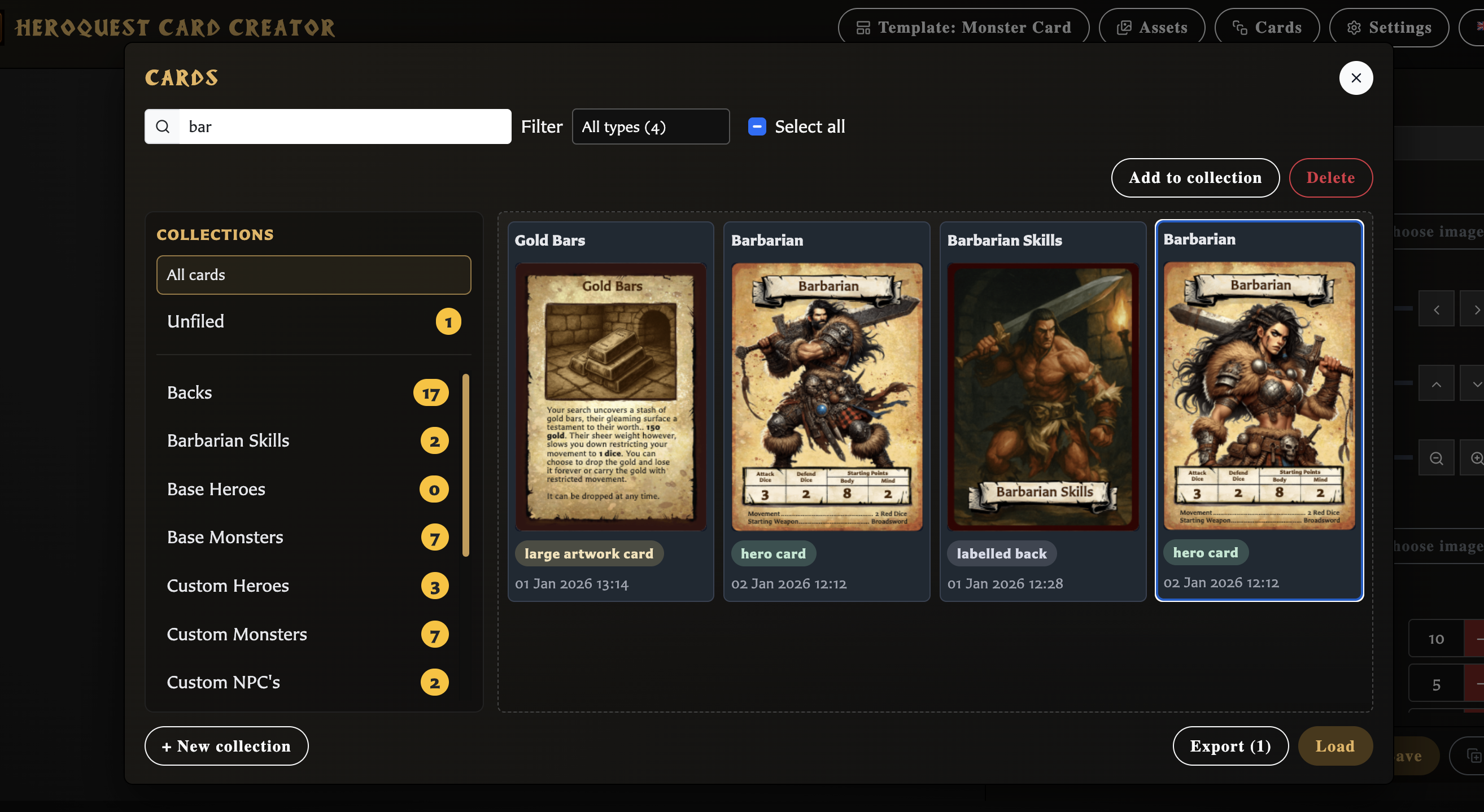
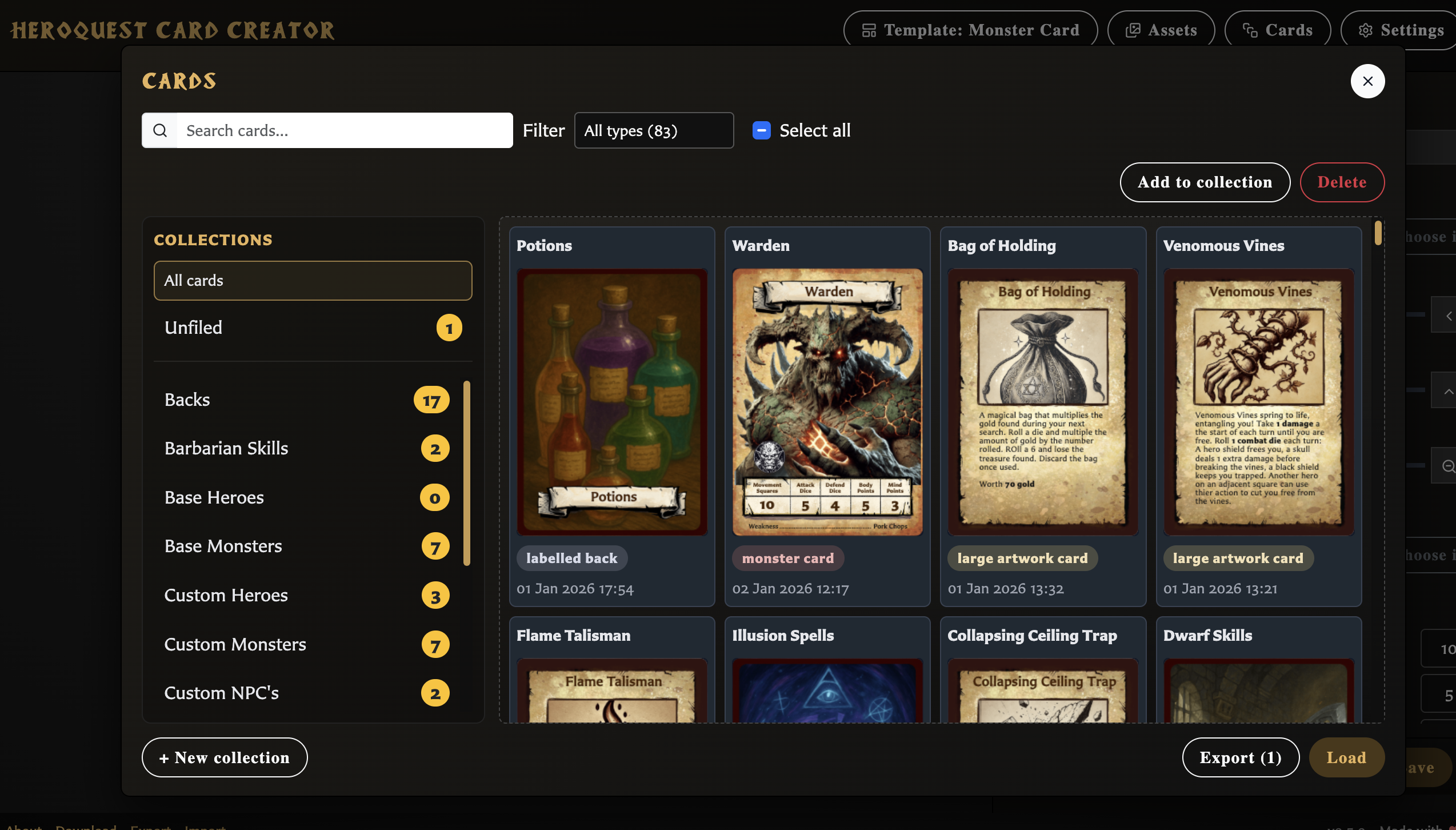
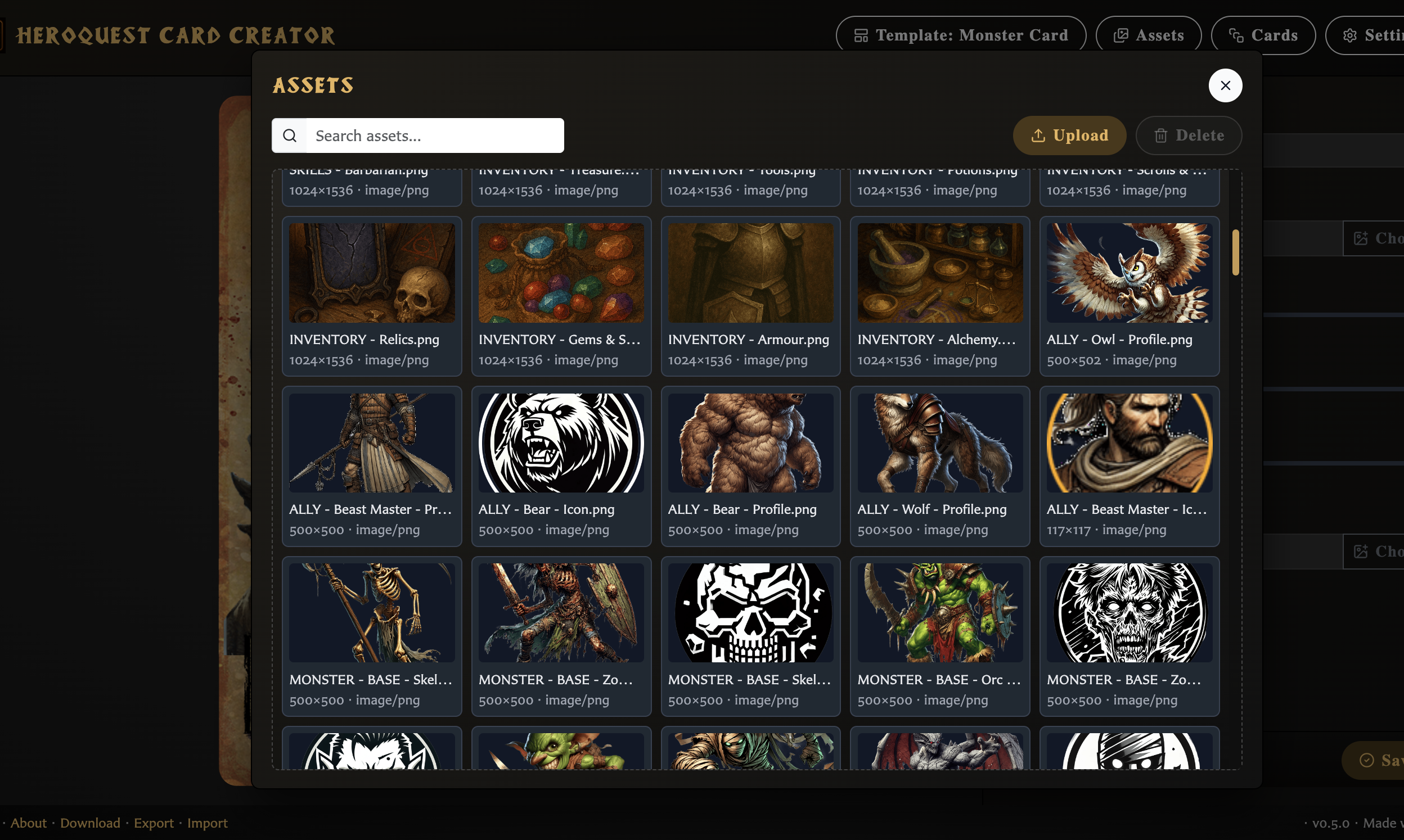
While building and testing the Card Creator, I’ve accumulated my own working library of cards, artwork, and assets. These are things I’ve used to experiment, prototype ideas, and generally put the tool through its paces. Rather than keeping that to myself, I’ve decided to share it openly for anyone who wants it.
If you’re just getting started, this gives you something tangible to explore straight away. You can browse cards, reuse artwork, tweak things, or just use it as inspiration for your own creations. Nothing here is meant to be “official” or definitive. It’s simply a practical library that grew alongside the tool itself.
I’ve always felt that HeroQuest homebrew thrives when ideas are shared, adapted, and built upon, and this felt like a natural extension of that spirit. Hopefully it helps lower the barrier to jumping in and makes the first experience with the app a bit more fun.
A few important notes before importing!
- This library requires version 0.5.0 of the Card Creator. The version currently hosted on itch.io is already up to date, so if you’re using the app there, you’re good to go. If you’re running a downloaded or local copy, please make sure you’ve updated it to version 0.5.0 first, as older versions (such as 0.4.2) won’t be able to load this file.
- If you already have your own cards or assets, please back up (export) your existing library first. Importing this file will overwrite your current cards and artwork library.
- At the moment, there’s no way to merge libraries or import only part of this one. Partial import and export (for collections or selected cards) is something I’m planning to add soon, but for now this is an all-or-nothing import!. Again I need to re-iterate that you should backup (export) your library first!!!
You can download the library from https://public.markforster.info/Heroquest/Tools/heroquest-card-maker-backup-2026...
Try the card creator here https://mark-forster.itch.io/heroquest-card-creator and Import the library
Note: The library file is fairly large and not especially optimised. It’s very much a working collection rather than a curated pack, so depending on your connection it may take a little while to download. Whats in the library? All of the cards you may have seen in screenshots todate along with all of the assets.