Major problems with version 0.14
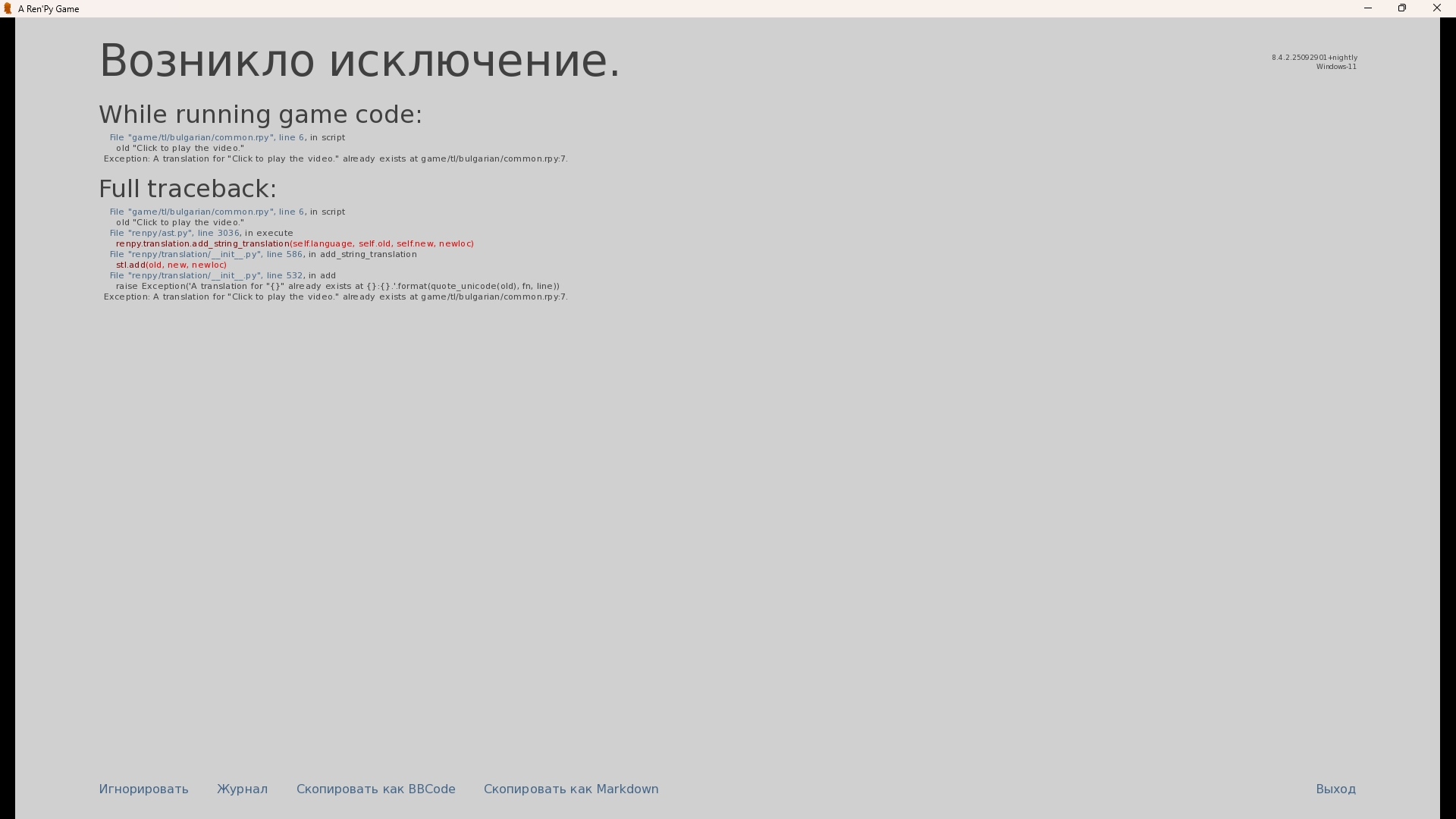
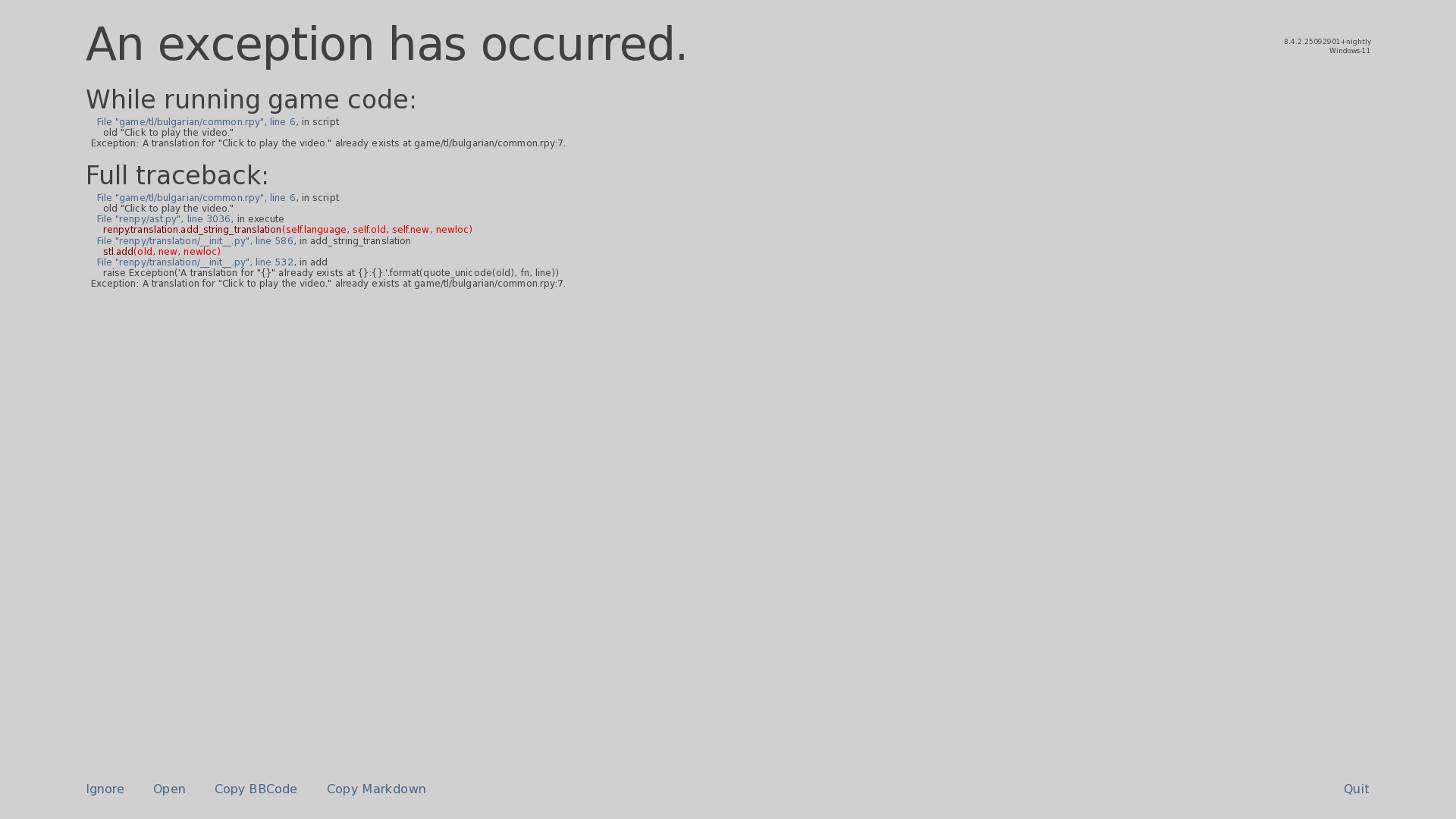
On first launch, a Ren' Py error message appears.
On second launch, the game starts, but it forces a default language.
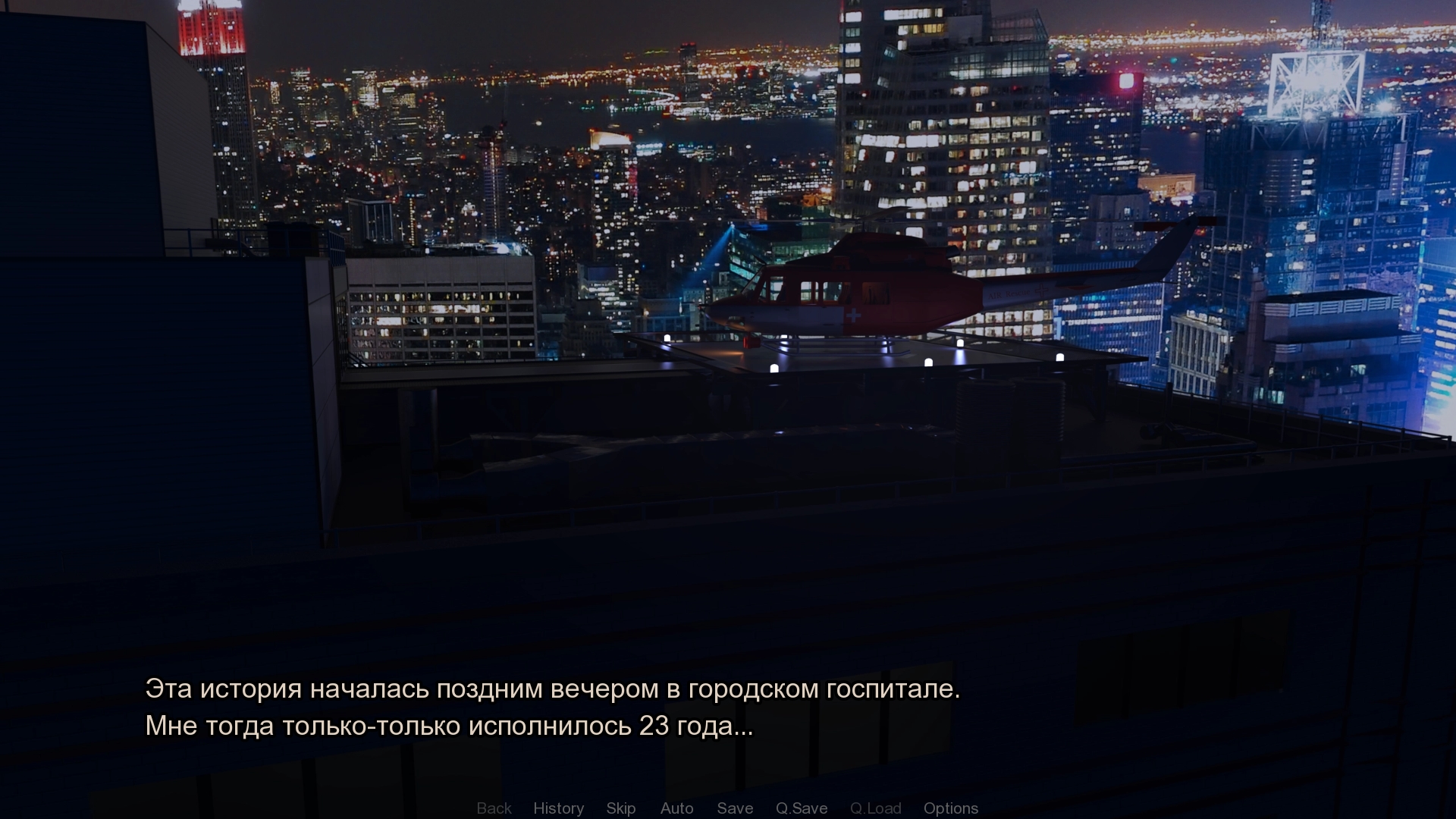
This language is incomprehensible to me, and I can't change it
Did you install the new version of the game over the old one? Or did you run the new build and delete the previous one?
Because I don't have this problem. The error you're showing doesn't reproducible for me. The Bulgarian language works correctly, and the phrase that supposedly appears twice in the translation is only present once.
Try deleting all builds of the game and redownloading.
To return to the language selection again, delete the "persistent" file in the saves folder and also here: C:\Users\YOUR USER NAME\AppData\Roaming\RenPy\Angelslove-1750593179
At the very beginning, when I downloaded the update,
I deleted the previous version, but I kept my save files.
And when I launched the game with my latest save, I received error messages.
So I deleted everything, including the save files, and tried a new game.
But even with a clean install, I still received the error messages. So I reported the problem on itch.io.
I re-downloaded the game, as instructed.
I deleted the specified directory (C:\Users\YOUR USERNAME\AppData\Roaming\RenPy\Angelslove-1750593179).
I deleted the file named "persistent," located in Angelslove-v0.14_IE-market\game\saves.
But the problem persists:
The in-game dialogue language is still incorrect and cannot be changed.
Only the game interface language changes when I select a language.
Regarding the error on the first launch of the game, and after each clean installation:
I tried removing the Bulgarian language from the Angelslove-v0.14_IE-market\game\tl directory, but then I got an error message with Czech.
So, I removed all languages except English, and I still got an error message with English.
So I also removed English, and I didn't get an error message.
The solution that works is therefore to delete all the files in the Angelslove-v0.14_IE-market\game\tl directory.
But this doesn't solve the most important problem, which is that the dialogue language in the game is Russian.
It's stuck on Russian by default, and it's impossible to change it.