

I tried the first solution of copying the "libLive2DCubismCore.dylib" file to Package contents MAC OS folder in the game file, it did not open at all. I tried the mac version, it did open but it's showing this error below. 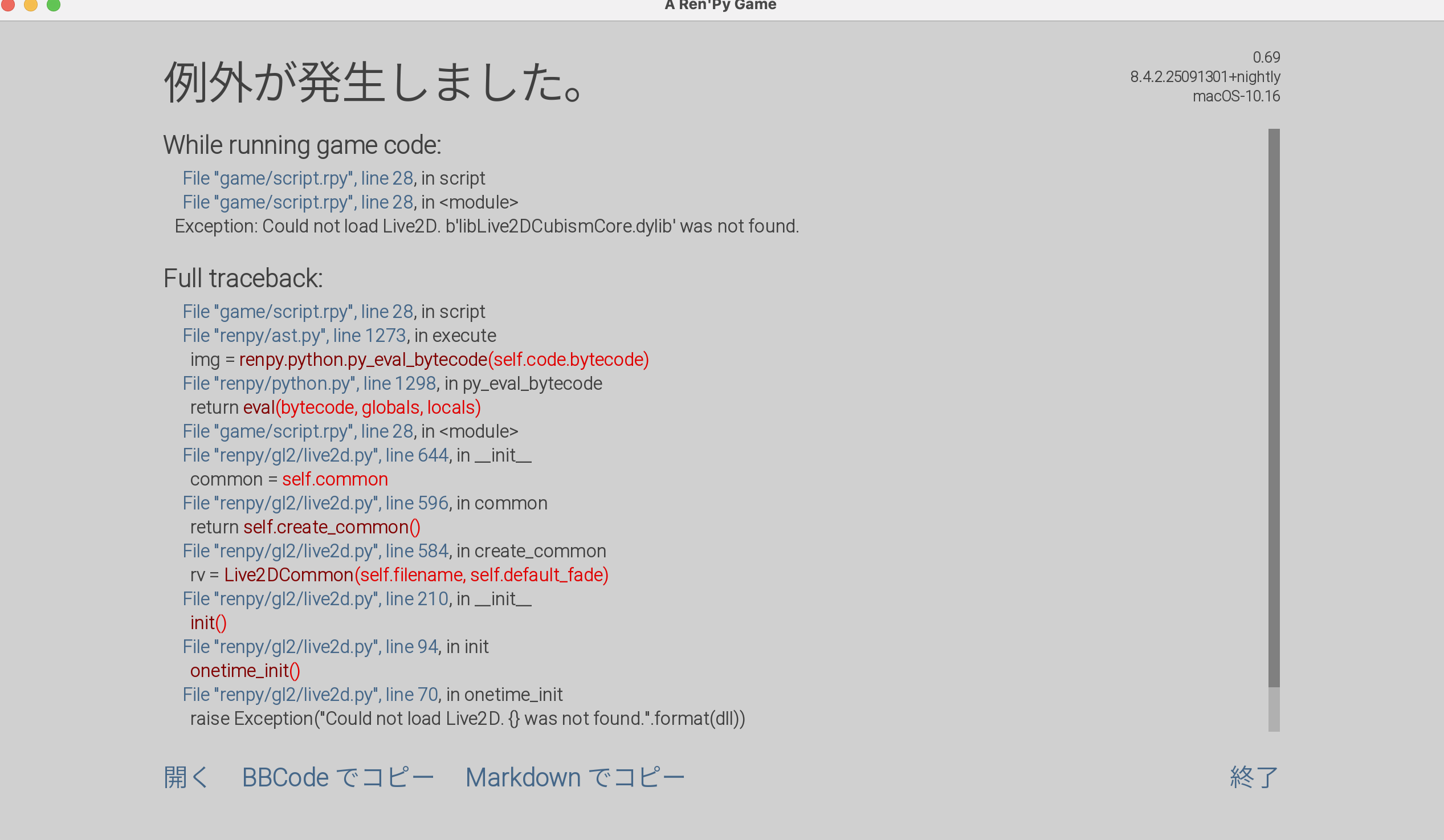
[code]
I'm sorry, but an uncaught exception occurred.
While running game code:
File "game/script.rpy", line 28, in script
File "game/script.rpy", line 28, in <module>
Exception: Could not load Live2D. b'libLive2DCubismCore.dylib' was not found.
-- Full Traceback ------------------------------------------------------------
Traceback (most recent call last):
File "game/script.rpy", line 28, in script
File "renpy/ast.py", line 1273, in execute
img = renpy.python.py_eval_bytecode(self.code.bytecode)
~~~~~~~~~~~~~~~~~~~~~~~~~~~~~^^^^^^^^^^^^^^^^^^^^
File "renpy/python.py", line 1298, in py_eval_bytecode
return eval(bytecode, globals, locals)
~~~~^^^^^^^^^^^^^^^^^^^^^^^^^^^
File "game/script.rpy", line 28, in <module>
File "renpy/gl2/live2d.py", line 644, in __init__
common = self.common
^^^^^^^^^^^
File "renpy/gl2/live2d.py", line 596, in common
return self.create_common()
~~~~~~~~~~~~~~~~~~^^
File "renpy/gl2/live2d.py", line 584, in create_common
rv = Live2DCommon(self.filename, self.default_fade)
~~~~~~~~~~~~^^^^^^^^^^^^^^^^^^^^^^^^^^^^^^^^^^
File "renpy/gl2/live2d.py", line 210, in __init__
init()
~~~~^^
File "renpy/gl2/live2d.py", line 94, in init
onetime_init()
~~~~~~~~~~~~^^
File "renpy/gl2/live2d.py", line 70, in onetime_init
raise Exception("Could not load Live2D. {} was not found.".format(dll))
Exception: Could not load Live2D. b'libLive2DCubismCore.dylib' was not found.
macOS-10.16-x86_64-i386-64bit x86_64
Ren'Py 8.4.2.25091301+nightly
Hicked 0.69
Mon Jan 5 00:19:30 2026
[/code]