

That's pretty frustraiting, by intro cutscene you mean the tutorial? Or the carcrash + warning display? If your game crashes around the time when you start to see the yellow-tinted room, perhaps try to reduce your graphical settings to the lowest. Then, if the game keeps it together to the point when you are able to walk, raise it up again. If all fails, including reinstalling that you mentioned, maybe post the image of the error here, if it isn't a simple "UE5 Fatal Error" with no additional info or crash log. Sorry that this is happening, it is very baffling to me.
77 days ago (+1)
To specify its as soon as it starts to load the actual gameplay area. before the character is even fully on the ground the entire thing freezes then "fatal error" shows up. as for a photo this is all it says. this was a fresh install too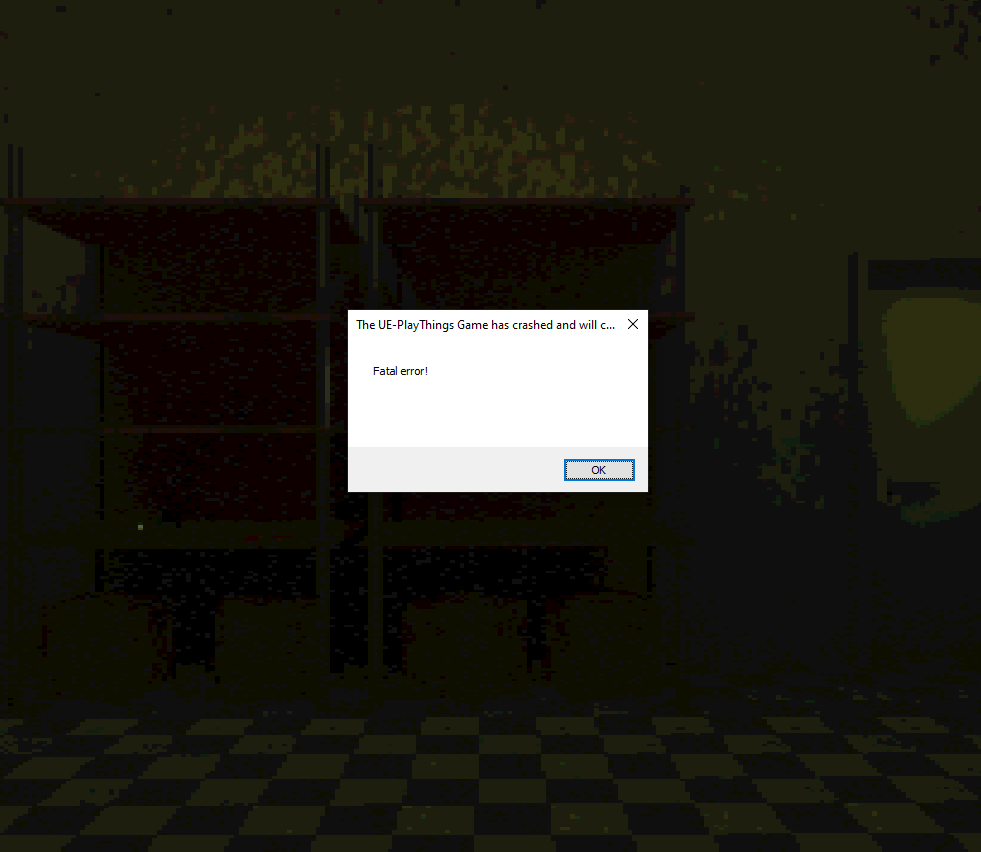
Yeah, I thought so, this message most often happens due to outdated graphics drivers, luckily, it is pretty easy to update. If you are running a NVIDIA graphics card, you should have their software pre-installed, if not, go to their website, and you can download it for free there.
Once in the app, you should be able to traverse to the drivers section. Updating your graphics card drivers to the newest version should make a lot of positive changes in your PC, and of course, it should hopefuly let you run the game! I'd recommend doing this, but I can understand if you don't want to go through with this, just for this game, if everything else works fine, but there pretty much is no downside that I know of with having updated graphics drivers. If there is any trouble, you can reply to this comment thread, I'll answer ASAP with further instructions, if necessary.
I see, dang, alright, here are some other ways to troubleshoot:
- Locate UEPrereqSetup_x64, it will be FOLDER_WITH_GAME\Play Things v1.2.7.1\Engine\Extras\Redist\en-us, try and run this setup, it should reinstall the files necessary to run the game.
- When in the folder of the Executable file (PlayThings.exe), click on the directory of the folder, and type "CMD". With the command prompt opened in the directory, type exactly: "PlayThings.exe -dx11". If that won't work, replace "-dx11" with "-vulkan"
- If you are running the game on a external drive (Disk D:, E:, F:, etc.), and not the one you have Windows on, try and extract the game on there, and run it.
If all of this fails, I went ahead and created a fresh save for ya! If you cannot start the game via a new game, maybe you can try loading an existing save file, that I will link below. Here is a guide on how to do that:
- Download the file
- In Windows search, type "%localappdata% or go to C:\Users\YOUR_USERNAME_HERE\AppData\Local
- Locate the folder called "PlayThings" and navigate like this:
- Saved => SaveGames
- Paste the downloaded file in the SaveGames folder. (ONLY THE .SAV FILE NEEDS TO BE PRESENT, YOU CAN DELETE THE .ZIP)
- Now, when you start the game, you should be able to click "Continue", as the game will load a fresh safe
Note, that this safe does not include the tutorial, you will simply start from the first doll of the Normal Mode game.
Here is the link: https://drive.google.com/file/d/10gEfCNYmTPX9jDmxBLgiJe_ZNb1-uCDz/view?usp=shari...
Again, sorry for the frustration, I hope this helps. If it doesn't, than it means I did a poor job with optimizing, and hopefully the next update will allow you to enjoy the experience as intended. Wish you a great day! <3
75 days ago (+1)
you did a great job! sometimes computer stuff decides to not like working. however im not seeing a folder called Saved
Thank you <3! If you cannot find the folders, create them yourself, and name them EXACTLY "Saved" in main play things folder, "SaveGames" inside saved folder.
yeah, there have been more problems with different people, like low frame rates, anti-viruses freaking out about the game, language barriers. I hate seeing people not able to enjoy our titles, because of obstacles and restrictions, that others don't get. But, it's kinda impossible to make something for everybody. All I can do is promise to do better and better, and help whenever on whatever I am able to.