On Sale: GamesAssetsToolsTabletopComics
Indie game storeFree gamesFun gamesHorror games
Game developmentAssetsComics
SalesBundles
Jobs
TagsGame Engines

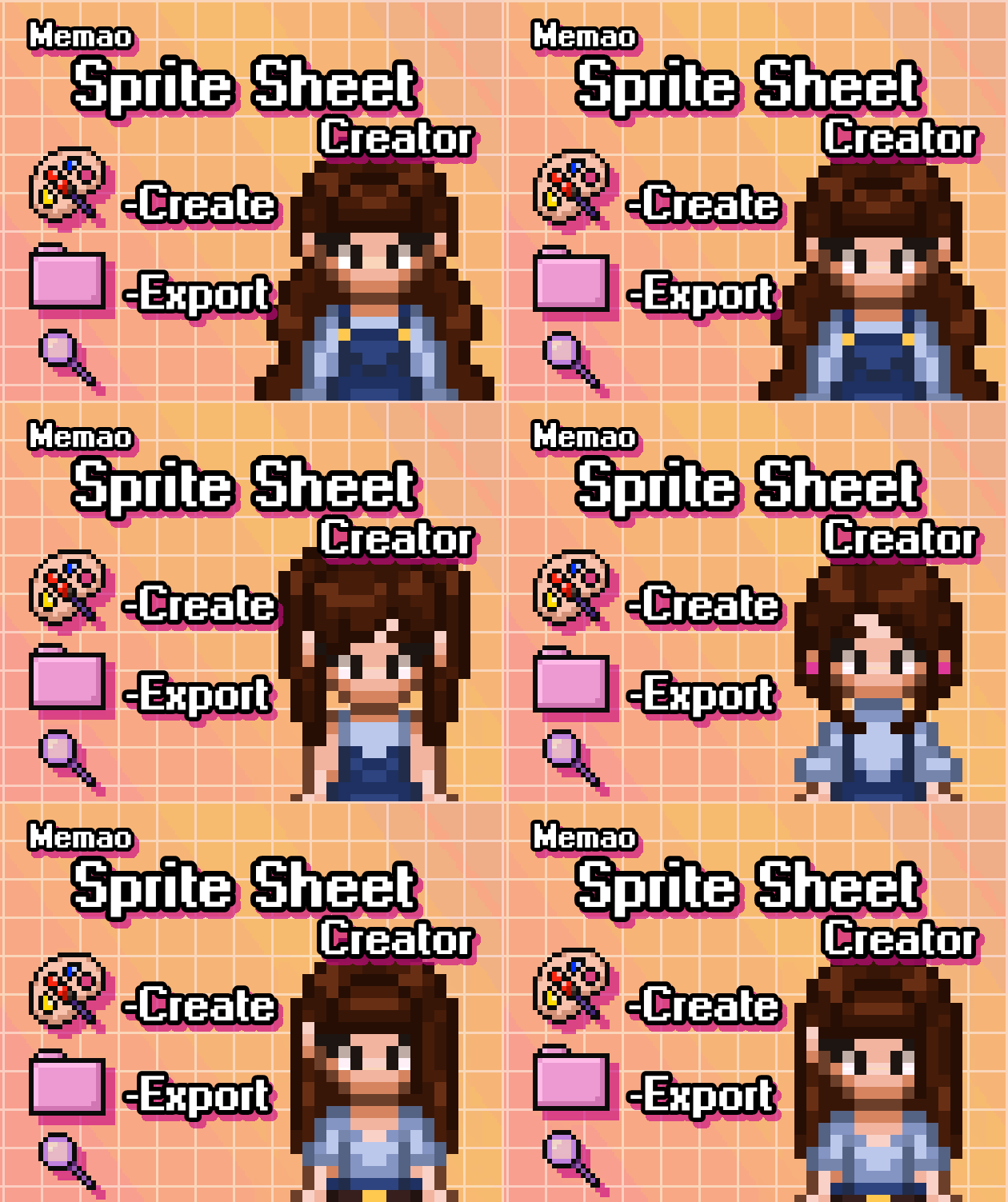
Memao Sprite Sheet Creator

Build your own pixel characters using ready-made art. Customize and export in seconds for any project. · By Sleeping Robot Games, Memao

A Couple Questions

A topic by Tanis41493 created 6 days ago Views: 37 Replies: 3
Viewing posts 1 to 2

Hey there, this tool looks terrific, and unlike some other tools I've seen, you're not effectively asking me to take out a loan in order to afford it. Some of us are on limited/fixed incomes and creators like you reasonably pricing things makes it feel less like we're not allowed to try new things just because we're down on our luck; y'all are awesome, and I wish you nothing but good fortune and success! Anyway, this is my first time spriting, and due to a medical condition I'd prefer not to discuss, it's very very difficult for me to do are in this kind of way, so a tool like this is a godsend. As I am new, I don't know some of the rules/standards of spriting, and wanted to ask before I buy. 

  1. I plan to use this make make mods for Terraria, Starbound, and Stardew Valley. SDV sprites are already 16x32 so that shouldn't be an issue. Terraria, however, is 16x16 which then gets downscaled in game to 8x8 (sorry if I'm using any incorrect terminology, I'm more parroting from tutorials than speaking from any knowledge lol). Is it possible to export to smaller sizes, and if not then is it possible in general to scale them down on my own using some kind of external program?
  2. At the recommendation of a friend, I use/am learning Aseprite. This may be a dumb question, but are these spritesheets compatible with Aseprite?
  3. For Stardew Valley, this works great out the box, but Terraria sprites are a bit different, like bodies kinda facing the screen but rotated a bit to the side. My girlfriend (the one between us with ACTUAL artistic talent) said it's called 3/4s perspective or something like that. It looks like this, and I was wondering if there was any way to more precisely rotate the sprites in the paid version as opposed to the demo? And if not, are you aware if it's at all possible to rotate said sprites? My girlfriend said if I captured the run animation at the right frame, I could probably use that since it was pretty close.

Sorry for being annoying with all the questions, and thanks again for both your tool and your lack of greed; Che la fortuna ti assista <3!

Developer

Hey, thank you so much! I'm glad you find the price point fair! I will say that there is a slight price increase ($12.99) coming when we introduce custom assets at the end of the year/early next year, if you wanted to lock in the cheaper price. 

1. You unfortunately cannot export smaller sizes with the tool. If I were to scale the sprites down, I would do so using my game engine's built in scaling. Though I am not sure how Memao sprites would look scaled down. Here is a link to my Free NPC pack . This pack uses the memao sprites, so you could download them and play around with scaling to see if it works for what you need!
2. Love aseprite~ These spritesheets are compatible with aseprite and any other program you may use. I did use asperite to create these and in an upcoming update, I will be adding a folder with all of my .ase files for easier access.
3. You cannot fine tune the rotation at all, just the 4 directions on each animation is what you get! It looks like memao sprites are like... halfway there to terraria sprites? The torso on memao isn't angled BUT on the Seed animation the torso is angled, so you could steal from that too. Playing with the free npc pack would also let you see what you can do to get that full 3/4 angle. And I mention before that we are introducing custom assets. This means you can add your own customizations to the memao creator or make a creator with completely different sprites. So, if you happened to find sprites that work better for the 3/4 angle, you could upload them into the tool and still have the fun character creator/export experience.  I also would like to create other sprite styles down the line after I finish this, so eventually there may be a 16x16 3/4 style sprite!

Let me know if you have any other questions!

Hello, I have been trying to purchase your sprite-sheet-creator tool, but no matter how hard I try, whether by card or PayPal, I can't figure it out. This isn't just happening with your tool, but also with the itct io website, because when I try to add my card, it tells me it's declined. I'd like to know if there's any way or solution we can find. I'm really excited about my Stardew Valley mods.

Developer

Sorry to hear you are having trouble! You will have to reach out to itch support (using the email account you used for itch, Email: support@itch.io ) to help you with that!