
On Sale: GamesAssetsToolsTabletopComics
Indie game storeFree gamesFun gamesHorror games
Game developmentAssetsComics
SalesBundles
Jobs
TagsGame Engines

Unfortunately, the working theory is that your save data is somehow corrupt. We're still trying to find a solution, but until then, you might have to delete your save data in order to play again.

Your save data is stored in your Local Appdata folder.
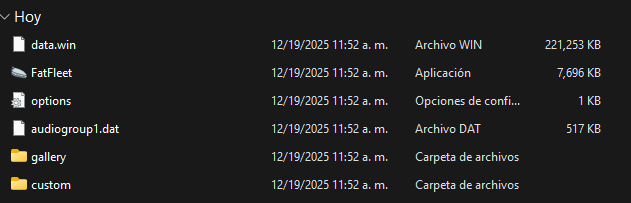
Thanks man, but how do I delete my data? Do I delete the data folder or what?

Delete everything in the "FatFleet" folder.

(1 edit)

I already deleted all the game folders. I imagine I just have to download the game again and the problem will be fixed.right?.

Hi, sorry for not replying in 3 days. Okay, where is the "data local" folder located—in the game's zip file or on my PC? I'm getting an error when I have to press Z in the warnings. I mean, when I try to go to the title screen, I get an error, and where in this image is the "data local" folder?

It is not in the game folder. It is in your Appdata/Local folder.

Hi, sorry to bother you so much, but I already deleted the game's save data folder, but now when I try to play, I get an error message saying the character couldn't be found or something like that. Here's a screenshot.

Usually deleting all of the save data works... I'm not sure what to tell you.

To be honest, it said something about the character there, so it must be something about the character I chose, or maybe the game is corrupted on my PC.