
On Sale: GamesAssetsToolsTabletopComics
Indie game storeFree gamesFun gamesHorror games
Game developmentAssetsComics
SalesBundles
Jobs
TagsGame Engines
(1 edit) (+1)

Thank you so much for the time and effort you’ve put into this guide!

Do you happen to know where the 21:9 Wide cover image (under Metadata > Promo images) ends up being used?
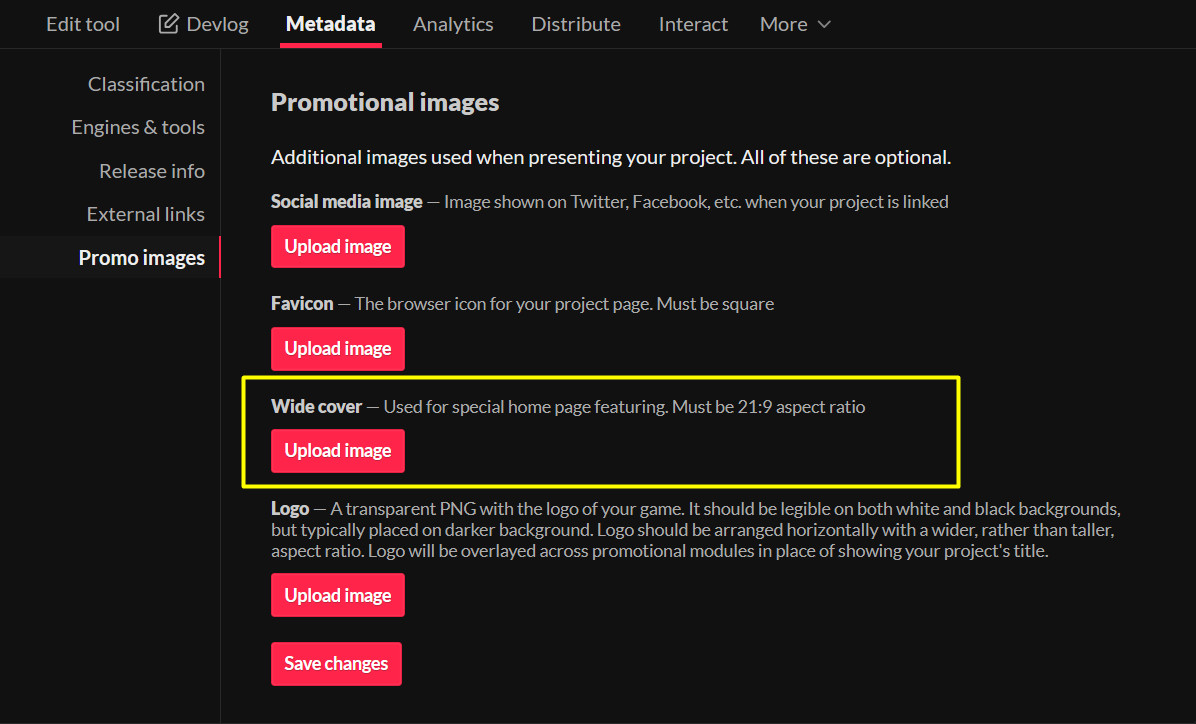
I couldn’t see it in use on any of the featured releases on the itch homepage, and the background for those seems to be a blurred version of the project’s first screenshot.

(+1)

I don't know for certain how it's used. There's nothing directly stated in Itch's documentation about it, and I've never seen anywhere it's clearly put to use.

There are random comments (reddit, the forums, github, etc.) that suggest it is supposed to be used for featuring the game on the homepage (https://github.com/itchio/itch.io/issues/614) and Lemon Cosmos's guide (https://lemoncosmos.itch.io/easy-releasy) says that it's the blurred out background image the video and screenshots are displayed over, but I haven't seen anything confirm that.

If you inspect the background image on the homepage it does indeed look like there is sometimes a separate image used for that background.  If it's true that the Wide Cover image you upload is for that blurry background image, I suspect there's some kind of fallback where it'll use the Wide Cover if you upload one, but it'll use one of your screenshots if you don't. Note that it is possible for a game featured on the homepage to not have a background image on the homepage banner; there's a game called dasOS_ that's been featured recently that has no images uploaded to it, and the homepage featured banner for it doesn't include a background image.

(+1)

Thanks so much for the info!

(+1)

Sure thing! Sorry I wasn't able to give you a more definitive answer.