

The New Game button only appears when the game doesn’t detect any saves — you need to delete them directly in the game, including the autosave. If that doesn’t help, then delete the entire game folder and also the entire folder at:
C:\Users\xxx\AppData\Roaming\RenPy.
By the way, in the next update, New Game and Continue will be separated and will work independently of each other.
Sorry for the trouble.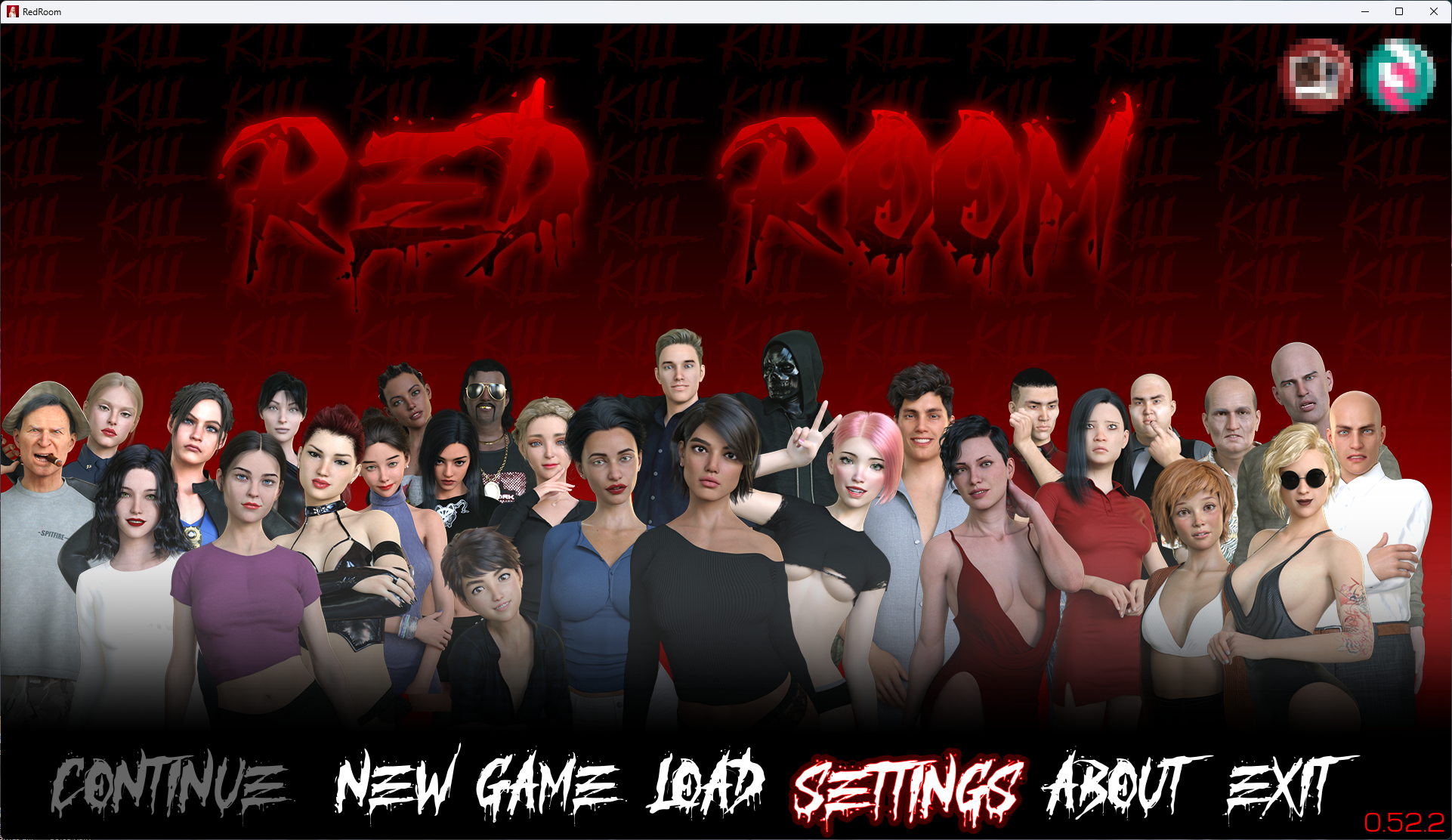
Oh i got how to get it to work, but I also am decent with computers, but for people that aren't they will be fully lost. But glad to hear you will seperate them again in the next update.
I don't wanna keep it all negative so I have to say the AI use is amazing, sometimes the eyes get a bit off but mostly those videos are amazing.
I loved the new content, I mean look at my username, the woman in the oven was just perfect for me, I'd love more of that.
It was shorter than I hoped but I do get that a lot of the time went into remaking the videos with AI added so I hope future updates will get either more frequent or bigger
And thank you for answering my concerns so quickly, not many devs do that
I understand that some people had problems with it. I already reworked it yesterday based on feedback from SubscribeStar, as you can see in the screenshot. Quite a few people struggled with it, and I have to admit that the original solution wasn’t the best design decision.
As for the AI, I’m glad you like the new animations. It took a lot of time, both for the generation itself and for refining the whole workflow. The lower quality in some videos is due to the fact that I currently generate the animations in SD resolution and then upscale them to Full HD, which is the most optimal option in terms of time and performance. I also tried generating directly in HD and then upscaling to Full HD — the result looked perfect, but it would take roughly twice as long. Who knows, maybe that’s something I’ll revisit in the future.
In any case, thank you for the feedback and for your understanding — I really appreciate it.