

1) I spent a lot of time lately trying to upgrade the engine to unity 6 LTS to get PS5 controller support but even with removing all the errors I cant get boku's player controller that used incontrol from unity 2017 to work in Unity 6 LTS so im reverting back to Unity 2017 and I realize now that steam has custom controller support that would make your PS5 controller work instantly and natively on Bokube because it would act as a xbox controller gamepad with steams controller workshop stuff without you even editing any steam settings right of the box you'd just have to download the game from steam when I make a steam demo or something and launch it from your steam library.
In the future after I release the game on steam and need to do a console port or something il have to hire someone to help me port it to Unity 6 and remove incontrol for the player controller.
2) I added a splash screen that mentions that Bokube natively works with a keyboard or xbox gamepad encase someone plays this demo without a steam version from the exe. itself so they dont get confused why their PS5 controller doesn't work. 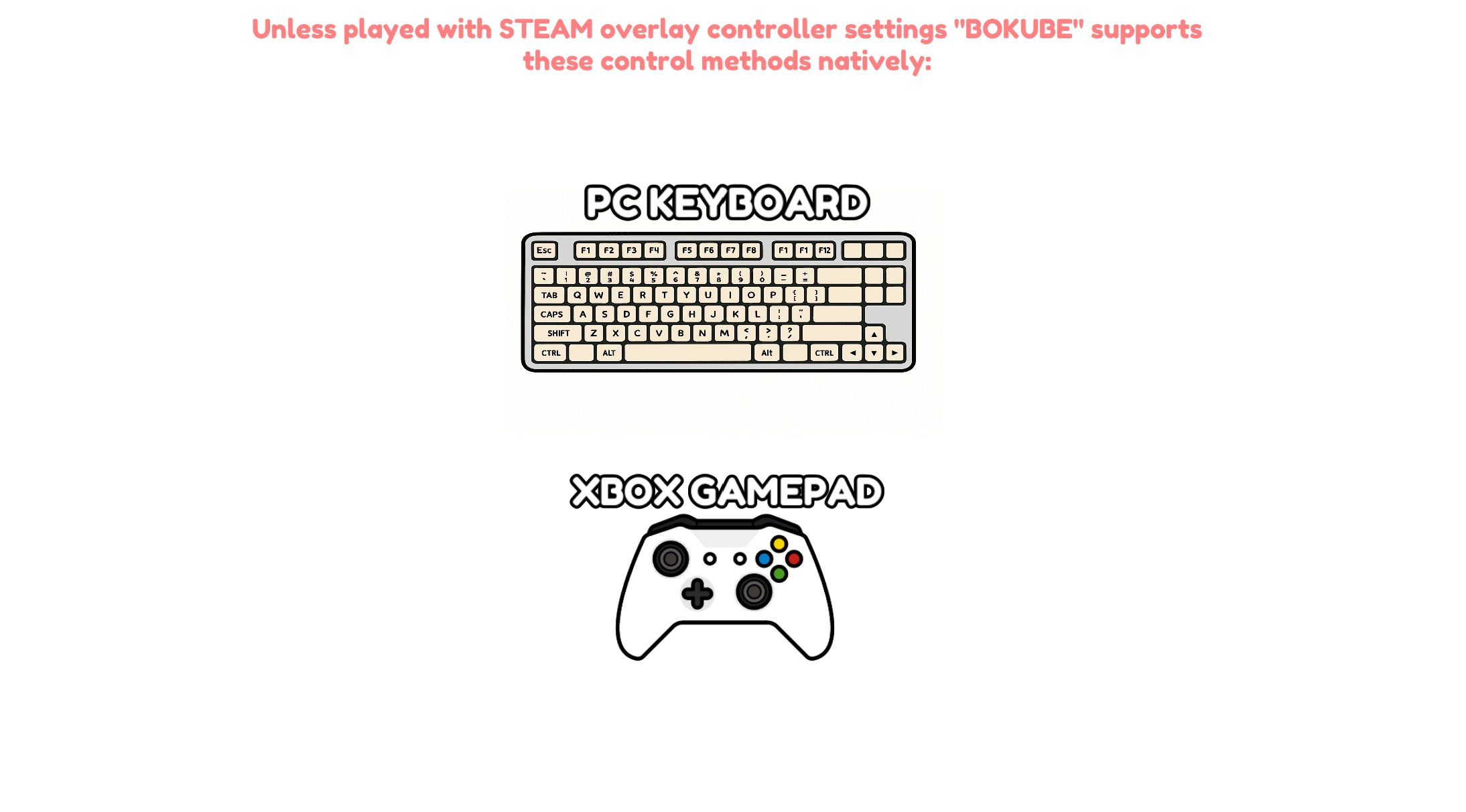
3) I liked originally that the double jump is almost a warp dash upwards and I thought it looks cool and unique but you and a lot of other people have said this so I rewrote the code to make a smooth transition upwards instead of some kinda warp.
Here is a video of it.
https://x.com/BokuDev/status/1990197666941436248?s=20
3.2) (I made it so control prompts have COLORED text for the inputs so you can understand controls better in the tutorial explanations).
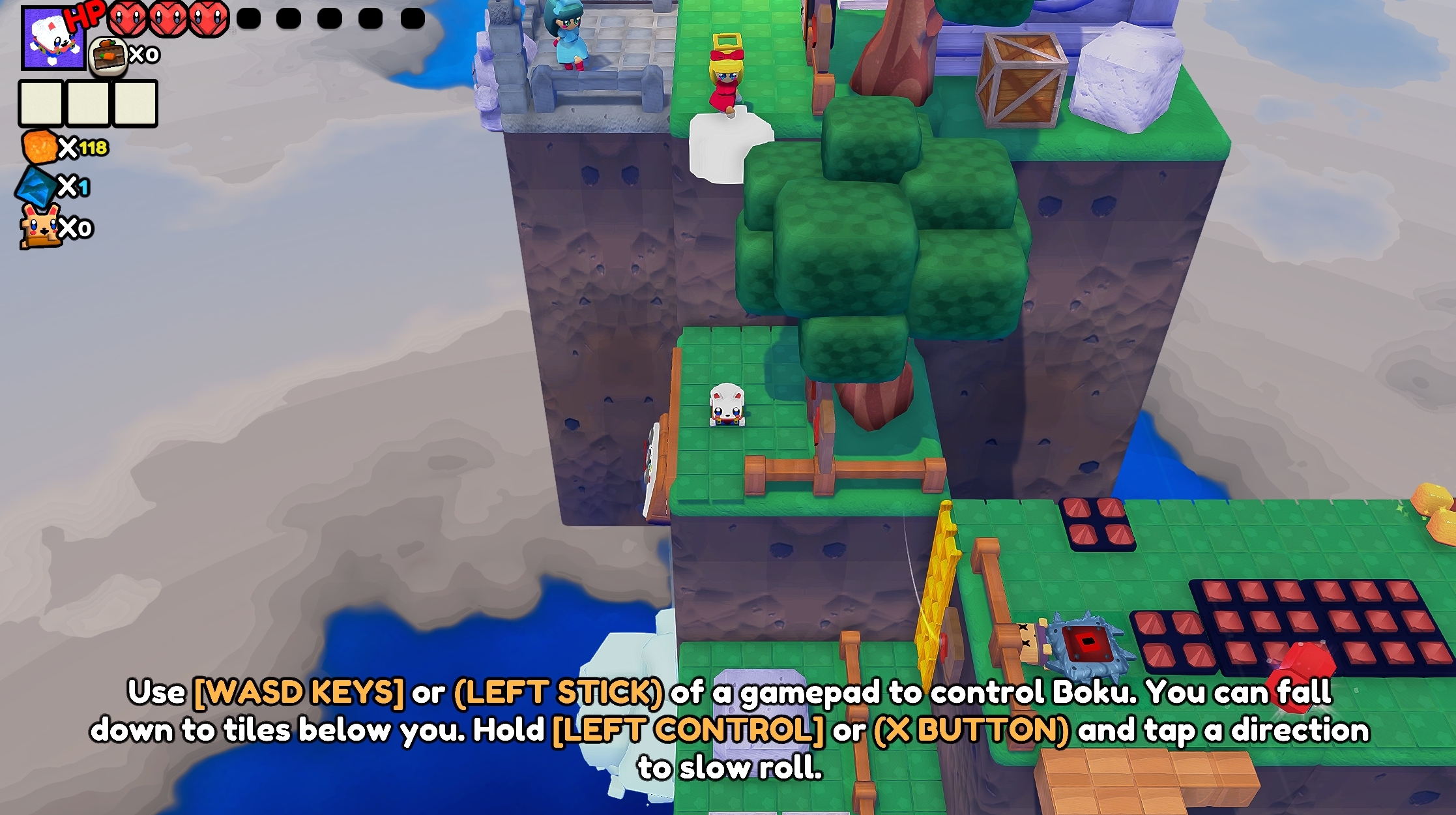
4) I made it so that pressing X button of a xbox gamepad or pressing F key of a keyboard just cancels a dash as well as hopping with A or space bar does.
Here is a video of it
https://x.com/BokuDev/status/1990205109339295829?s=20
5) Changes to the bombs* "Touch a BOMB CUBE to turn it on. (X) BUTTON OR (F KEY) TO EXPLODE ONCE BOMB IS ON AT ANY DISTANCE AWAY FROM BOMB". The bomb turns RED when it is on instead of staying blue and the text mentions you can explode it from as far away from the bomb as you want.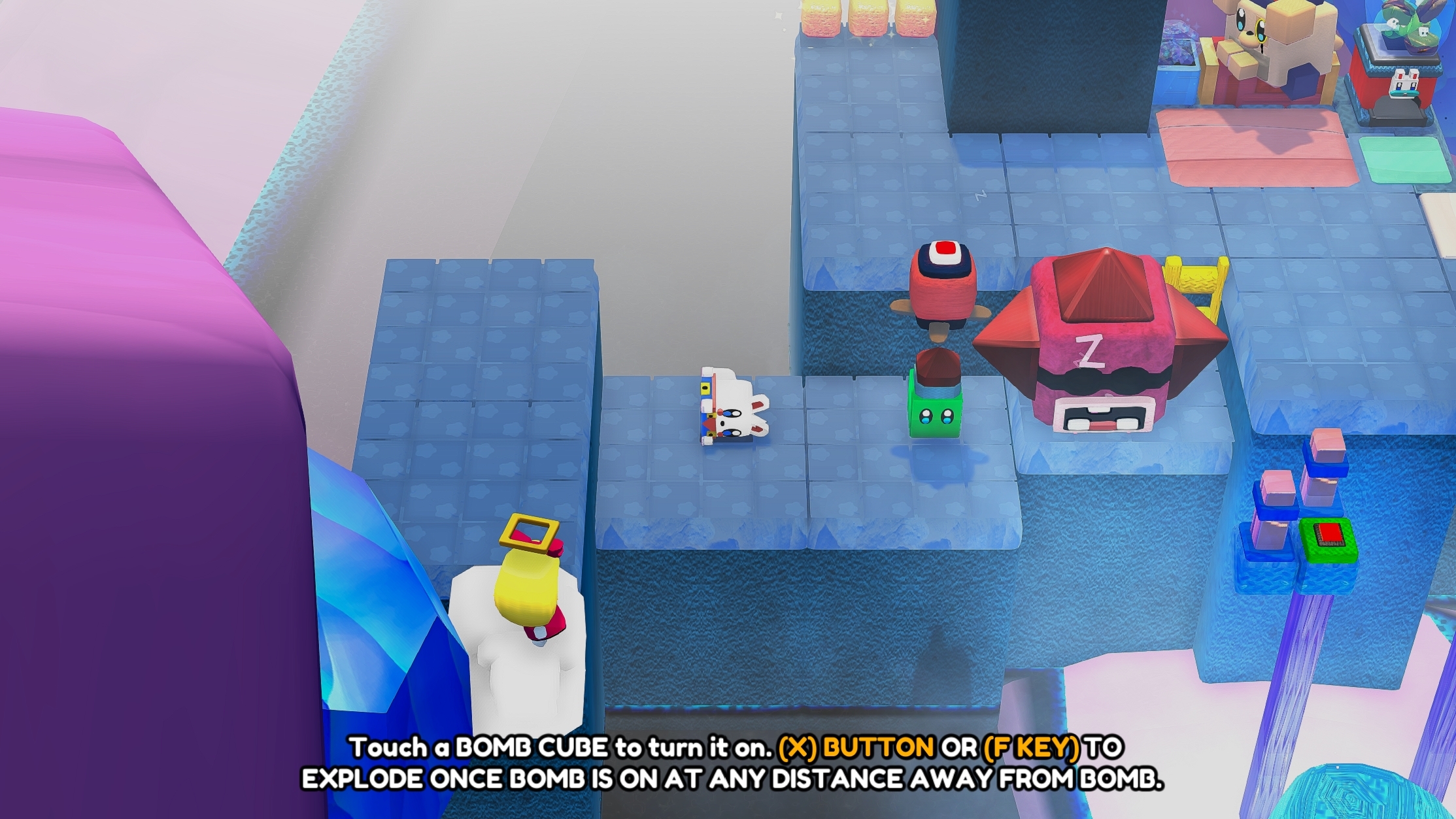
6) Added a laser introduction to the desert temple level so the player will know to burn ghosts with lasers. The prompt for this in the areas where the laser is used is large and explains the rotation can be done at any distance away from the cube.
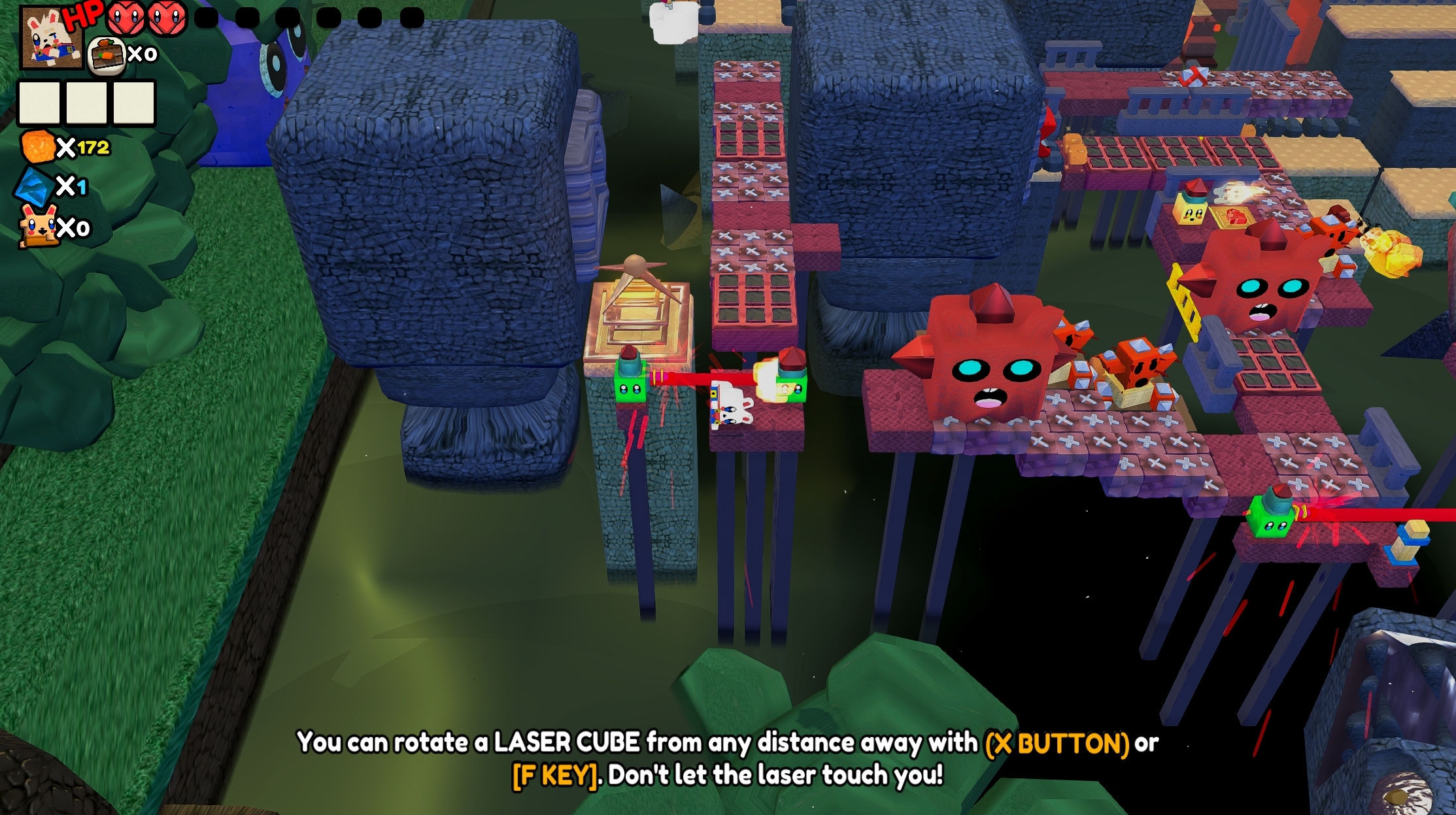
7) I pulled down the fog in the desert temple level a lot so this bug shouldn't happen anymore.
8) I playtested the demo myself again to make sure I'm not taking damage when I double jump from any enemy.
9) I rewrote the projectile enemy so it won't kill itself anymore.
10) added a mention in the tutorial that landing on top of a puzzle cubes spike bit will instantly kill you.
This update to the Bokube demo will release later this week. il announce it on twitter when its ready. It will be BOKUBE STEAM DEMO_008