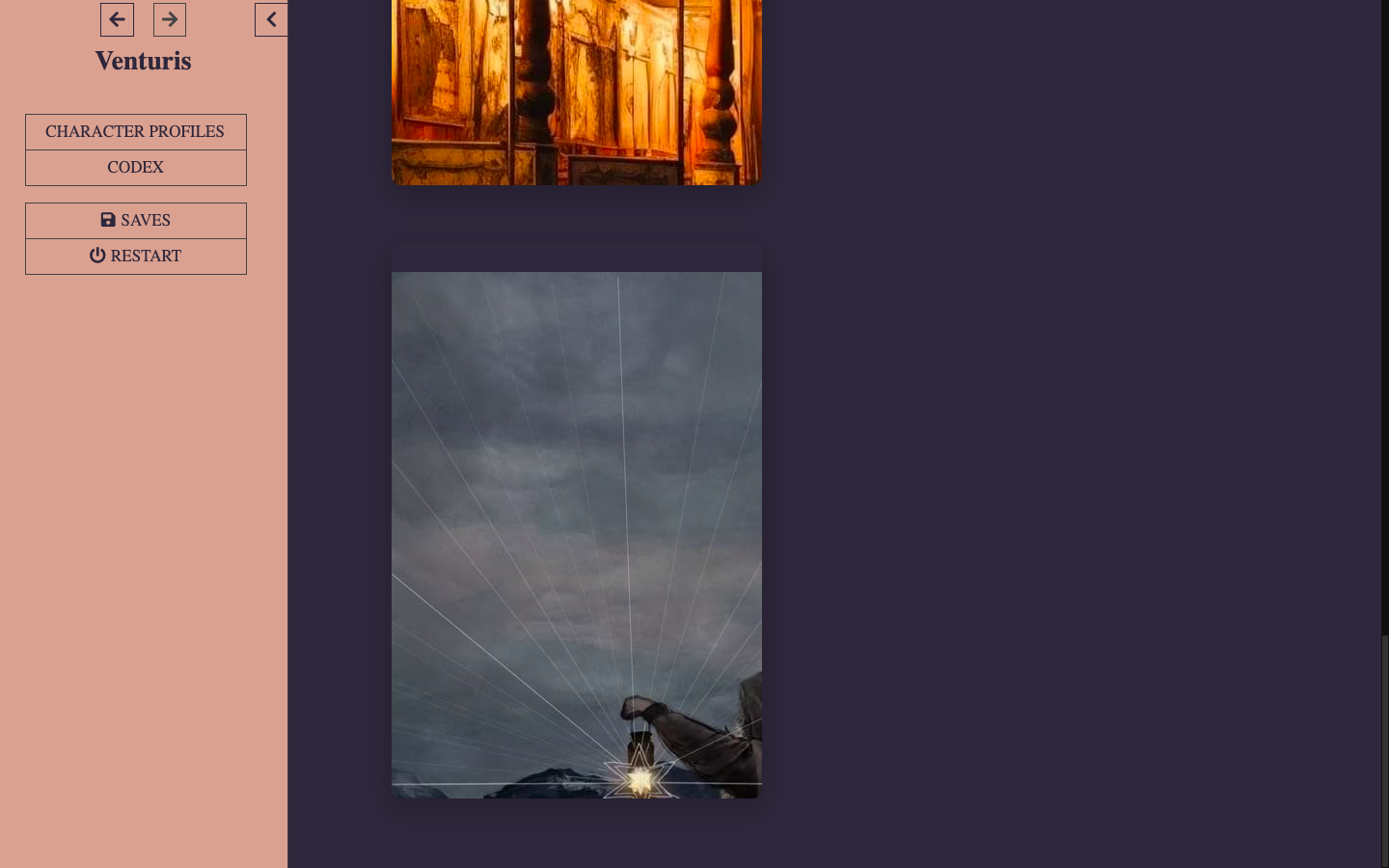
hi !! it seems like i can't choose an archetype :( i can see all of the four pictures but i cant click on any of them and i cant see any extra text either :( <33
are you playing on PC or mobile? it should work well for PC, I tested it. you hover over the image and text appears. for mobile you need to click on the image for text to appear. otherwise, maybe try reloading the page and waiting?
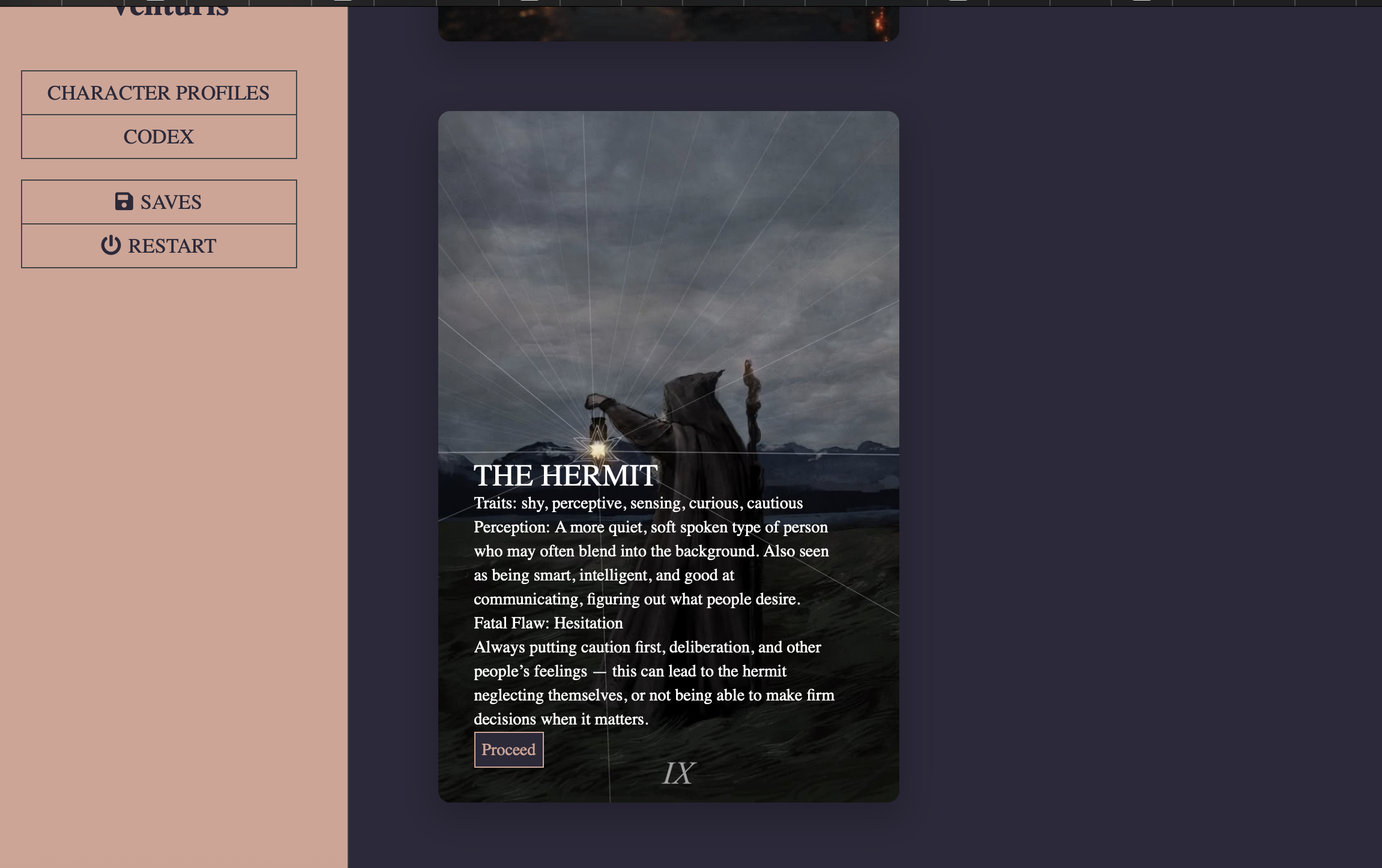
Hi! Sorry, I wish I could help but tbh I have no idea what is wrong. I am on Mac too and it works fine (image attached). Could you right click on the image and select inspect element? Can you see the text there/send a screenshot?
i got it to work after like 10 times !! u gotta press the ”arrow” on the left side of the keyboard, the one under the numbers <33 like press the picture and then press the arrow <3 really odd but worked for me lolz