

Show post...
BRO
I DON'T HAVE ROBLOX
PLAY STORE HAS THIS NEW PARENTAL CONTROLS
THING WHERE IT DISABLES IT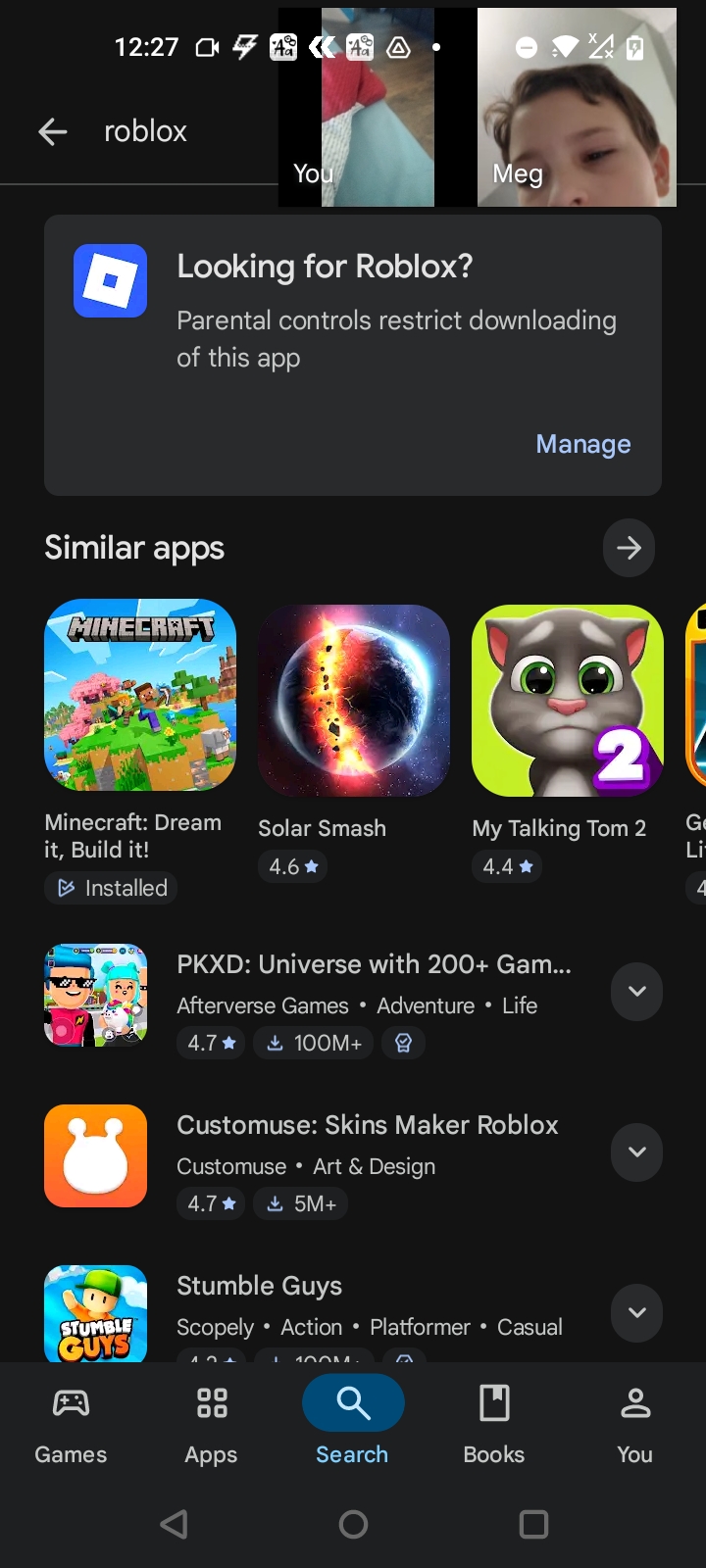
Fun fact: To disable parental controls on Google Play, open the Google Play Store app, tap your profile icon, select Settings, then Family and Parental controls. Tap the toggle to turn off controls and enter your PIN when prompted to save your changes. If you don’t have the PIN, you may need to clear the data for the Play Store app in your device’s settings, which will reset the controls