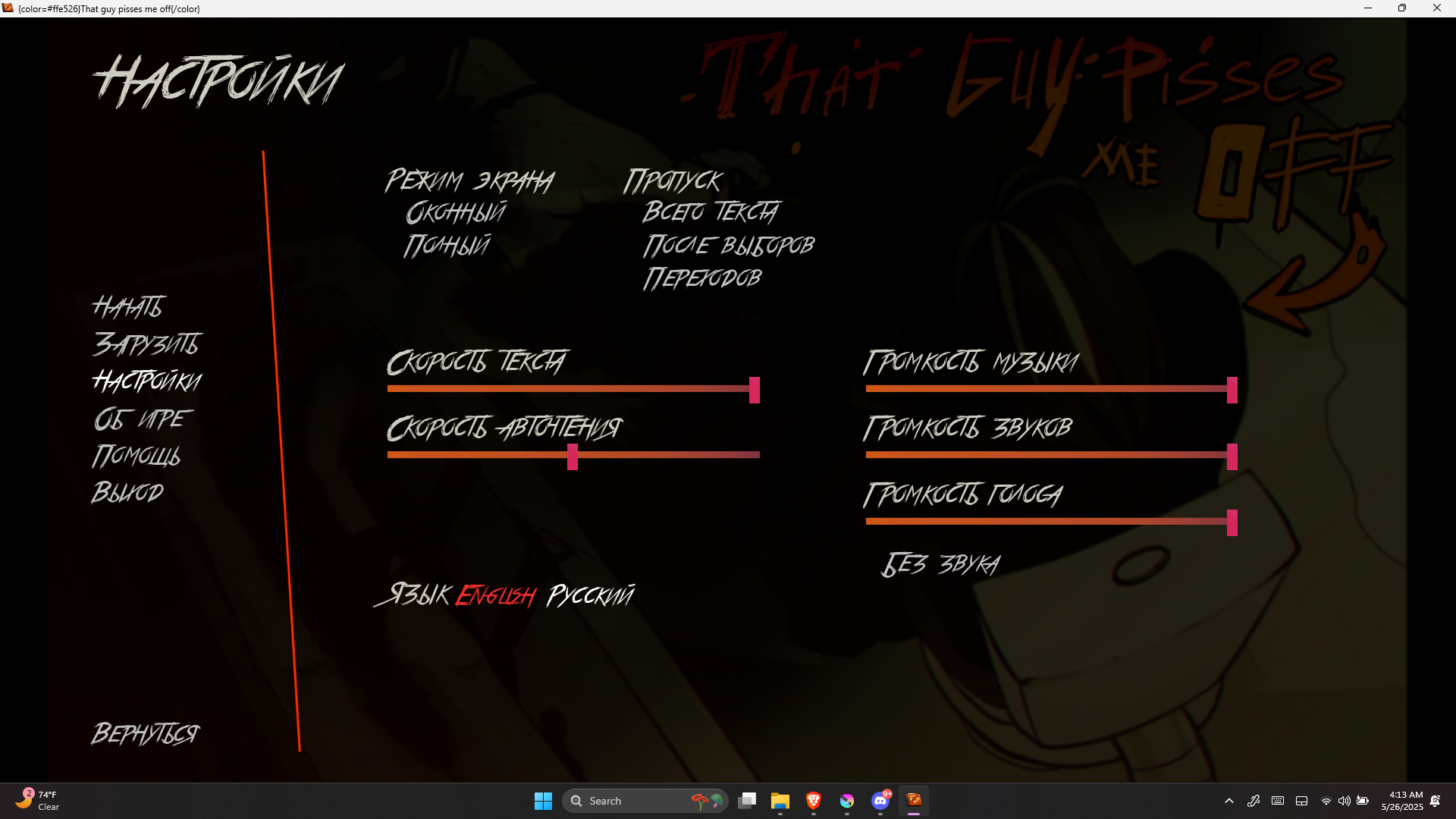
Hi! I'm just going to copy and paste what I said to someone else. "When you load your game, go to the 3rd option. Once the settings appear, look below the orange bars (those indicate text speeds, forward time, music, etc.). Then, click on English. It should translate everything for you then. :)" Hope this helps!