Indie game storeFree gamesFun gamesHorror games
Game developmentAssetsComics
SalesBundles
Jobs
TagsGame Engines

How to play from chromebook

A topic by killerwhalejames created Mar 17, 2019 Views: 89,783 Replies: 155
Viewing posts 41 to 49 of 49 · Previous page · First page

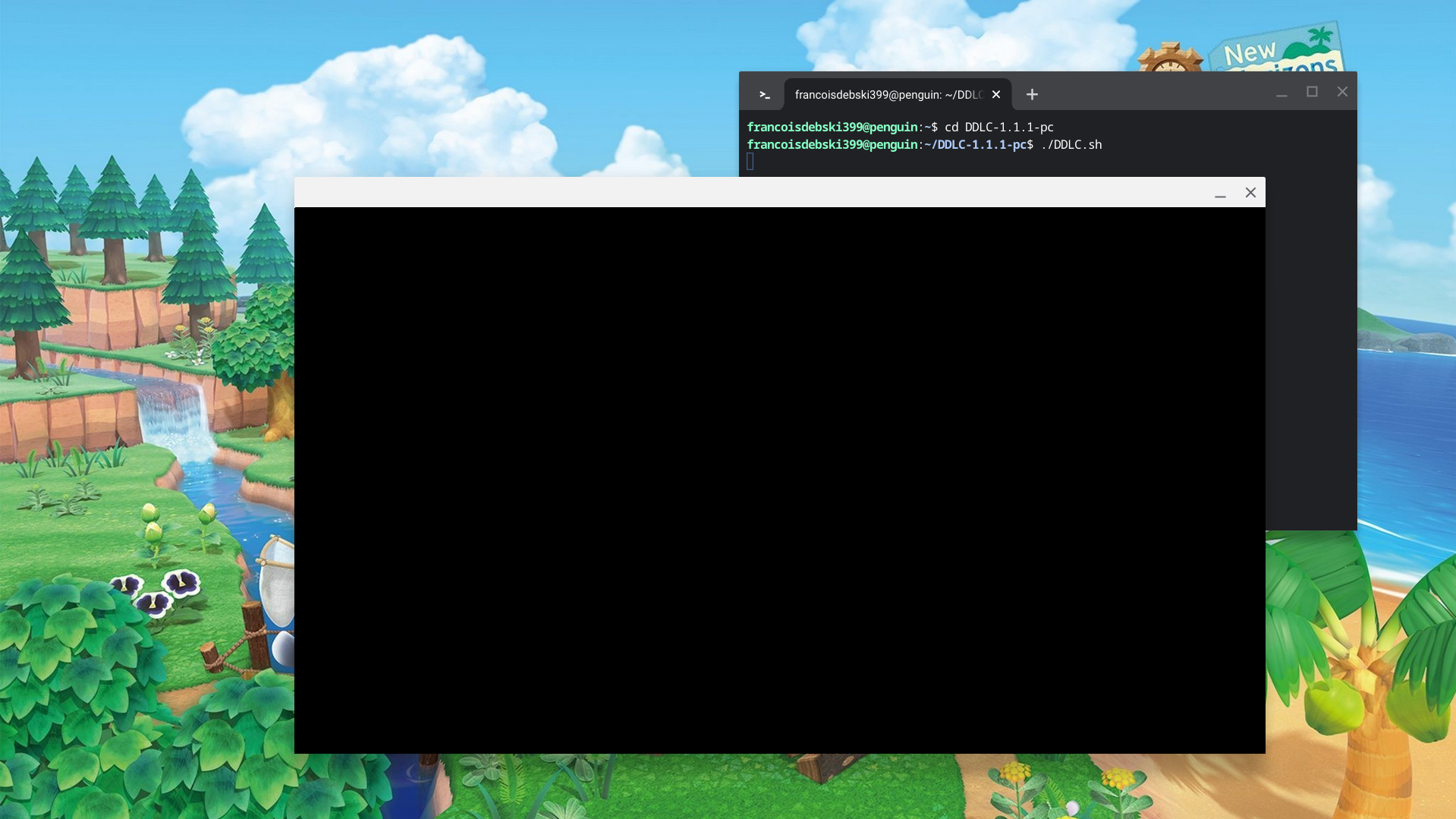
So, I've got to the game prompt but it's just a white screen. I've waited a good 10 minutes but nothing shows up. I don't know what to do 😭

Deleted post

Hey, i know this post is aged but, the "game" launches, but there is only a black screen, if someone can help me, it would be a pleasure

Xesios8696

I HAVE THIS SAME ISSUE

same im super bummed :/

I have a better question.

everything worked well, and the pop up appeared, but its only a black screen. No game warning, or game, nothing. I tried redoing everything multiple times... help?!

I know I'm late to this but I've downloaded DDLC on this Chromebook before but now I keep getting the same errors when I try to run the game the first time. "Sayoritime used prior to declaration" "Natsukitime used prior to declaration" "Yuritime used prior to declaration" and "Monikatime used prior to declaration" before booting up a black screen. and every time after that is also a black screen.

hey im having the same problem as everyone else?? only a black screen pops up for me but it used to work :

Thanks this was super helpful and worked smoothly.  I was wondering if there is a way to change the language to Japanese. 

Don't think there is. Not sure tho. :(

ah that’s unfortunate 

y'all's game actually launches? lucky. 

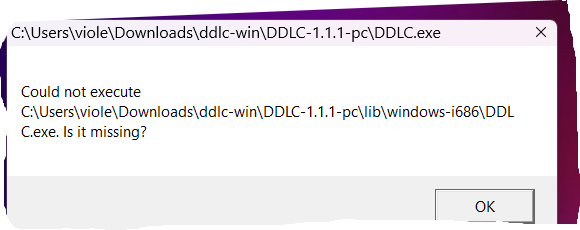
why doesn’t it work?

I dunno, must have been missing a file from experimenting.

Really late, but does this script work for other files as well?

Viewing posts 41 to 49 of 49 · Previous page · First page