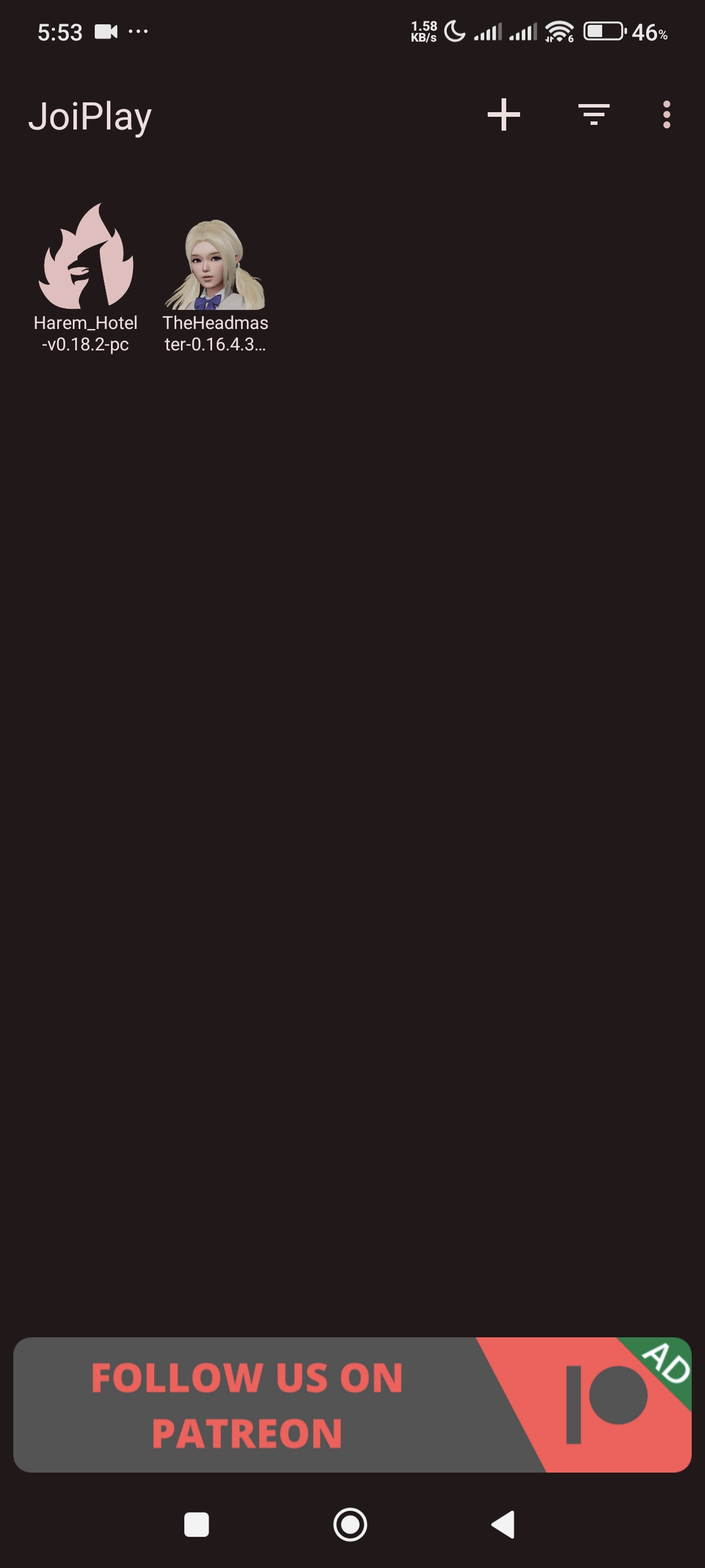
It's not working for me I even use Chat GPT to guide me it's worked but it doesn't launch.
Chat GPT:
In JoiPlay, when you're adding The Headmaster manually (from a PC version), you should choose:
Add Game ✔️ For adding extracted Ren’Py/PC games like The Headmaster (what you want)
✅ Next Steps After Clicking “Add Game”:
1. Game Name: The Headmaster
2. Version: Optional (e.g., 0.16.4)
3. Executable File: Locate and select The Headmaster.exe inside your extracted folder.
4. Game Directory: Select the folder containing the .exe (e.g., TheHeadmaster-0.16.4-pc
5. Tap Add or Save
Then you’ll see the game on the JoiPlay home screen. Tap it to launch!
My Joiplay and Renpy is the Latest.
I even extract the file with RAR and Zachiver which both failed.
Edit: June 13 Forgot to edit tho Hahahaha Just gonna edit due to the dislike they didn't see my other chats.
It's working now (June9) after 1 day of posting this I think it works due to I deleted 60 gb of storage that day.