

0.3 works great, but 0.4 seemed to break something. Nothing shows up in the overlay and below is what happens when I try to take a screenshot. The only thing I had enabled was a single collection with the default color censor.
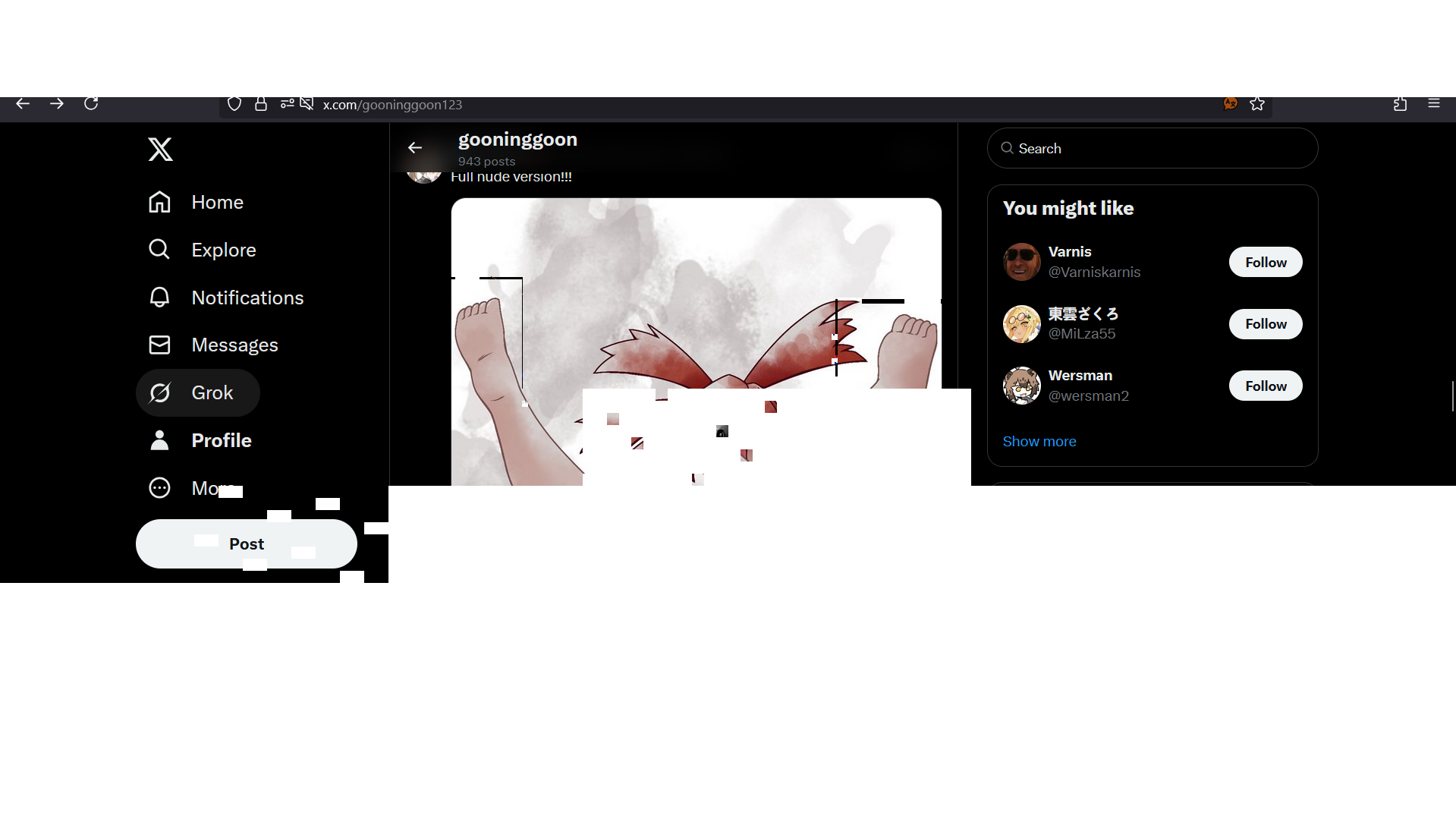
Here's the log but there isn't an error showing up:
Hotscreen Overlay starting at Max FPS : 60
Windows version : Microsoft Windows NT 10.0.26100.0
CPU : AMD Ryzen 7 5700G with Radeon Graphics, Cores : 8, Threads : 16, Max clock : 3800 MHz
Adapter 0 AMD Radeon RX 6600 XT
Screen Rect 0 : Rect { X = 0, Y = 0, Width = 1920, Height = 1080, Top = 0, Bottom = 1080, Left = 0, Right = 1920, Location = Point { X = 0, Y = 0 }, Size = Size { Width = 1920, Height = 1080 }, TopLeft = Point { X = 0, Y = 0 }, BottomRight = Point { X = 1920, Y = 1080 } } Orientation : 1
Adapter 1 AMD Radeon(TM) Graphics
Adapter 2 AMD Radeon RX 6600 XT
Adapter 3 Microsoft Basic Render Driver
Starting Screen Recorder
BitmapCapture initiated with a resolution of 1920 x 1080 at the location 0, 0
Max FPS Record start at 60
Hotscreen version : Windows - Demo version - v0.4
Max FPS of Overlay set to 60
Frame Latency of screen set to 0
MaxFPSRecord at 60
Detection starting using model : ./model_fp16.onnx
Max FPS Detection start at 60
Use double Detection start at True
MaxFPSDetection at 60
Now usePreciseEyesDetection is at 1
Now useDoubleDetection is at 0
Now usePreciseEyesDetection is at 0
Switching recording method from 1 to 0
DXGI initiated with a resolution of 1920 x 1080
DXGI using Video card 0 and monitor 0
Now useDoubleDetection is at 1
Closing...
Screen recorder thread ends correctly.