brehhhhhhhhhh
> System Settings, then click Privacy & Security in the sidebar. (You may need to scroll down.)
Open Privacy & Security settings for me
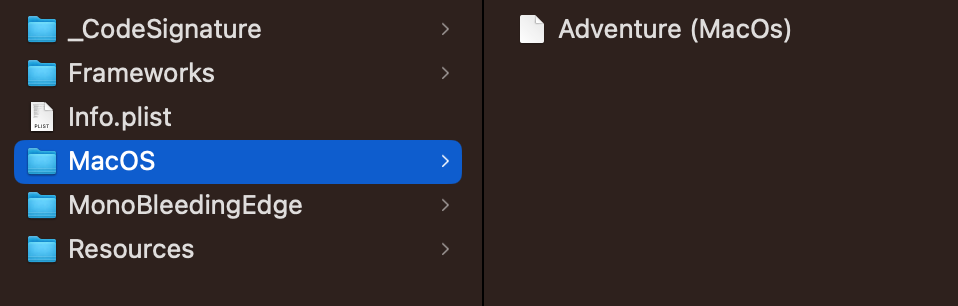
Wrong, i firgued it out already. Go to terminal and type chmod +x path/to/app/Contents/MacOS/Adventure (MacOs)
I hope you enjoyed it, both would have worked


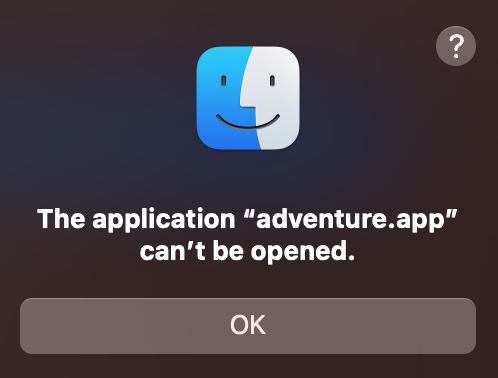
 > System Settings, then click Privacy & Security
  in the sidebar. (You may need to scroll down.)