New Update – Import Projects from PC (using zip-files)
Hey everyone!
The latest update to Digital Logic Sim Mobile now includes support for importing projects from your PC to your phone using .zip files.
Here's how it works:
On PC, open the projects folder by pressing Ctrl + Shift + Alt + O in-game.
Locate the folder for the project you want to export.
Compress that folder into a .zip file.
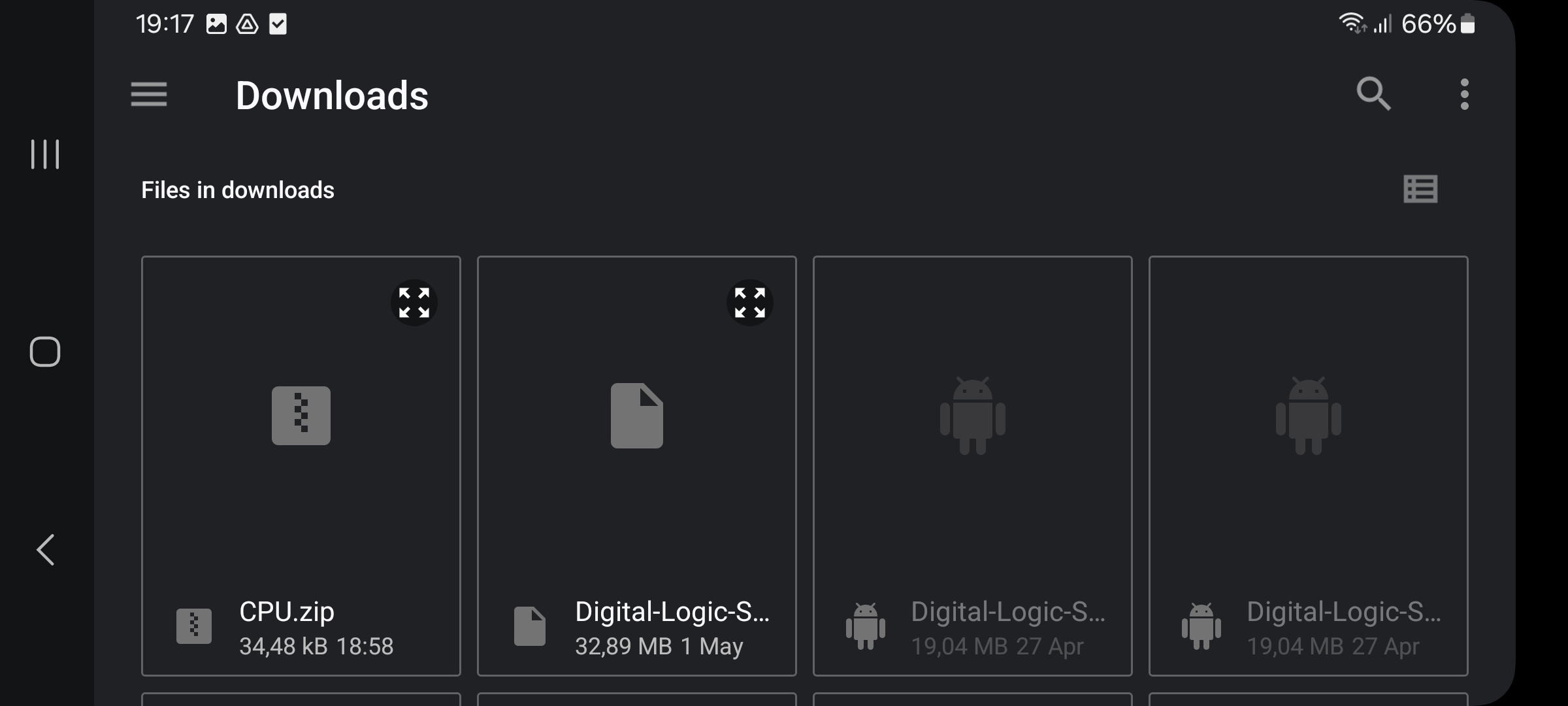
Transfer the .zip to your Android device manually (via USB, Google Drive, etc).
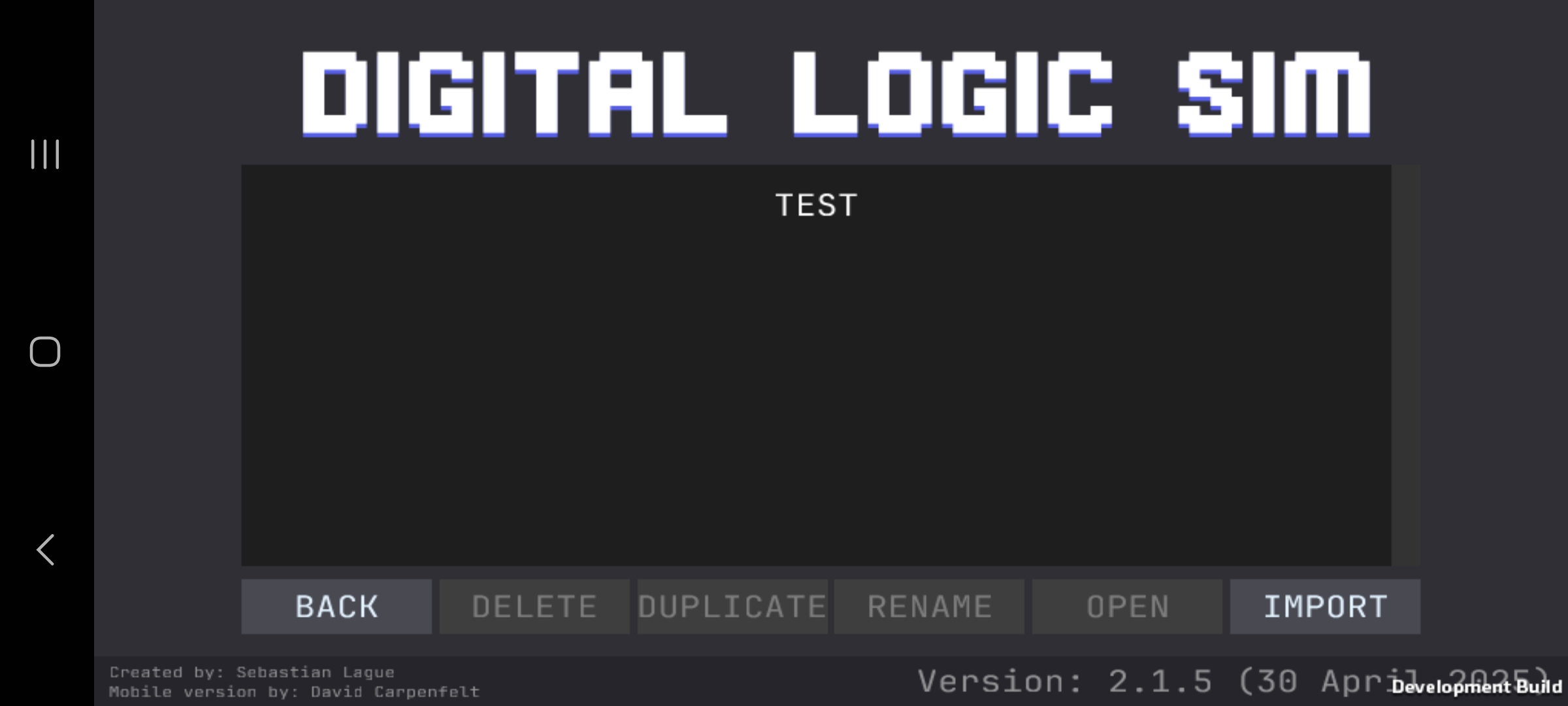
Open the mobile app, go to the Projects menu, and press "Import".
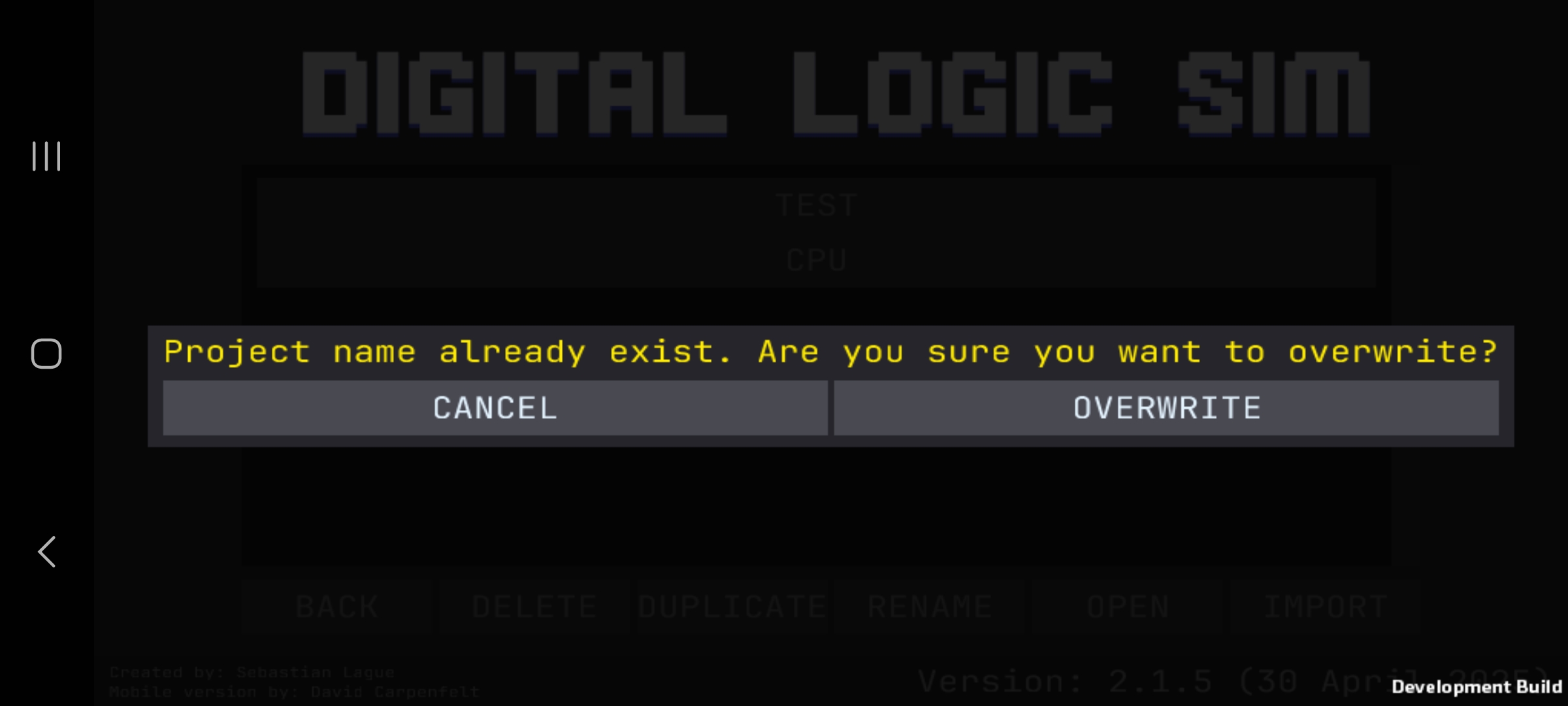
Select the .zip file – and boom! Your project is now on mobile.
I’ll include a few screenshots from my phone to show the process in action.
Feel free to ask questions, report issues, or just say hi!
Access is given by emailing Carpen97@gmail.com