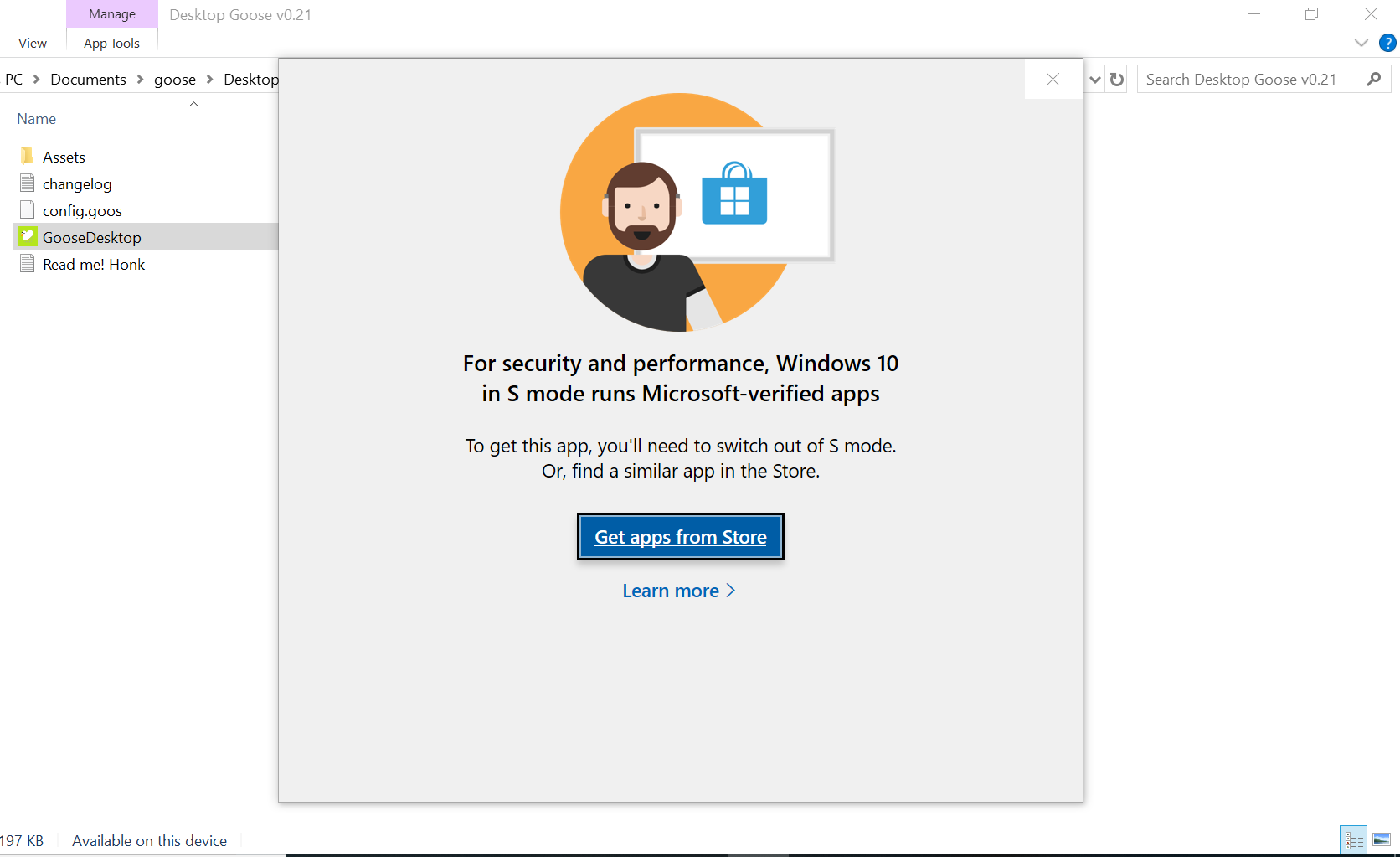
so I've downloaded it, but whenever I try to click on the 'GooseDesktop' application, my laptop gives me a warning saying that the application may work, depending on the other files because it is in a compressed folder. if I press run, it takes me to the app store, saying that I can only run Microsoft approved apps. If I click extract all files, then it just moves all the files to a folder which isn't zipped, and when I click on 'GooseDesktop' when it doesn't have a compressed/zipped folder, it just says the same thing.