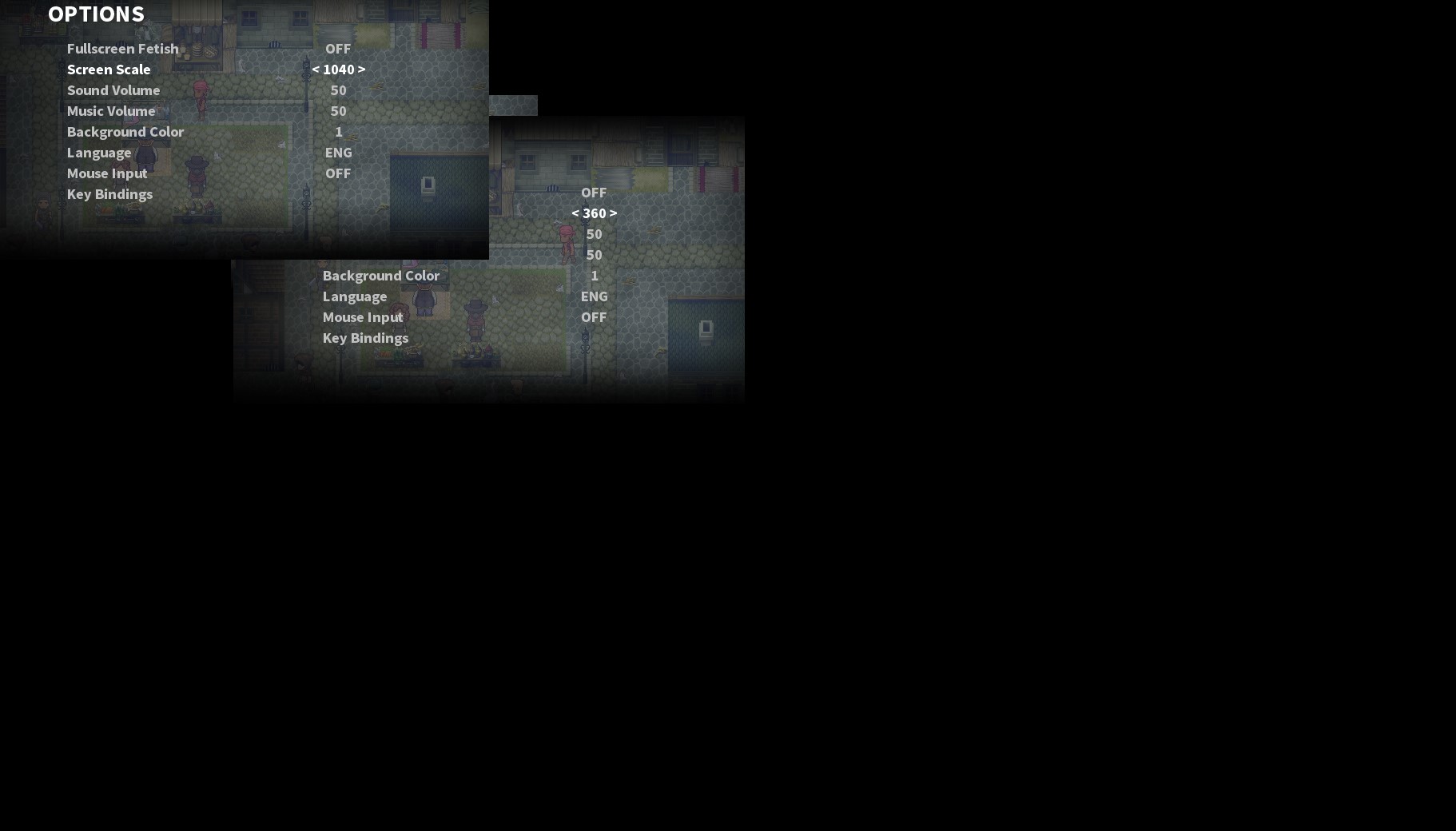
Hi, does anyone know how to fix screen resolution being stuck at 360?
I can see the intstruction of reset _ResetRMsetting.reg in on the site but don't quite understand what steps I need to undertake to achieve this.
Thanks!
Well... I can give You solution to make Game sit in any resolution You want... that's kinda extreme solution but it's simple C++ Program that will grab any window and force this window to be exact resolution You set in console, You just give position at which You want window to be, its X and Y resolution and then name of the window ( title ).
I can either give You ready Exe file or C++ Code that You can either compile online or You can use any compiler ( if You have ) on Your PC.
Only need for this program to run is Windows 98 or newer.
Here You have lona in 250x250 resolution :D
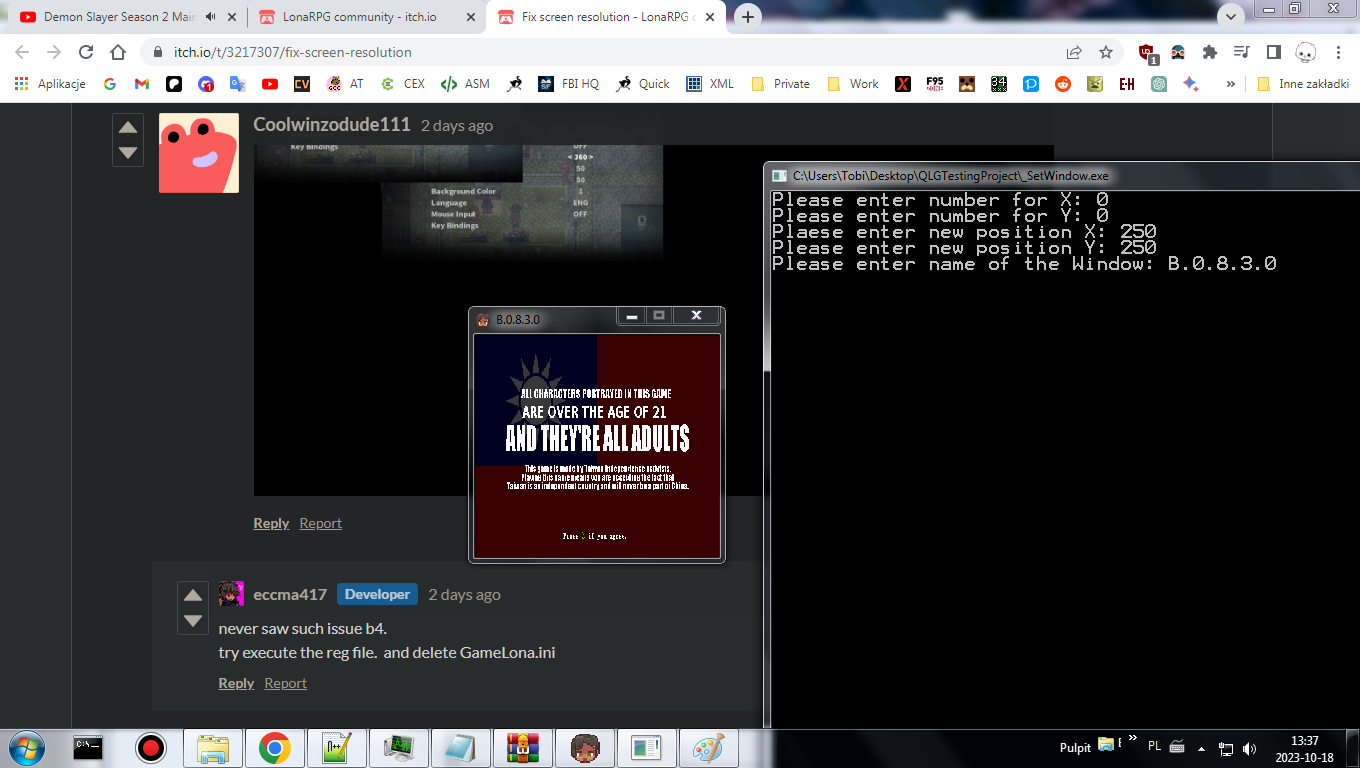
Video showing how it works: ( Hope Video is visible because Video is set to not public - not sure how YouTube gonna treat ItchIo )