

Hello,
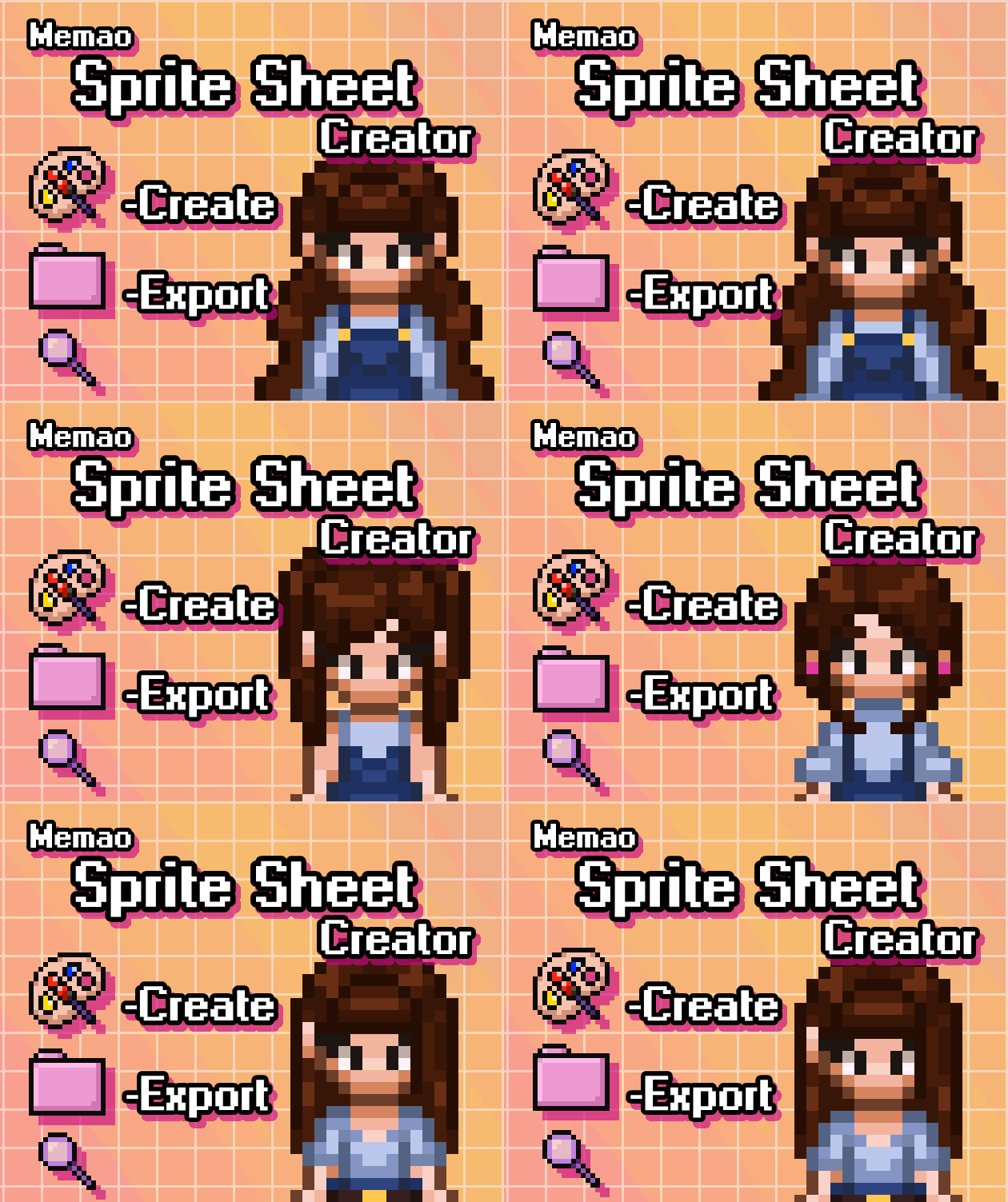
I purchased Memao Sprite Sheet Creator, and downloaded the different assets. Amazing work by the way, I love it!
I'm currently building a small game on python, I wanted for everyone to have the possibility to create their own character, with their own characteristics. Memao Sprite Sheet Cretor does not allow third party to create their own character, so I opted for the creation of the sprites directly in the python program, using the different assets.
Unfortunatly I faced a problem : the different layers. When creating a sprite sheet using python, I stack the different assets avaliable in the Memao Assets Pack. It creates a sprite sheet that's not bad but has a huge flaw : I don't know the exact order of the layers (eg. is HairD behind HairB ?), I also assume the order of the layers change depending on each animation of the sprite sheet. I tried to give an order for each layers myself, but I'm not an artist myself and it seems very hard to me.
Is the order of the layers availaible anywhere ? Or is there an easy way to import a custom character creator easily in the python code?
(I'm sorry if my message is not clear enough, english is not my first language)
Thank you!