


I don't want any mouse action sounds but there is no option to choose, it will be sound like keyboard do
Hello,
Thank you for using KeyTone!
Regarding your question — in the current version 0.6.0, this can only be resolved through the Key Sound Album page. (Of course, I’ll add your request to the development schedule so that a simpler solution can be provided in a future update.)
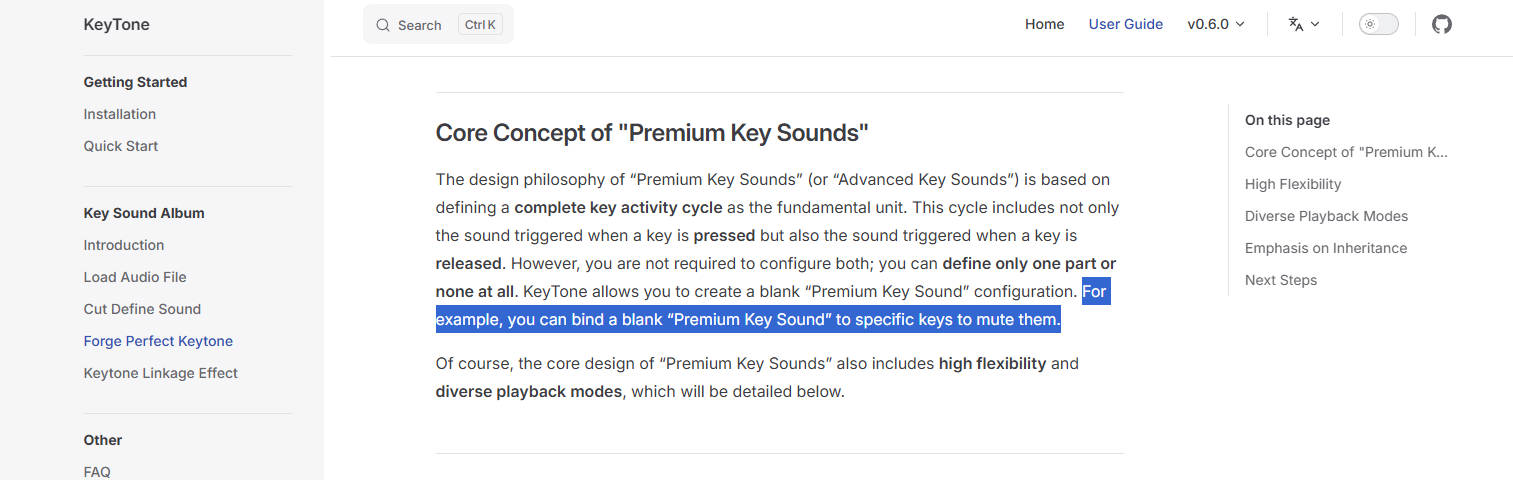
Here are the steps to solve your issue in version 0.6.0:
Select the Key Sound Album where you want to disable the mouse key sounds.
Open the Key Sound Album page from the sidebar.
Expand [Step 3 — Create Key Sounds].
Click the [NEW KEY SOUND] button, and in the dialog that appears, create a blank “KEY SOUND” named “Blank sound”.
Click the [CONFIRM ADD] button.
Expand [Step 4 — Album Core Effects (SFX)].
Click [PER-KEY SFX SETTINGS], and in the dialog that appears, click the “+” icon next to [Quickly Set Per-Key SFX].
Select the keys you want to mute (mouse buttons are supported). (Tip: You can use the keyboard icon on the right to quickly record keys.)
Set the “Press and Release” sound to the “Blank sound” you just created.
Click the [CONFIRM] button.

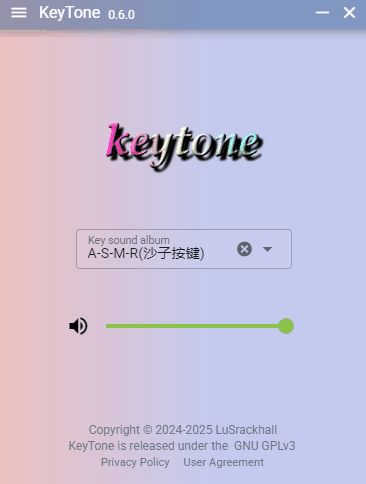
The recorded GIF step-by-step image doesn’t display on Itch.io for some reason.