The only Quicklaunchbar Alternative for Windows 11
Windows 11 quietly removed the Quick Launch bar—a small but powerful tool that gave users fast, customizable access to their most-used shortcuts. In its place: pinned icons, bloated Start menus, and a UX that favors corporate branding over user agency. QuickLaunch Rebel Tray is my answer to that and restores what was lost: with it the only true Quicklaunch Bar Alternative worldwide, a lightweight, themeable System Tray Icon that respects your workflow, your shortcuts, and your autonomy. No hacks. No registry tweaks. No bloat. No System Breaks. Just a clean, extensible tool that does one thing well. No clutter on your desktop.
Built in C#, designed for users who remember when software served them—not the other way around. Please note, the Santana Edition does not include the source code and is a premium edition.
Highly recommended:
Create a Shortcut of Quicklaunch Rebel in the Startup Folder. Press the Windows Key + "R" Key on your Keyboard and type without quotes "shell:startup" This will open the Startup Folder. In there all shortcuts will execute when you reboot your PC.
Features:
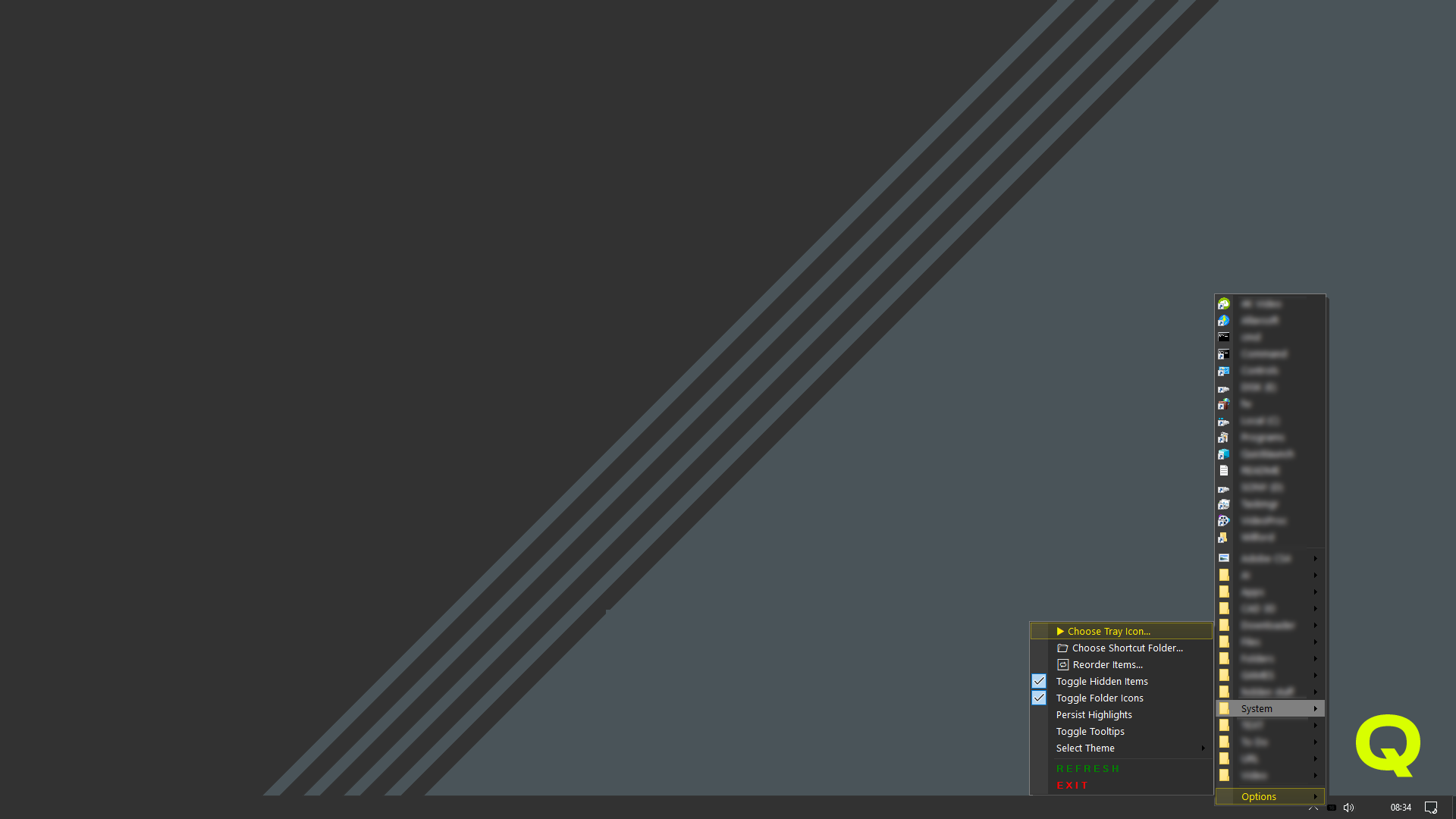
Creates a tray icon with a popup menu. Loads shortcuts from a user-defined folder (C:\Quicklaunch by default). Supports launching files and folders, including .exe, .lnk, .url, and other common formats. Extracts icons from files for visual polish. Saves preferences in an .ini file. Handles refresh and exit commands via menu items.
- Launch your favorite apps from the tray
- put shortcuts Single Executables, all sorts of Documents and folders in the Quicklaunch Folder
- Simple and fast — no bloat
- Highlights the last Shortcut used
- highlights in red missing shortcuts
- Select different Themes (including animated themes)
- it resembles the behaviours and functionality of the old original
- access the Quicklaunch Tray Menu with Right-Mouse-Click