In this devlog I’ll take you through my journey of creating an open world for my game! Well, at least the base for it. Of course, I’m gonna share what I’ve learned and my progress of the past four months, since the last devlog.
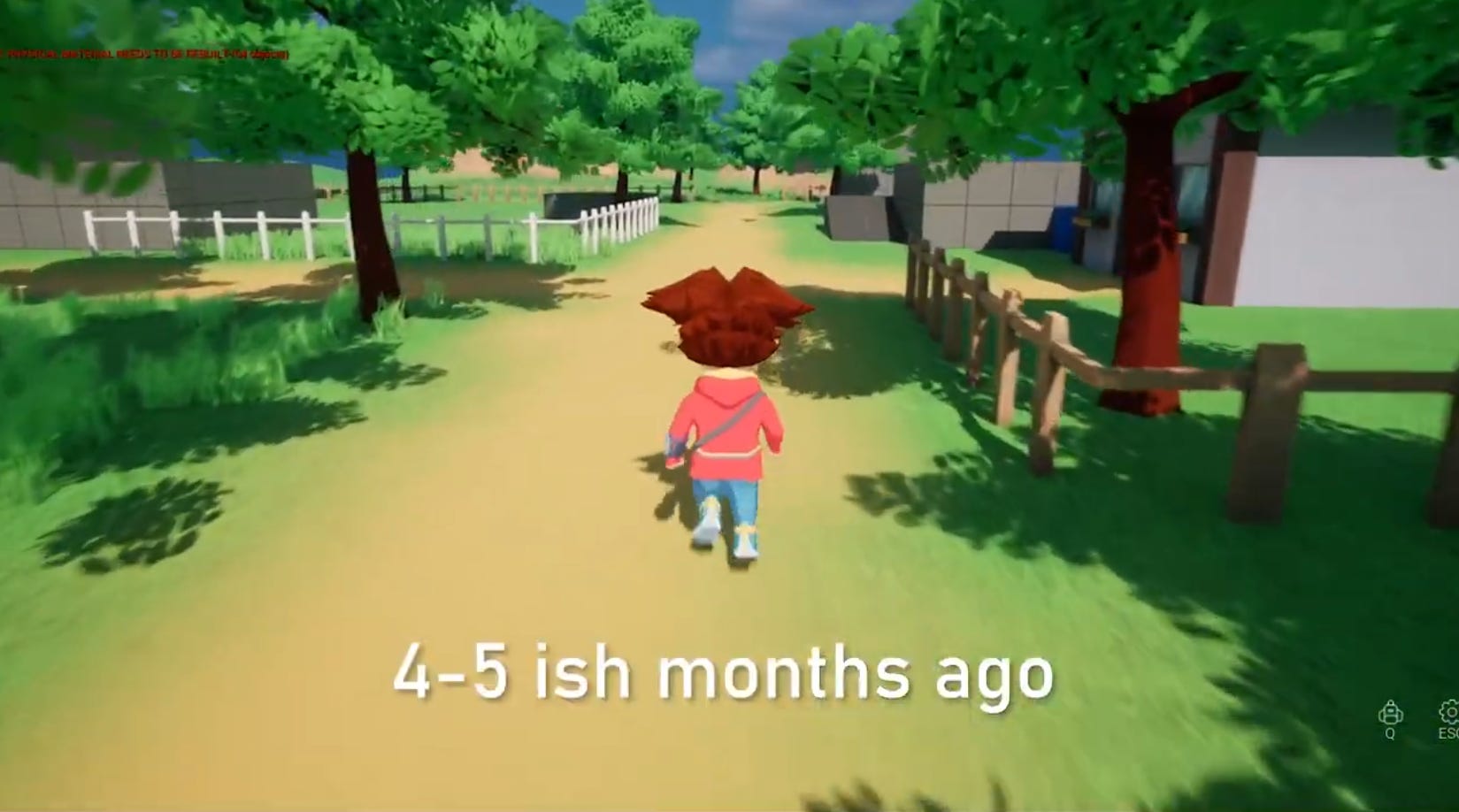
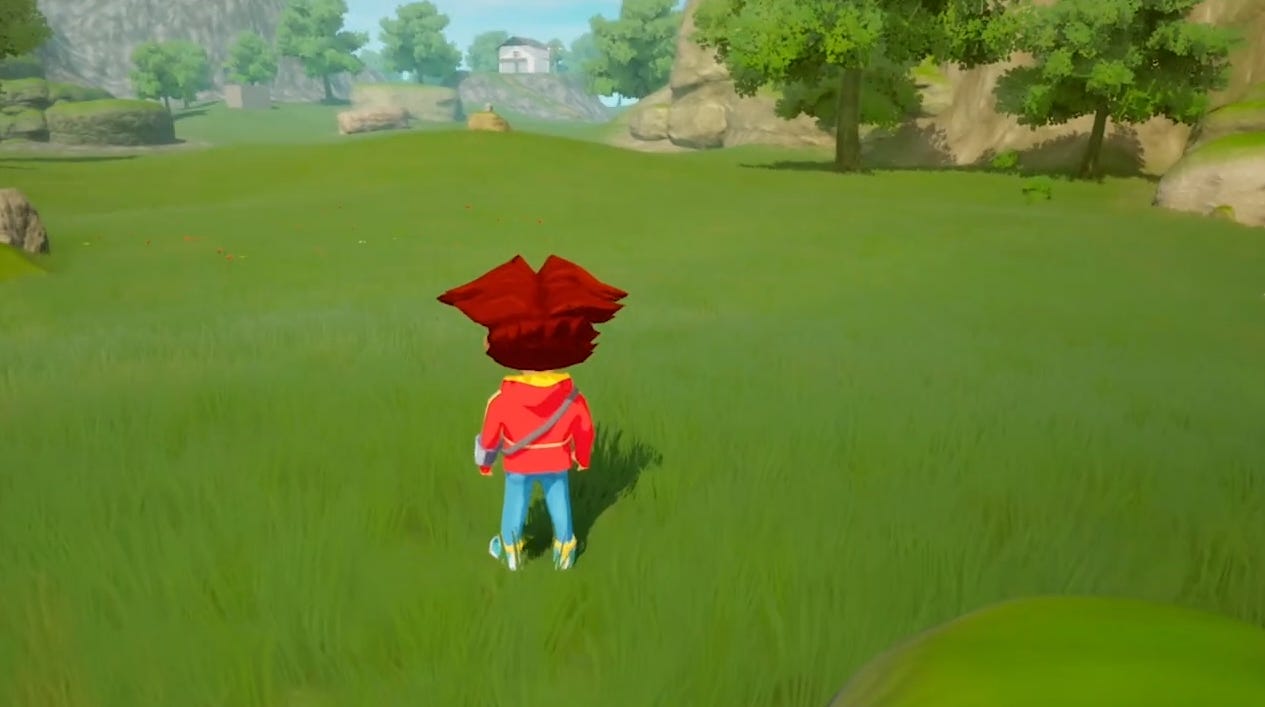
This is how the environment looked like 4-5 months ago.
And that was, at the time, the best what I could achieve, with no experience at all.
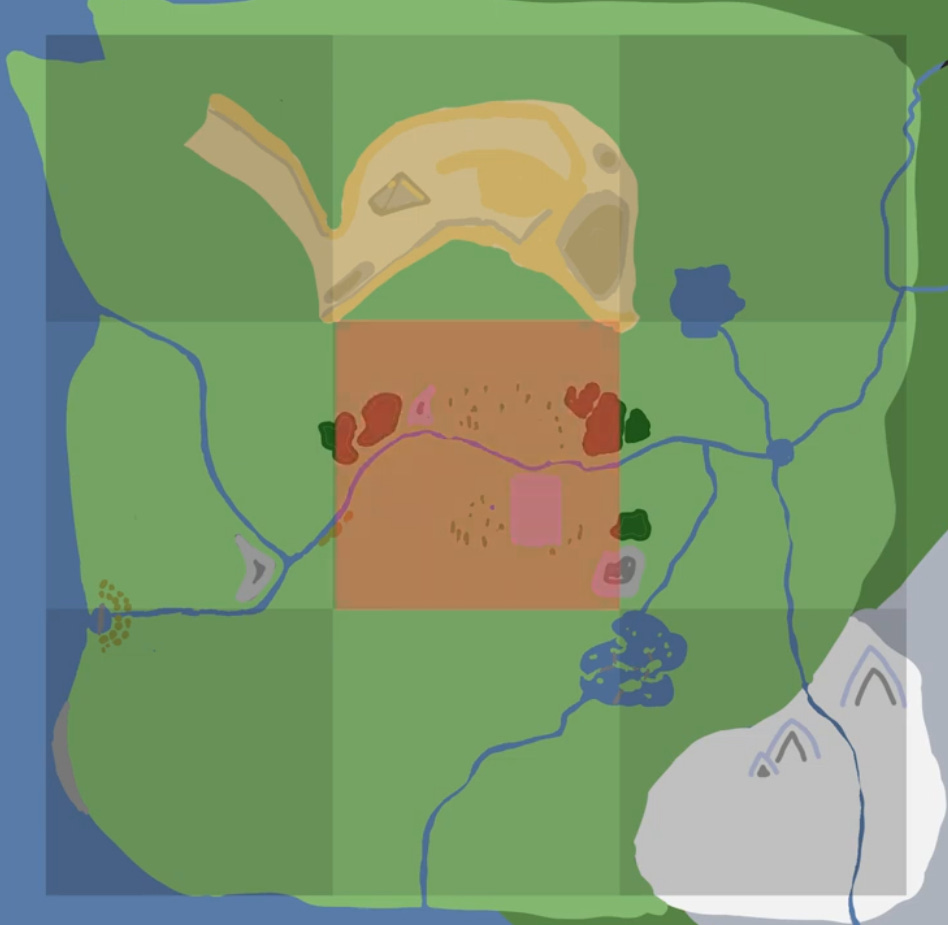
Lets start with the idea and what our goal is. The Player starts at the center of the map, in the red area here:
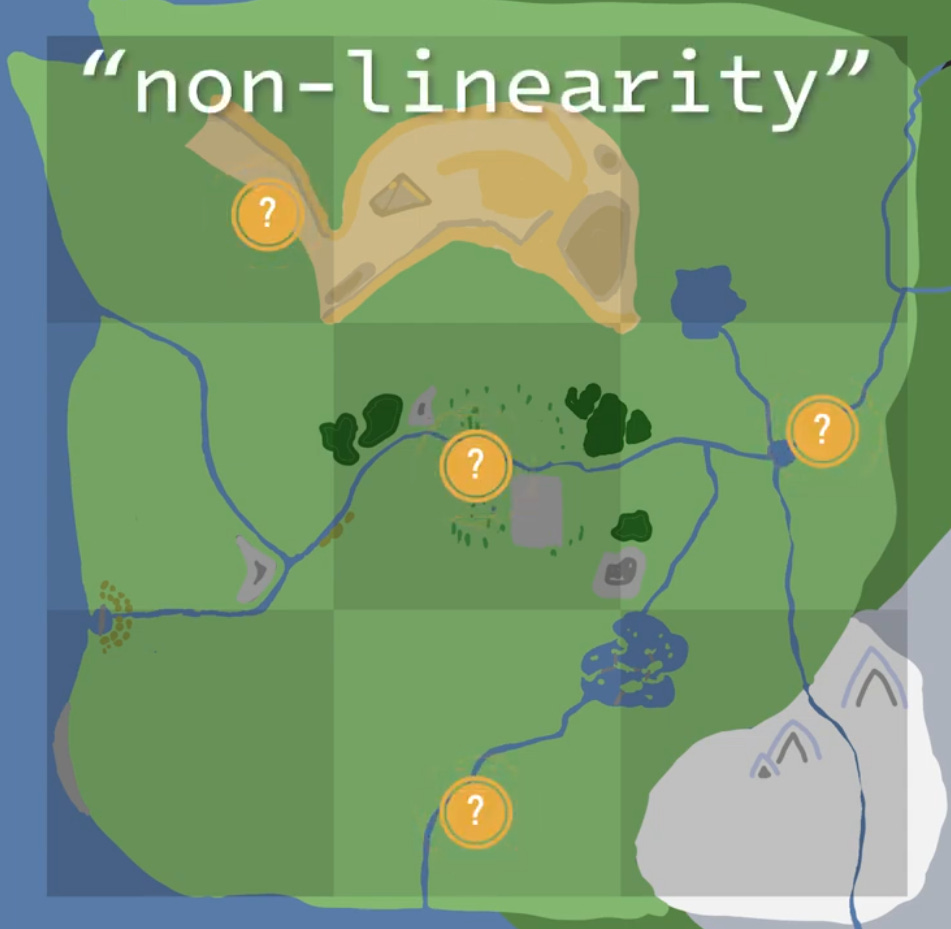
The reason, to let the player start from the center is, to give them the freedom to choose their own path and explore in the direction they want. You like the icy mountains in the far? Go that way! Or maybe you like the dense forest to the west!
I want to keep this `non-linearity` in mind when developing the world, but also when designing the gameplay, to encourage exploration.
So, lets begin with the `Landscape`.
First thing I did, was delete the old Landscape, it was too small and I mostly used it to experiment.
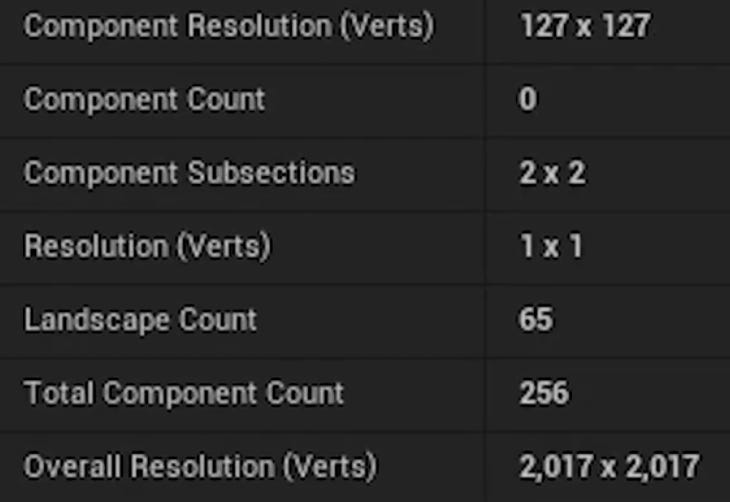
And here are the configs of the new Landscape:
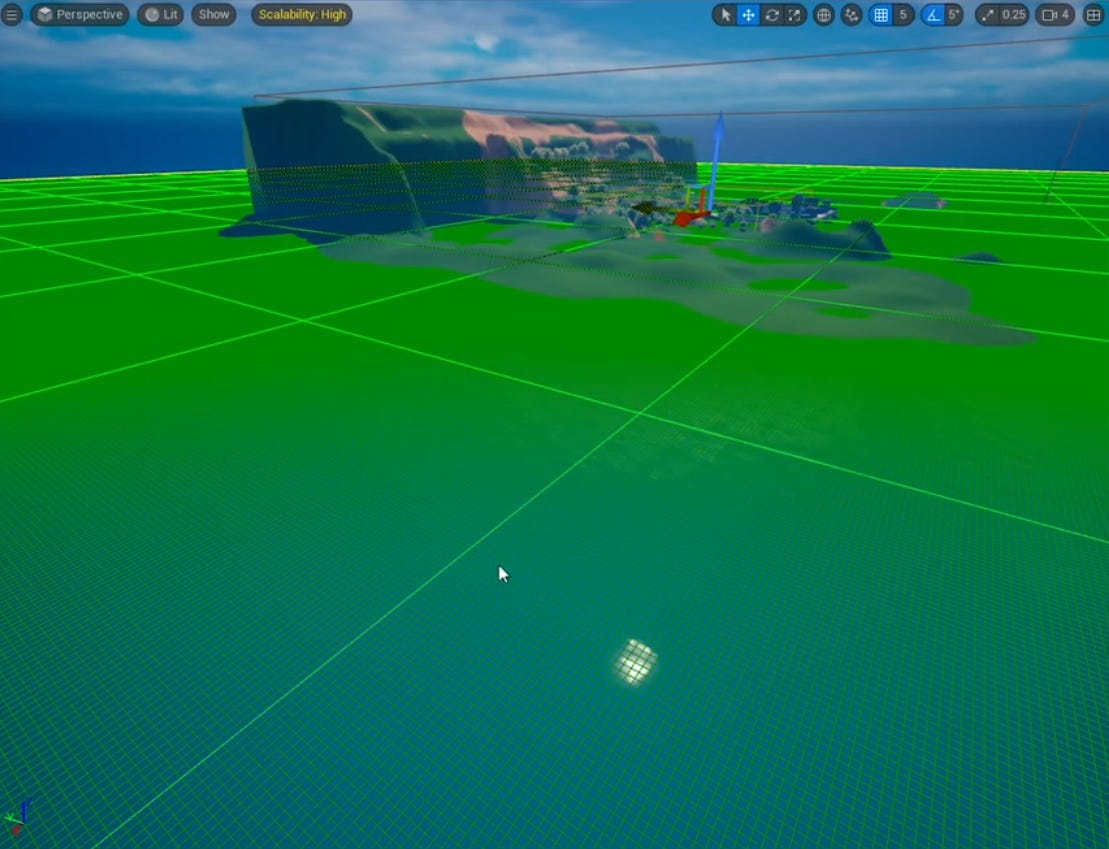
Also, here is a small overview of the first block-out:
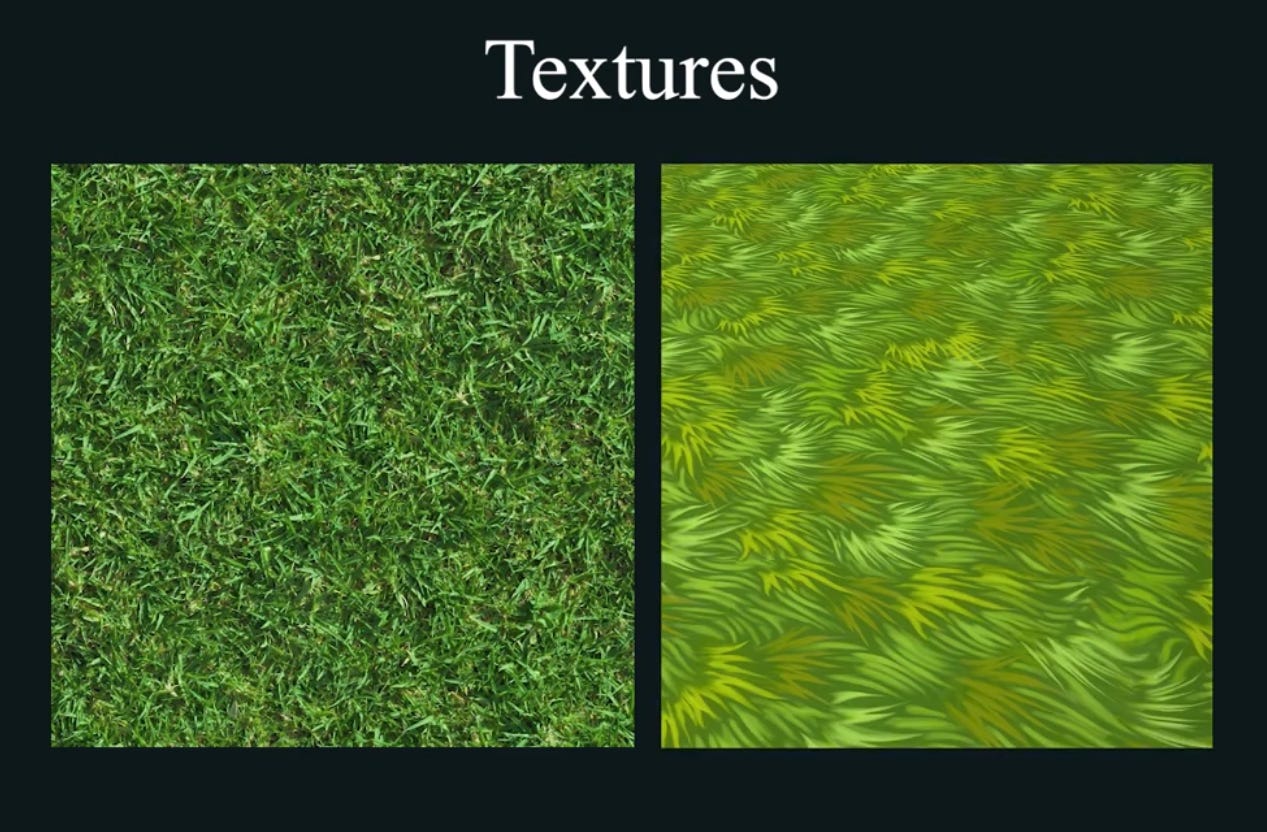
After creating the landscape, I had to make some Textures for the ground, and for that I didn’t want them to look too realistic, but also not too stylized, maybe semi-stylized or semi-realistic?
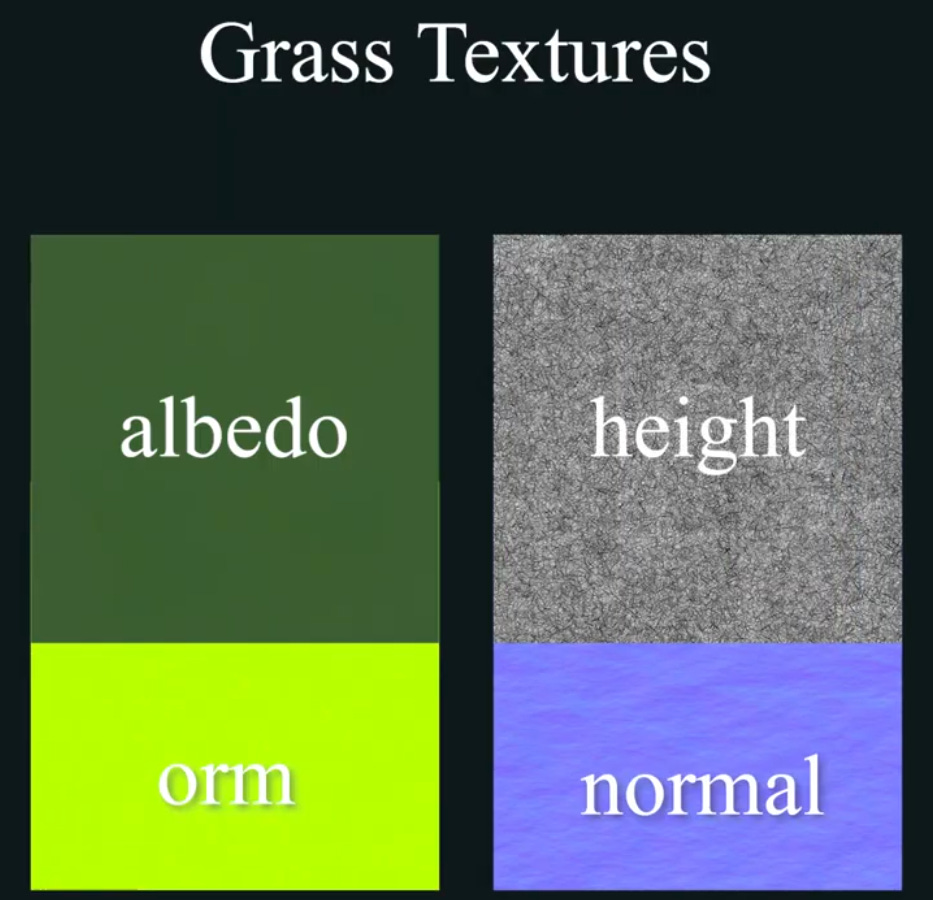
The Grass texture ended up being a bit bland, but these are the Textures I have used:
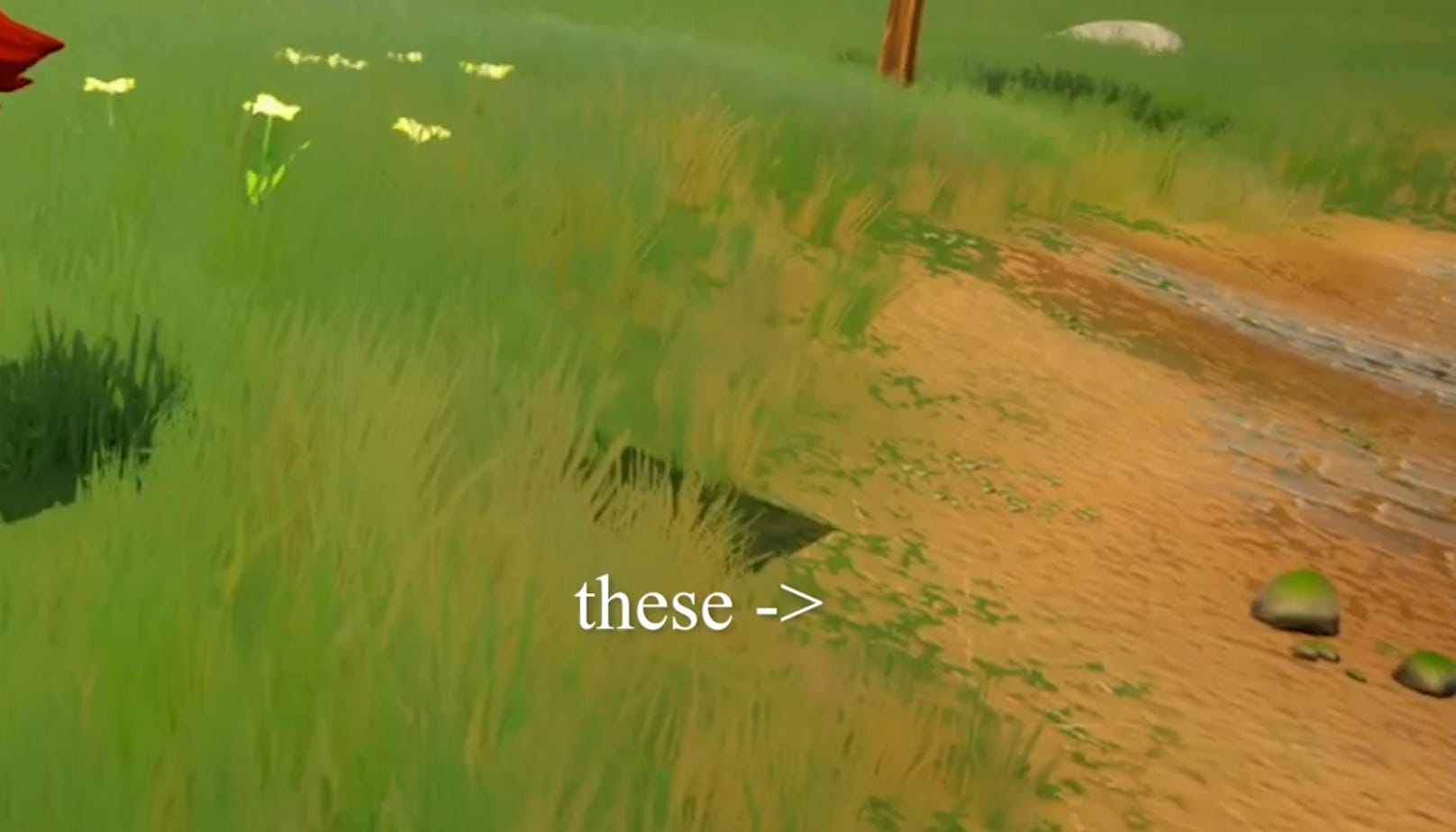
With all of these, I now have some nice Grass Ground with nice transitions to the Dirt Ground.
With the height map, I made the grass transition to dirt.
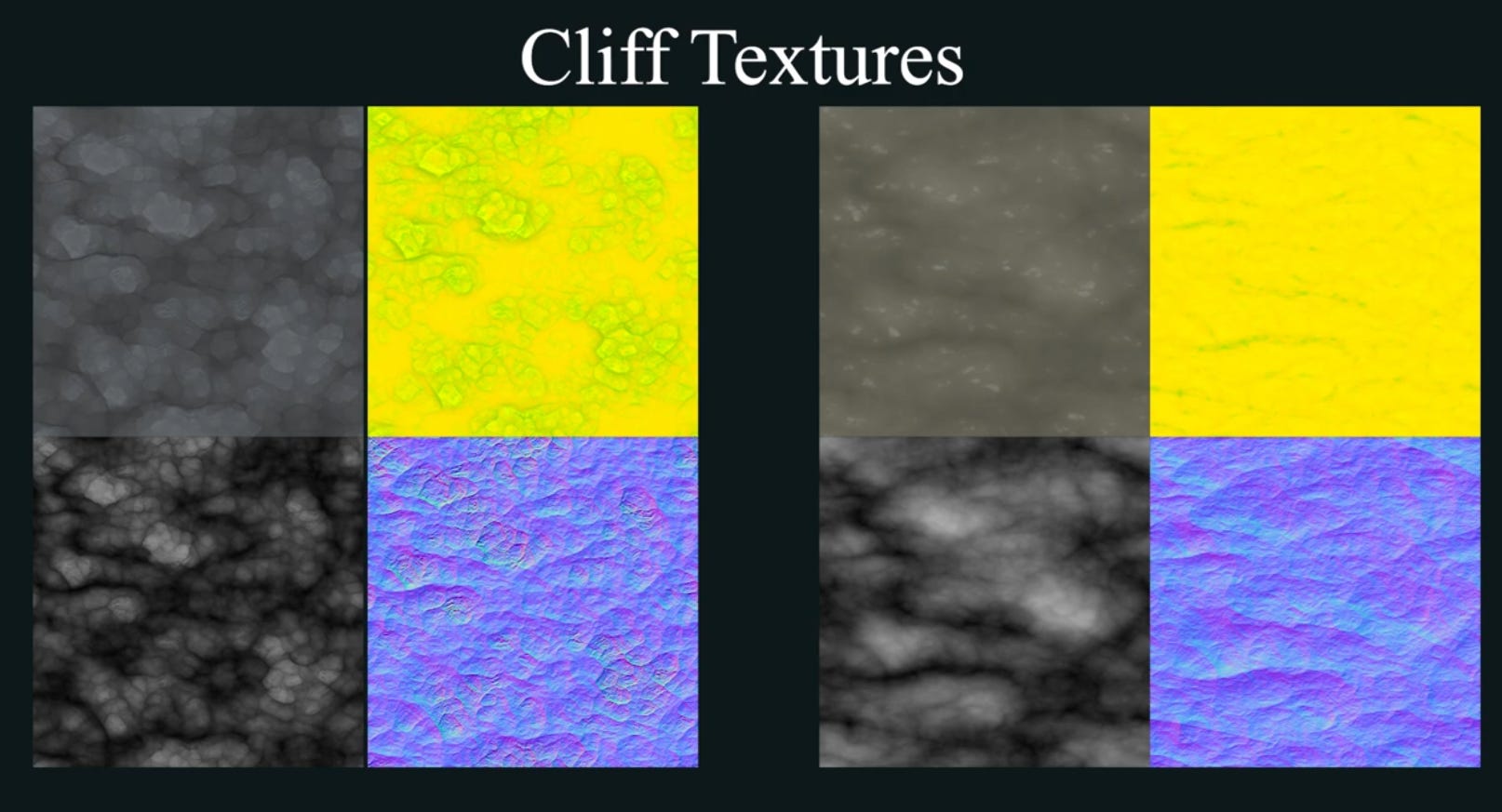
I did the same thing for the remaining Textures as well - for Dirt, Cliffs/Rocks etc.
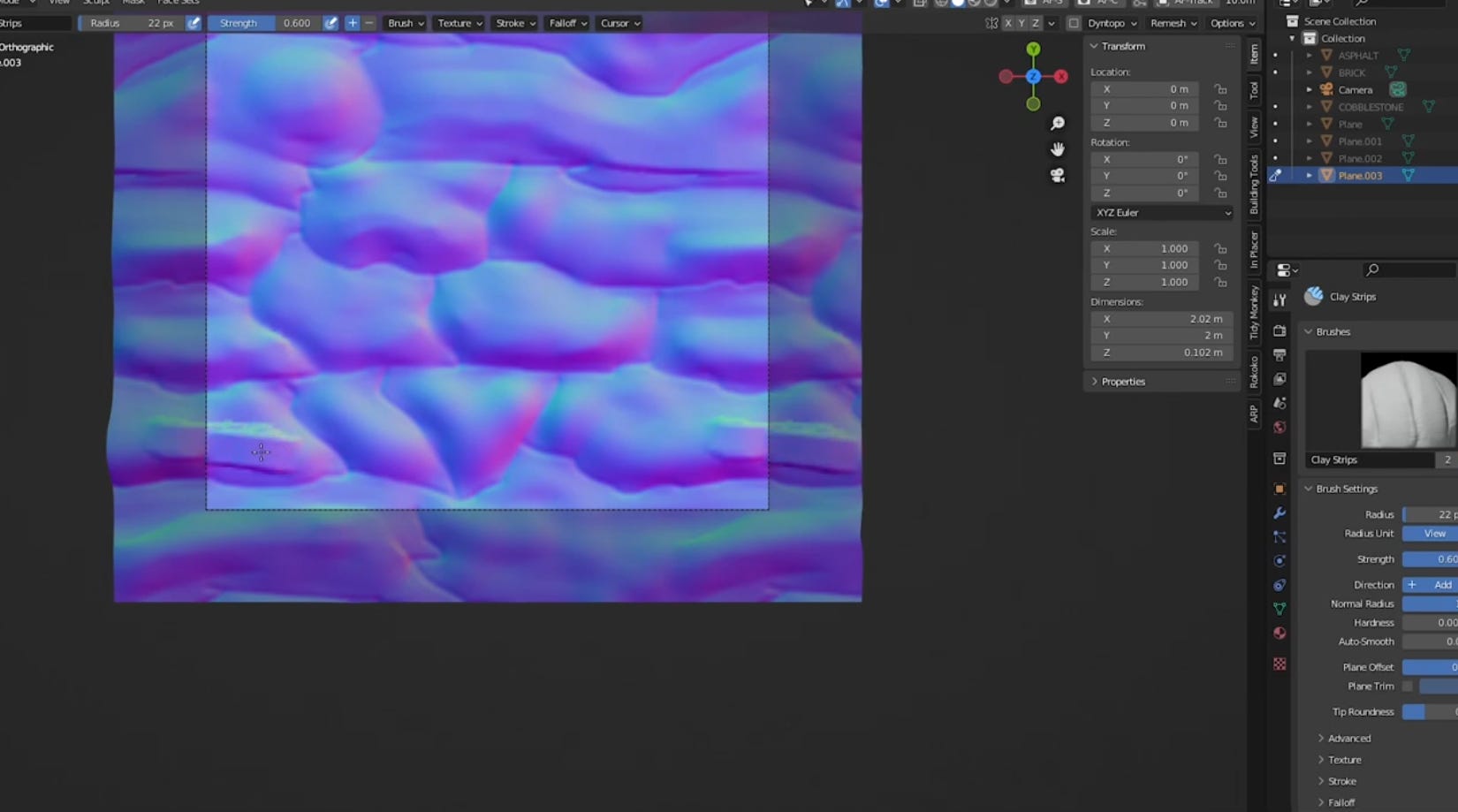
I had a hard time creating these textures, I tried a lot of techniques, like modeling them in Blender.
But they all ended up looking bad, because skill issue.
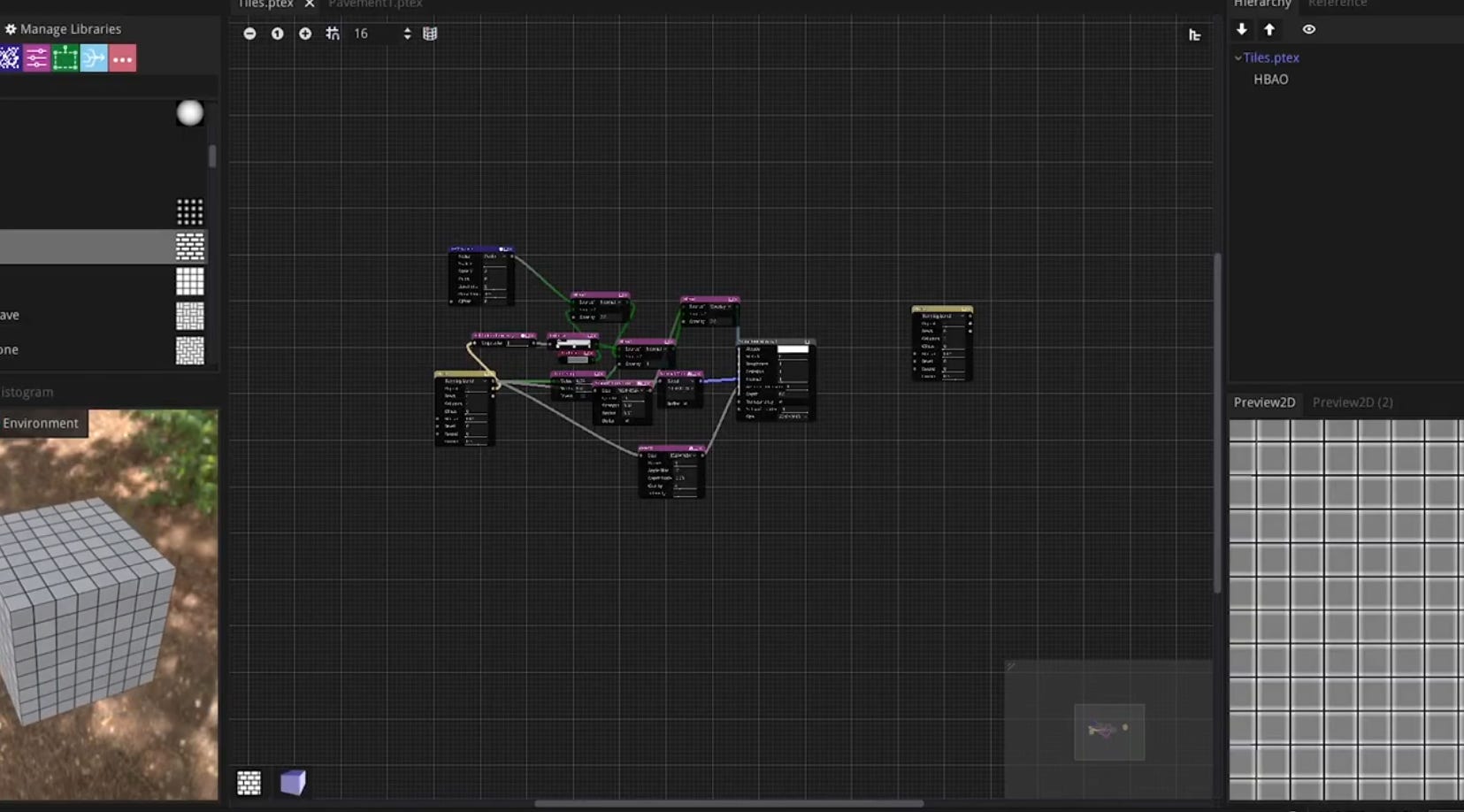
Luckily, I found a software, that made all that a bit easier, called `Material Maker`, which made my life so much easier - and with a couple tutorials, I started making somewhat decent looking textures.
Material Maker is open source and free! (and a nice alternative to Substance Designer)
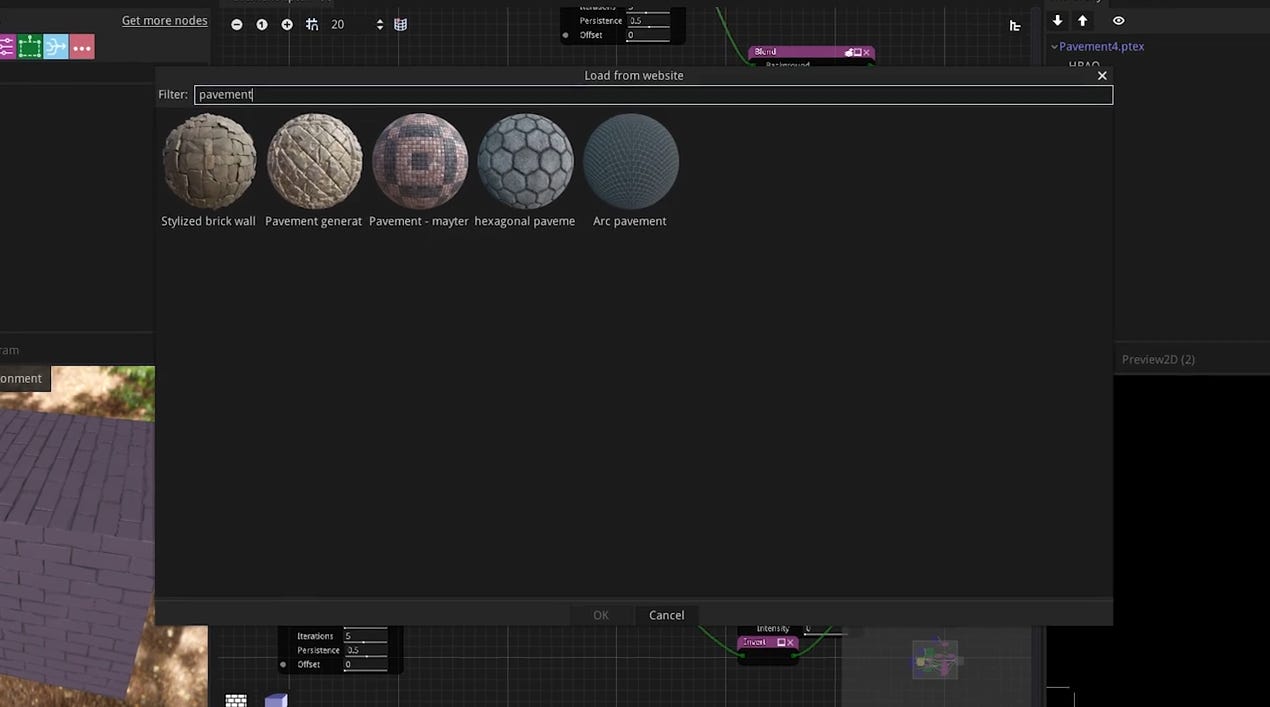
And there is a nice online library with tons of Materials.
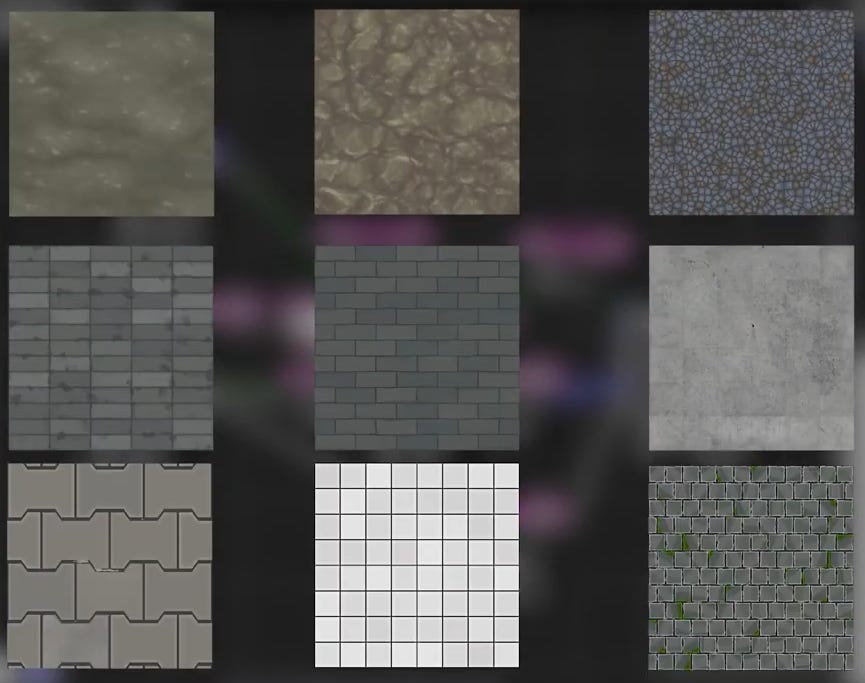
Here are some textures I made with Material Maker:
Next I went on an painted the landscape with these textures and I ended up with something like this:
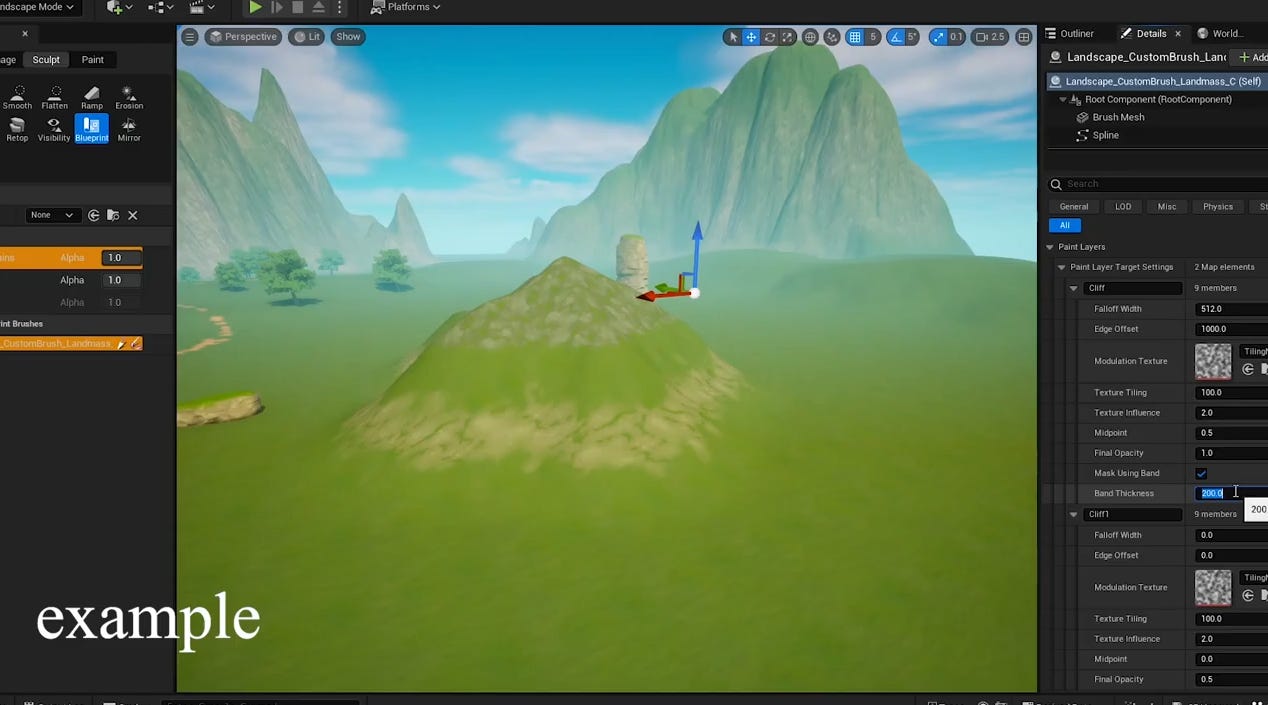
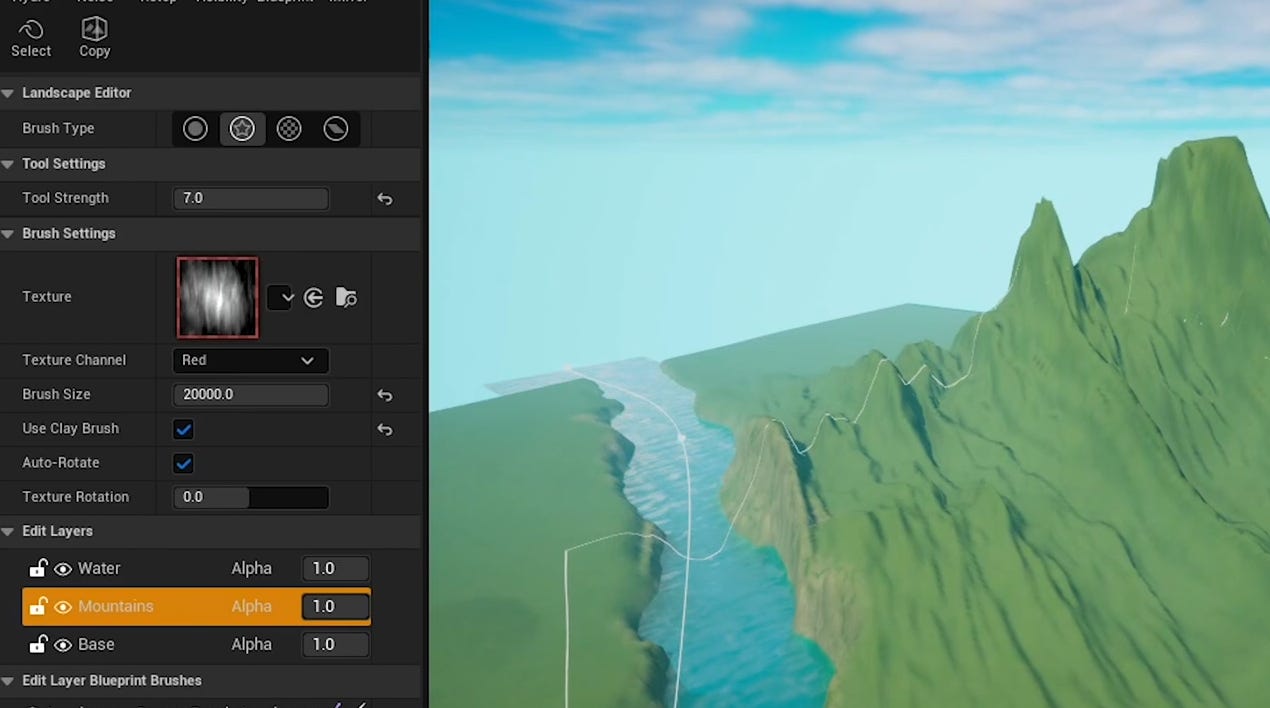
You can see some Mountains and Hills and I experimented with these as well. You could just paint them in manually, which is very hard imo. What I tried was using Epic Games `Landscape Custom Brushes Plugin` which is a Editor tool, that allows you to create Mountains procedurally, and it works fine, but I didn’t like it that much. (and didn’t have used them ever since)
The other method I tried was just using Height Maps and “Stamping” Mountains.
Which I like a lot - it’s very easy, you can adjust them afterwards and it’s fast. (I also didn’t have used it ever since though)
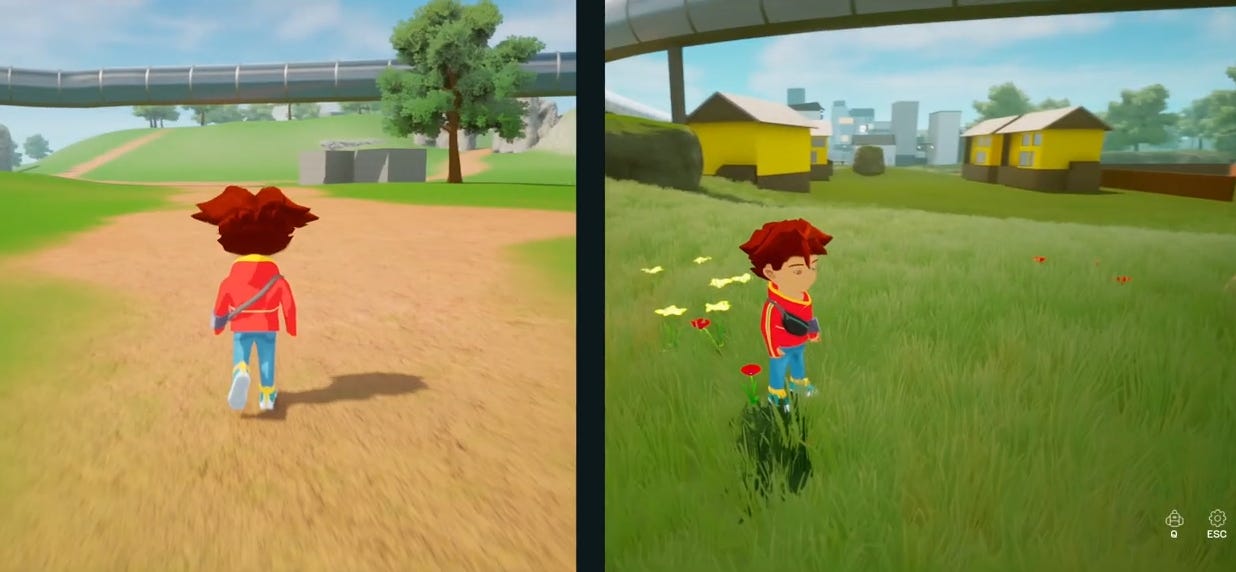
Grass and foliage in general makes a massive difference in the optics of a game.
The difference can be huge
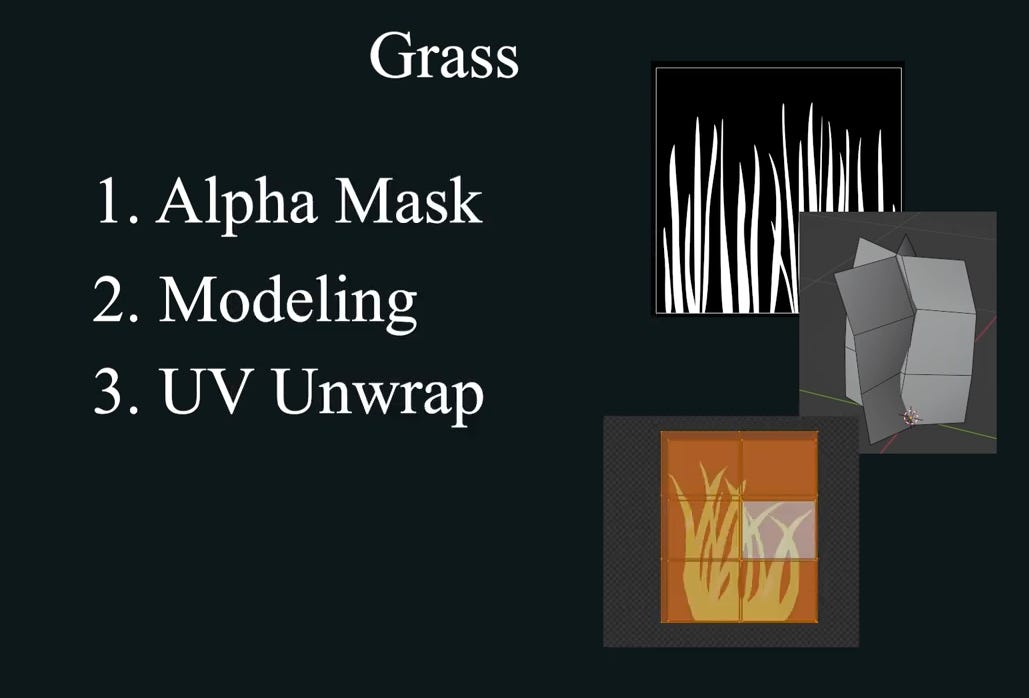
And this is basically my grass model and textures:
The end result is the following:
The same method for the grass, I also applied to flowers, bushes and the leaf’s.
And speaking of trees, I used a software, called `Tree it` to create the tree model procedurally.
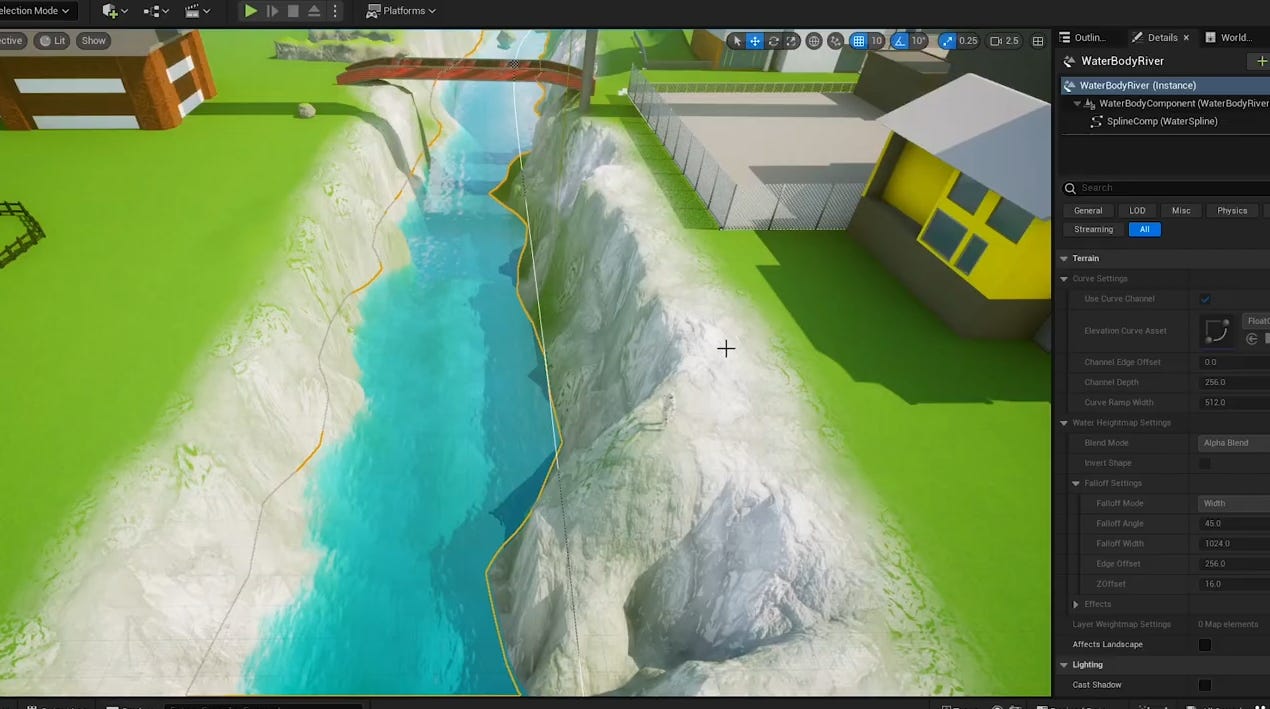
I also experimented with Water and Clouds and Epic Games Plugins for each, but didn’t do much with it.
Next thing I worked on was the Town and its Buildings.
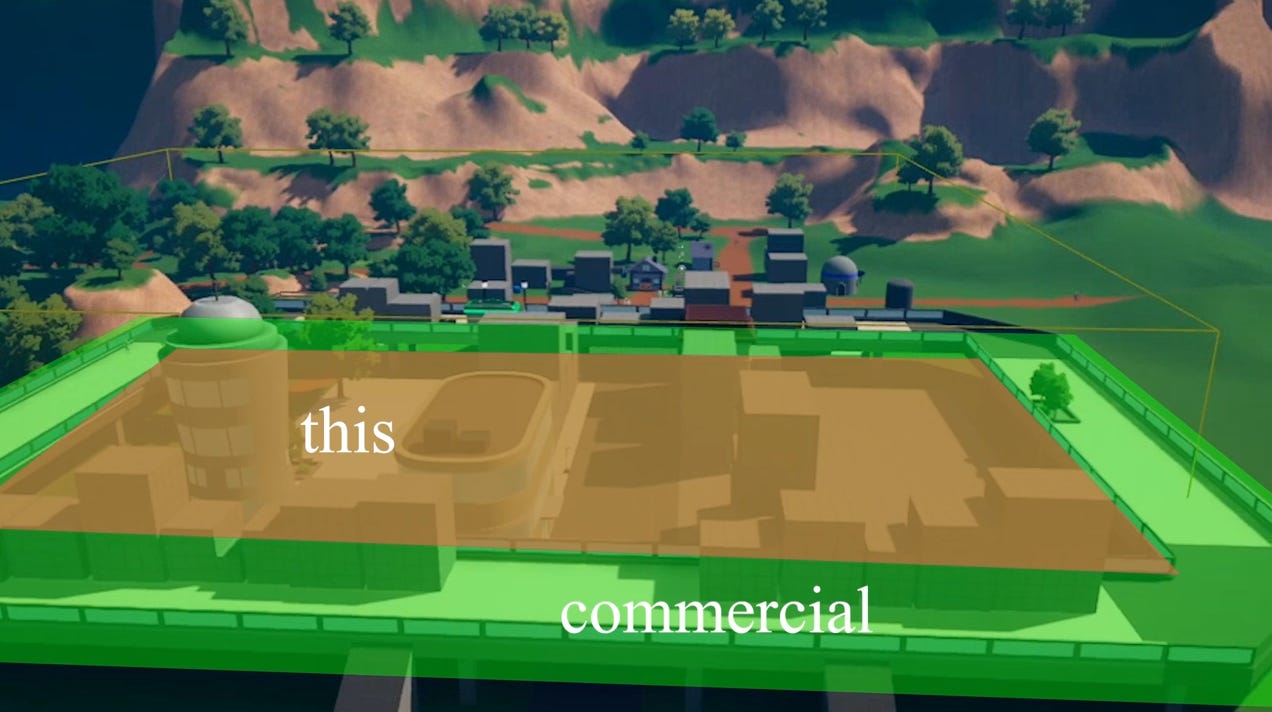
Initially the town was quite small, and was divided in residential and commercial areas. The commercial are being the elevated one.
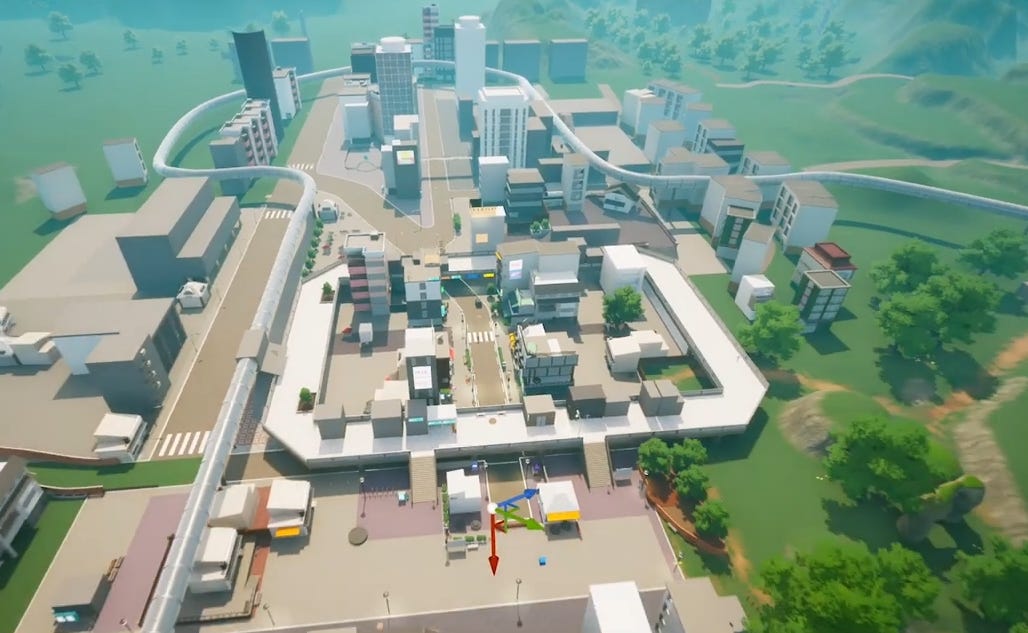
It ended up being much bigger
Creating all the meshes, was really challenging and honestly, they aren’t even good, but it takes so so so much time.
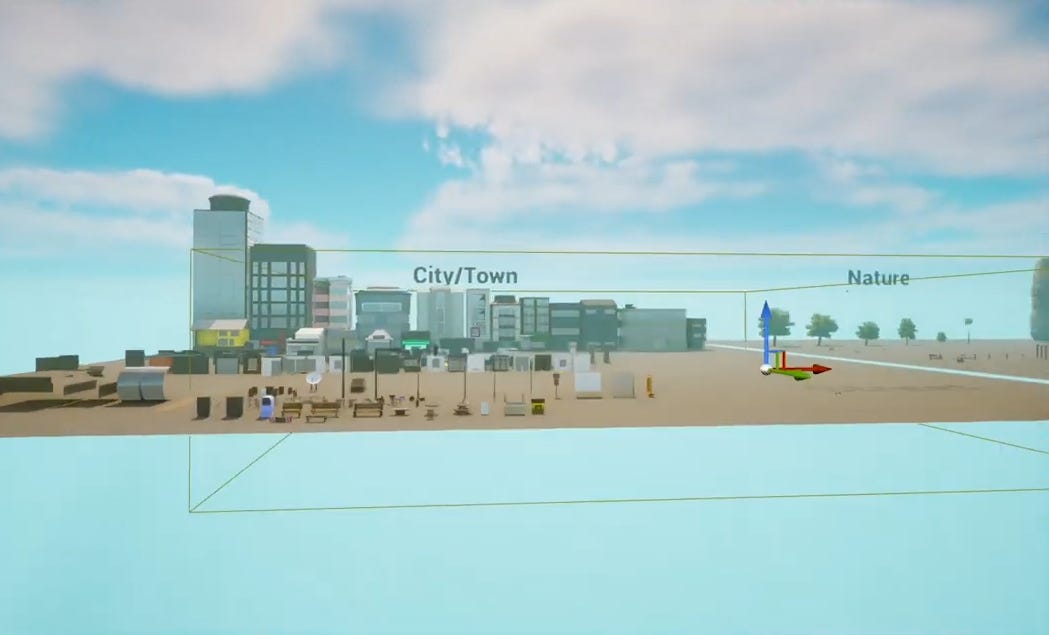
I tried lots of techniques, again, from procedurally generating stuff, to modular models, or unique models, and nothing really felt effortless to make. I liked working with modular models the most, and scripting them with Packed Level Actors, to bring in variation, but still, it’s a lot of work, and work I didn’t really enjoy. I also worked on props on and around the buildings to give them more character, but again, it’s not good.
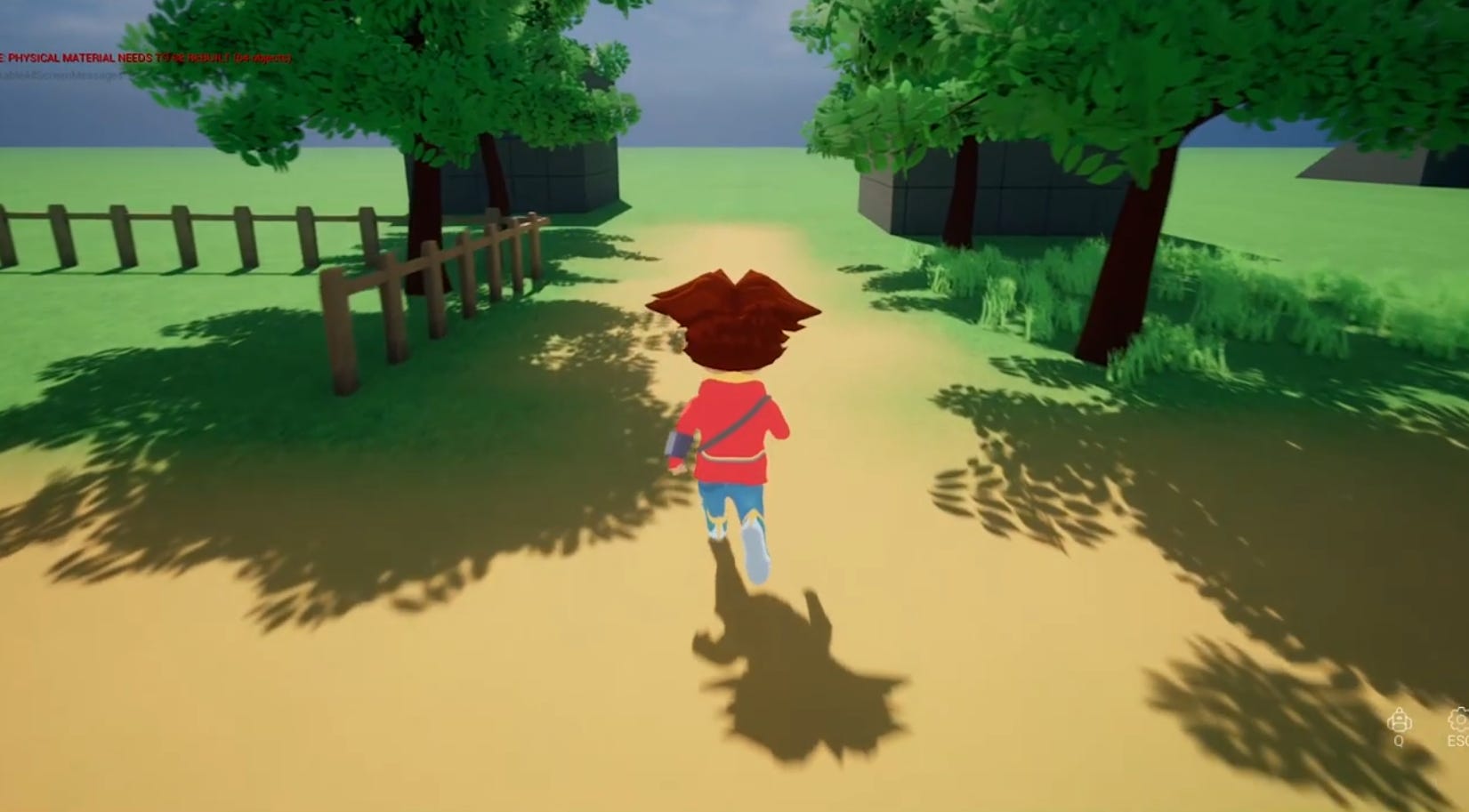
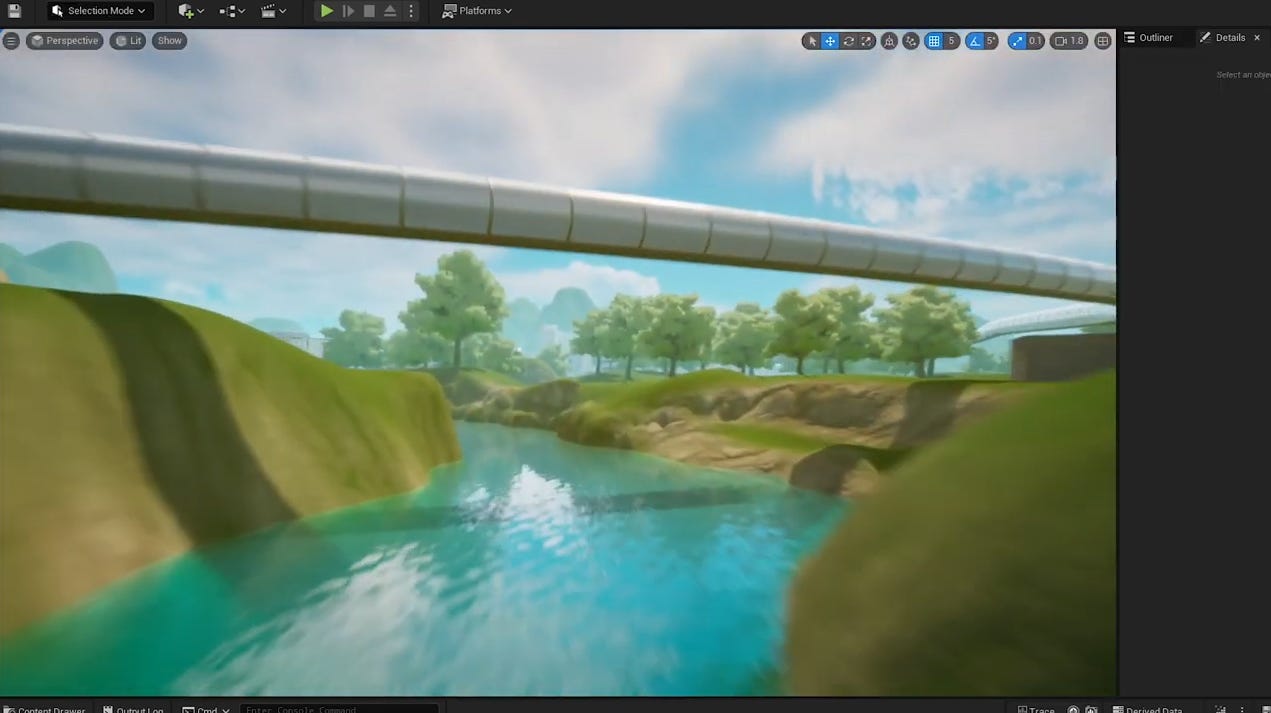
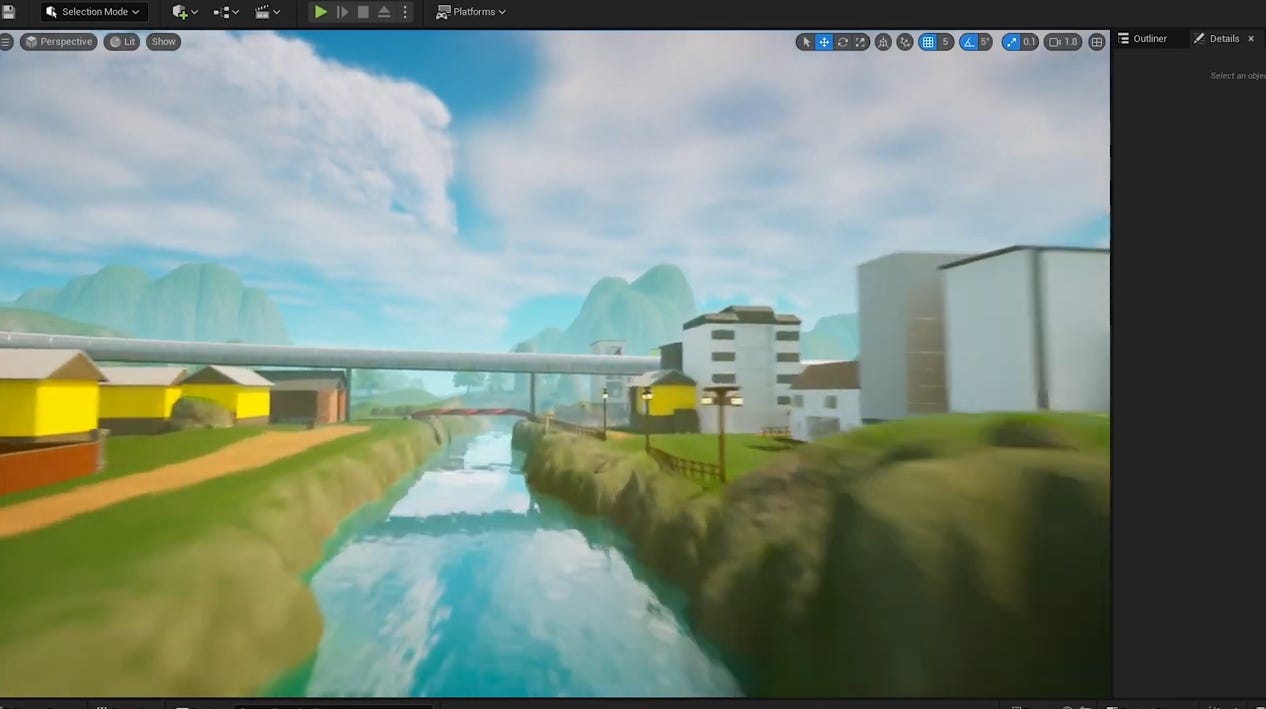
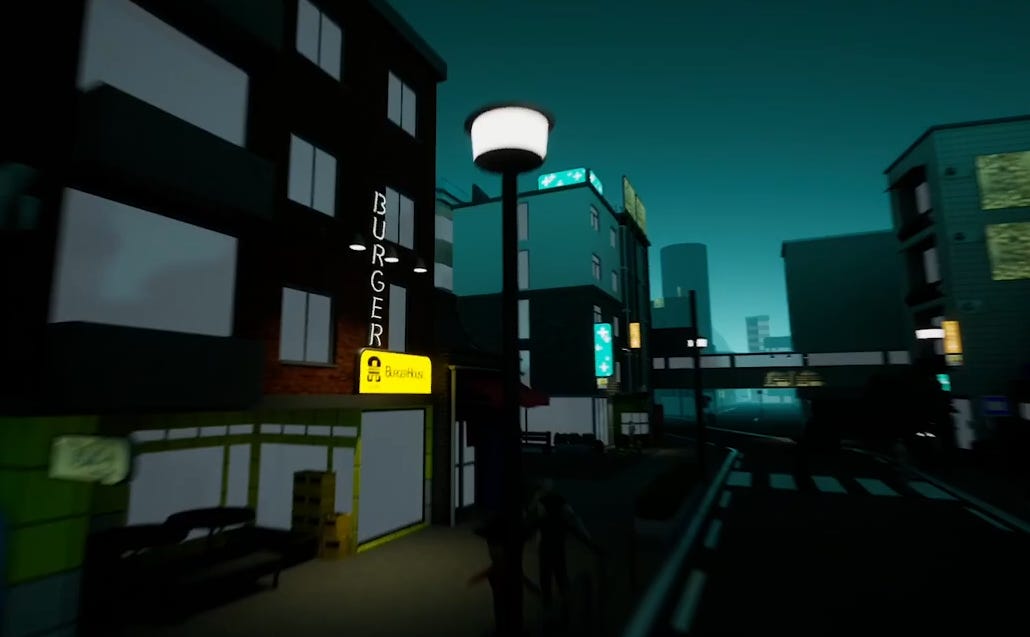
All this resulted in somewhat of a coherent mess, but for what it’s worth, I like it and am proud of my first environment endeavor. And of course I will iterate on it in the future.
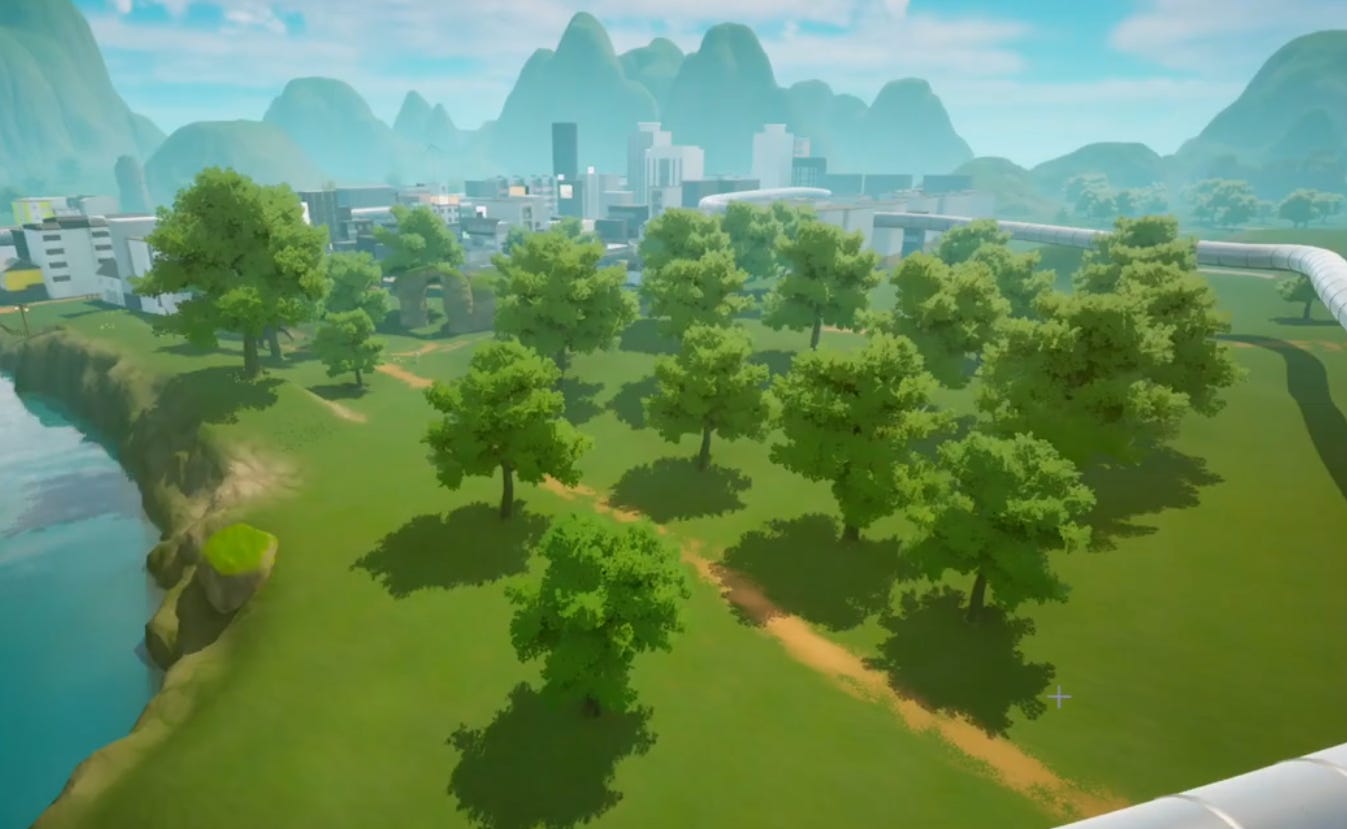
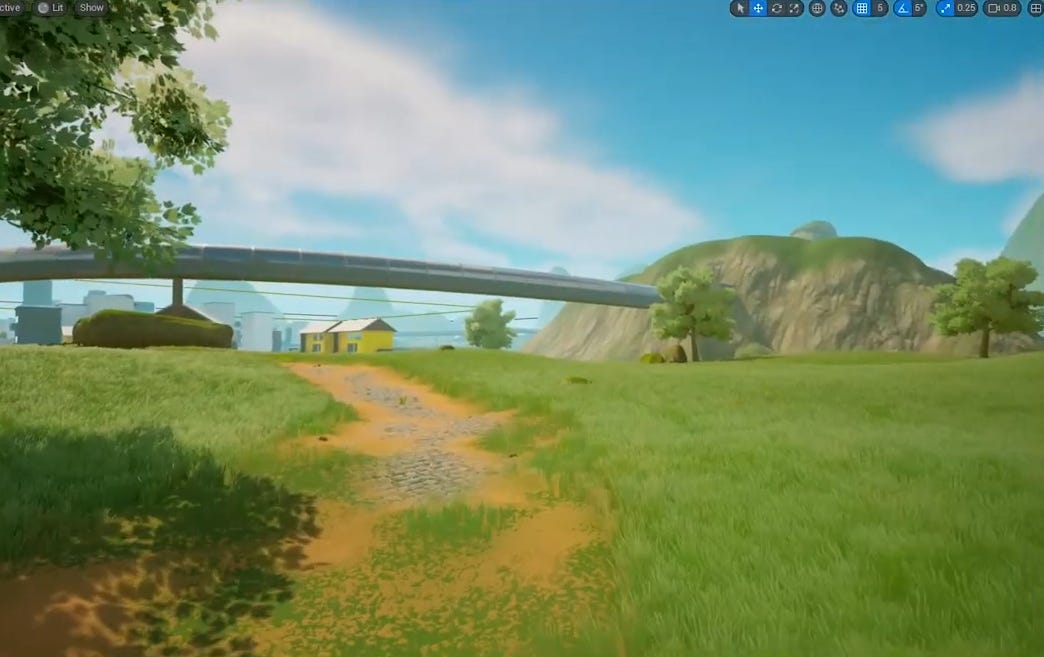
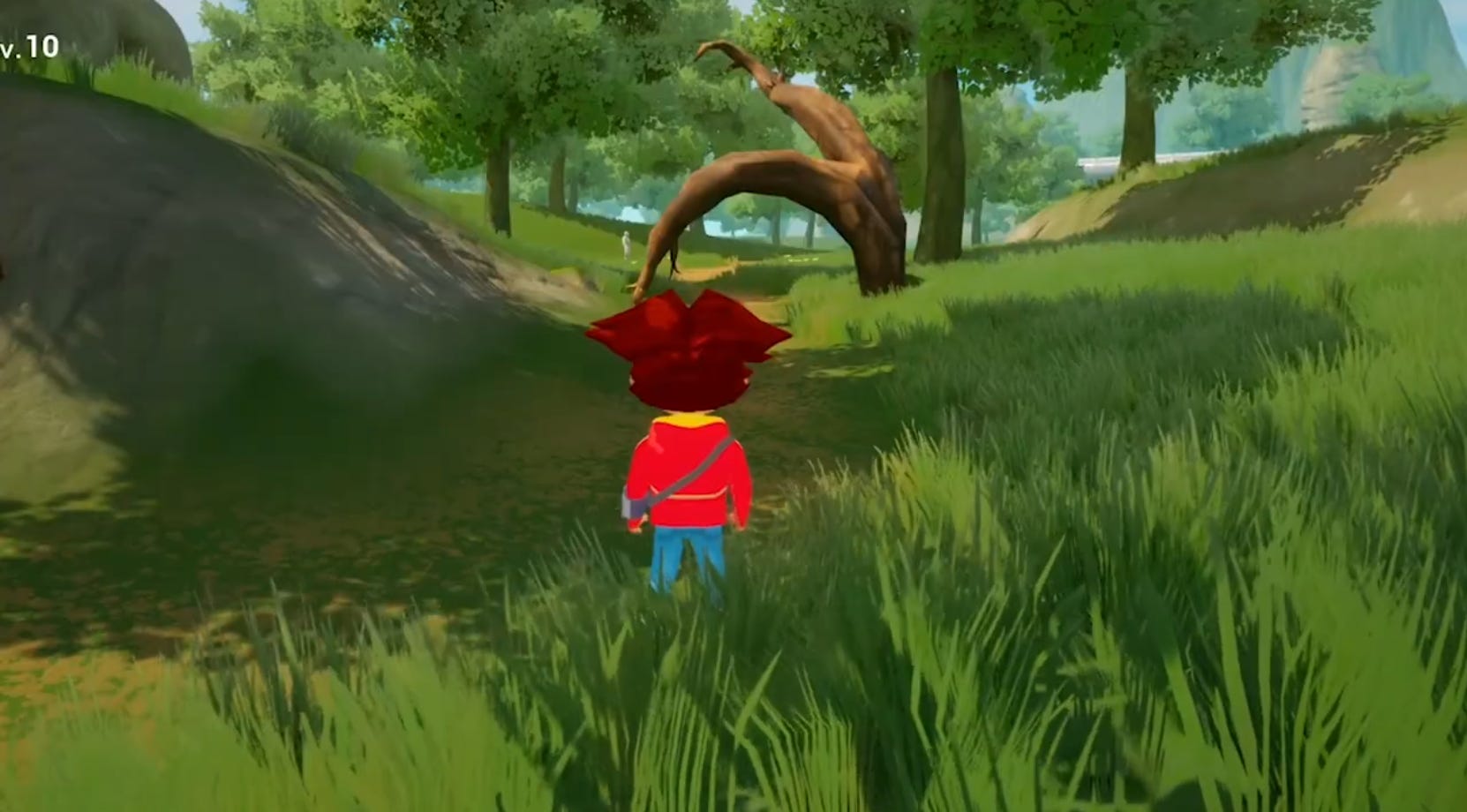
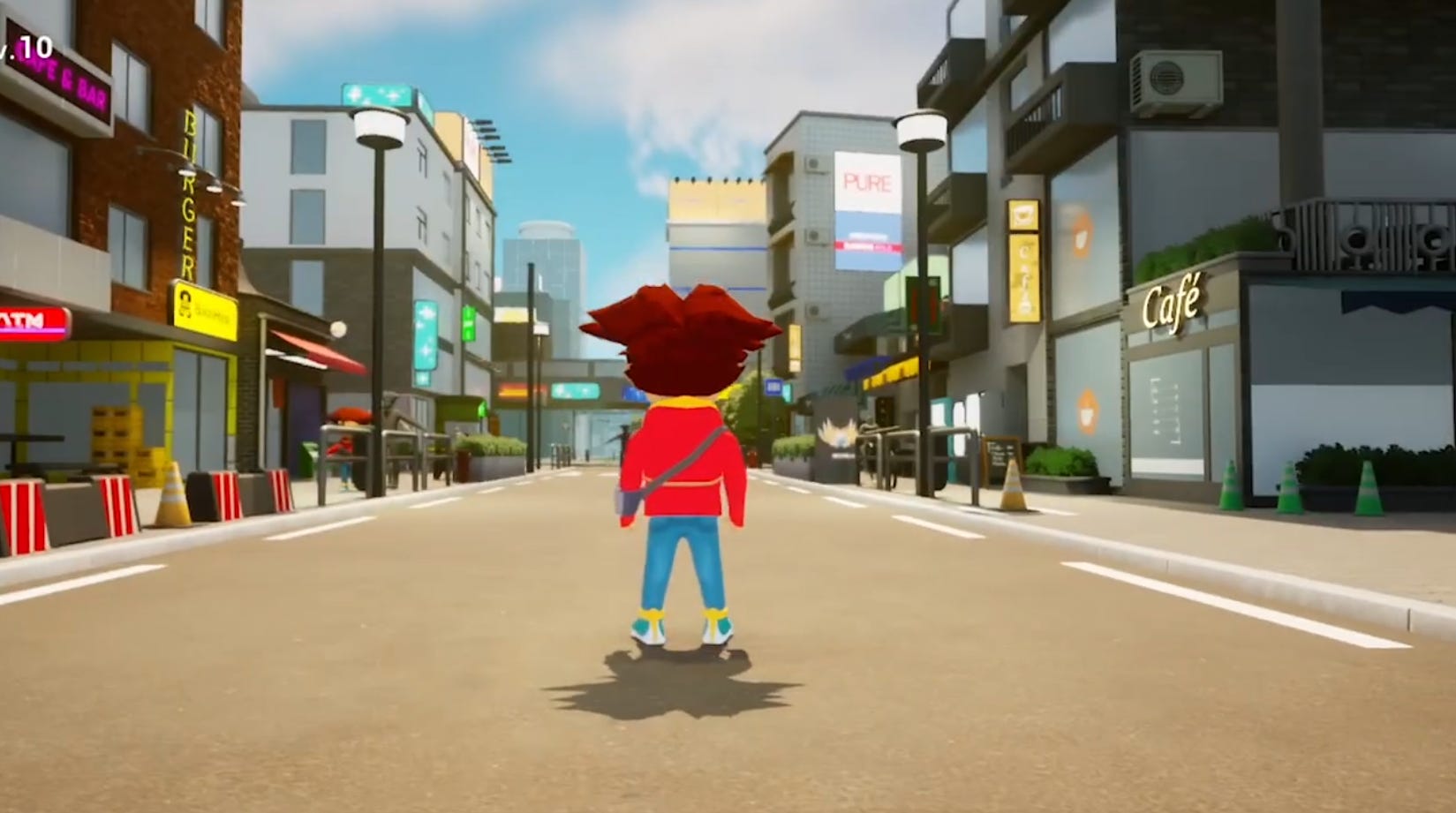
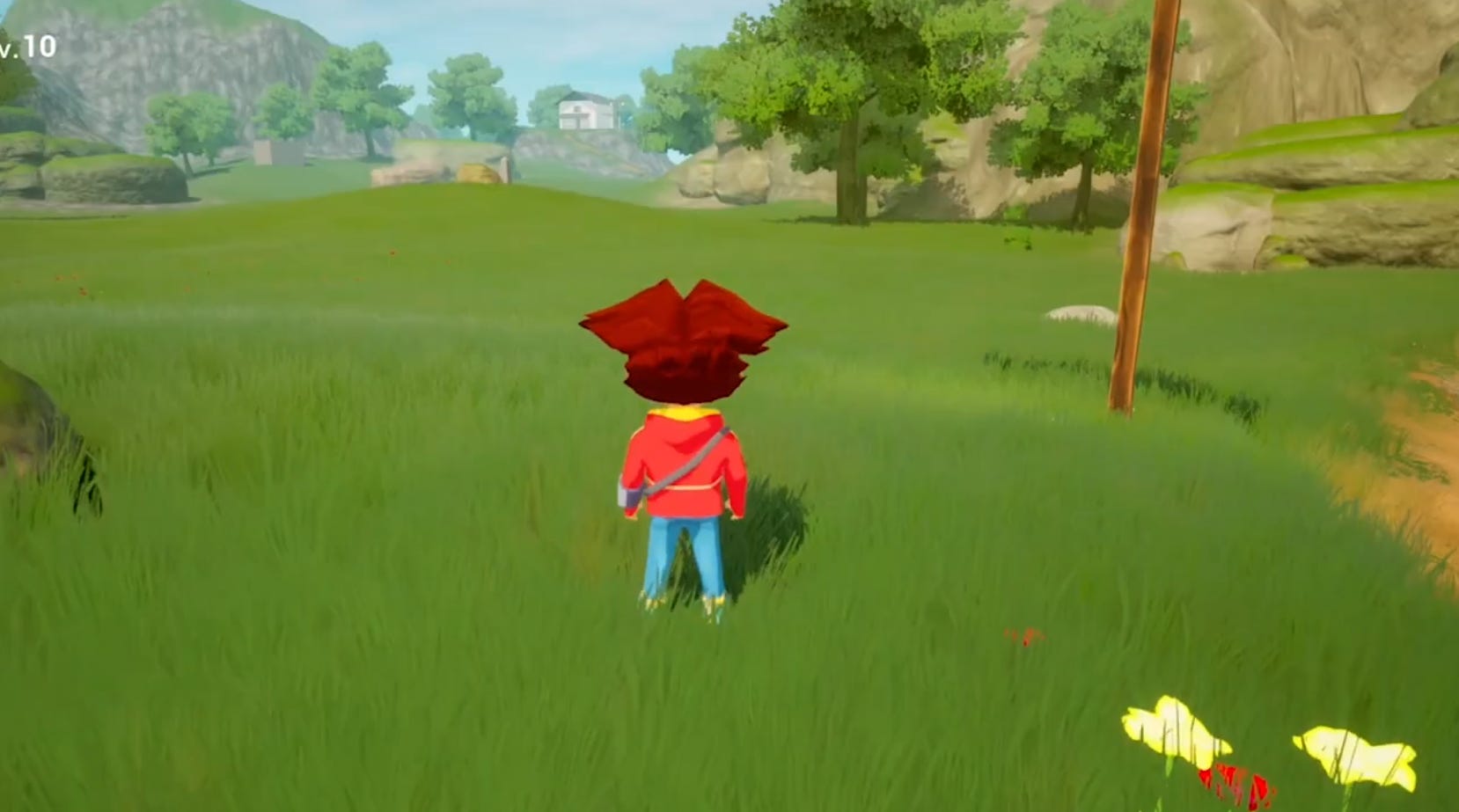
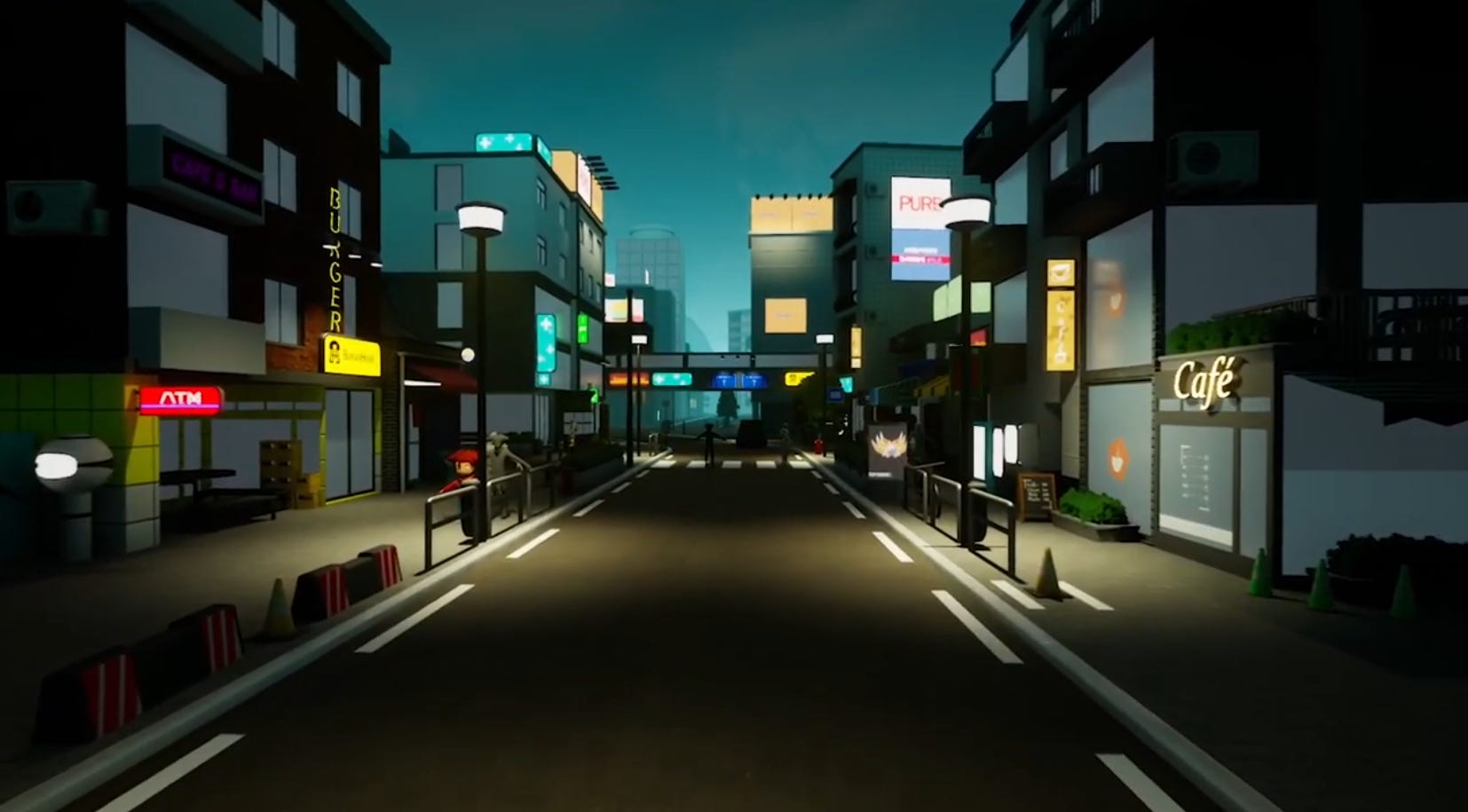
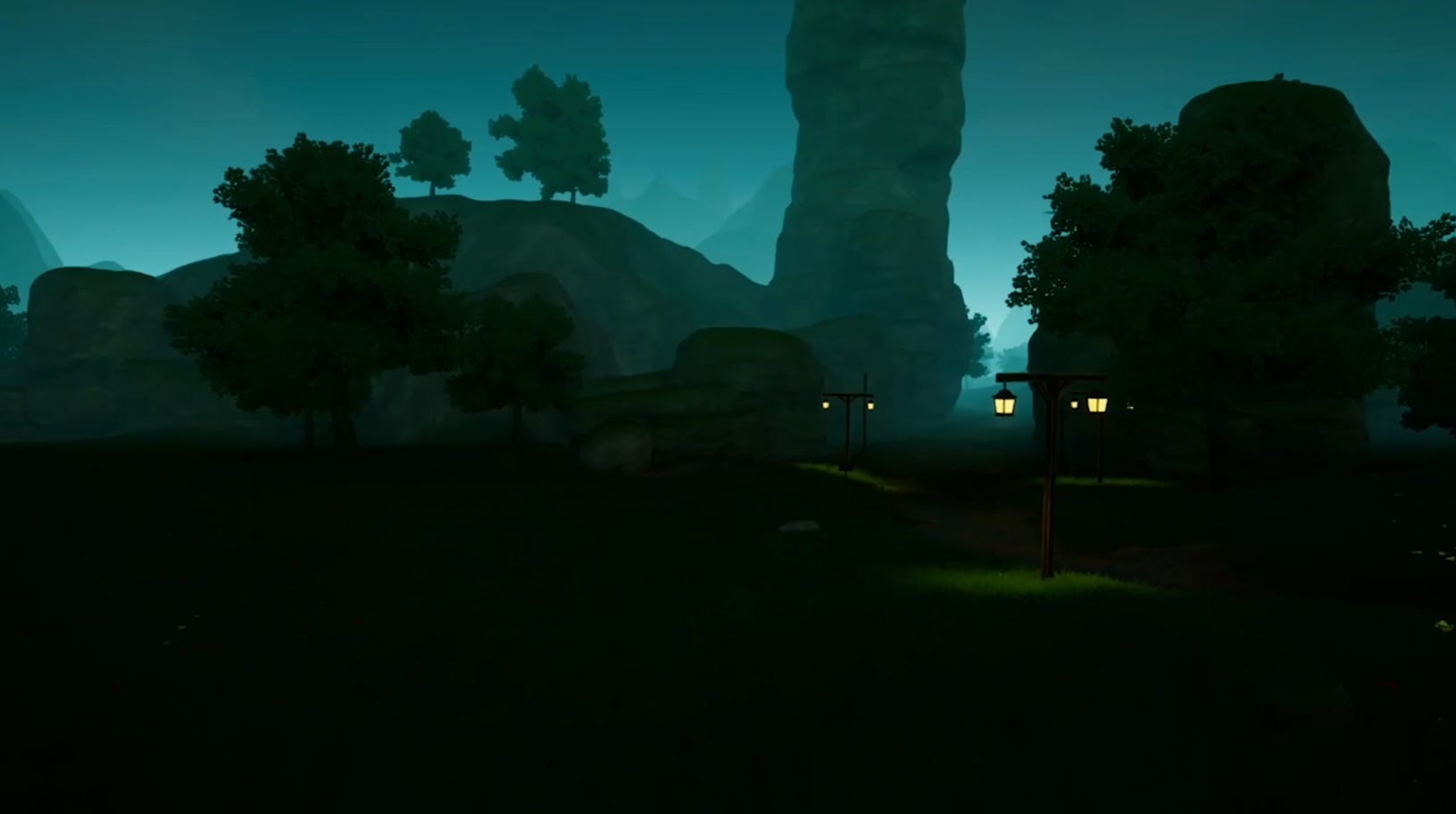
The results
That’s it for the environment, but there is one more thing!
If you noticed that the character didn’t evolve at all - there is a reason for that. I worked on a new character model, which I’m gonna introduce in the next devlog.
Thank you for reading! You can read or watch the next devlog here.
This was posted originally `Jun 11, 2023` on YouTube, and is a slightly edited version written `Nov 21, 2025`.
Did you like this post? Tell us


Leave a comment
Log in with your itch.io account to leave a comment.