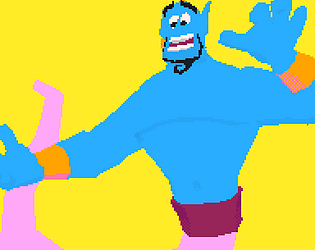
Make tiny 3D art with picoCAD2: modelling, texturing, and animating. No prior 3D experience required.
All skill levels welcome!
Theme is required for entries and is meant to be open-ended. If you can explain how your model follows the theme, it's valid!
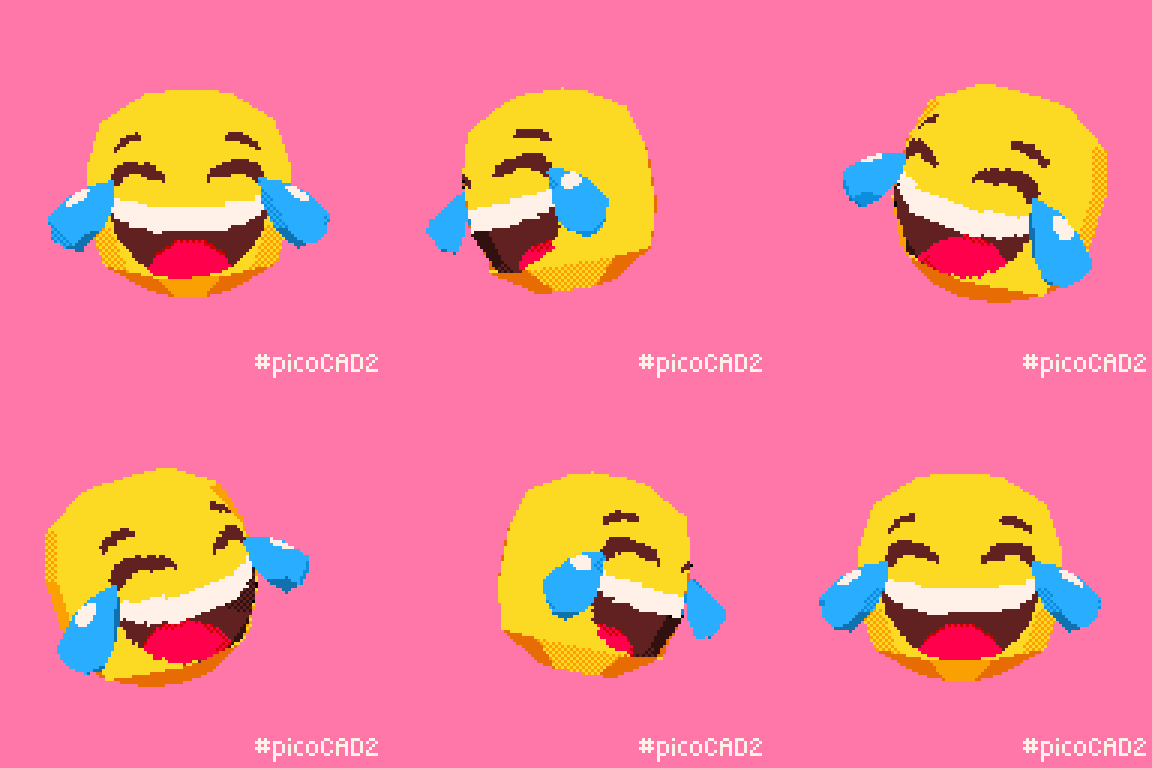
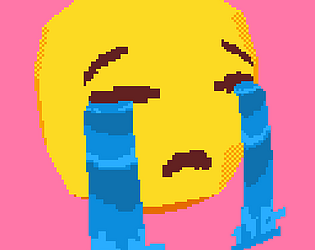
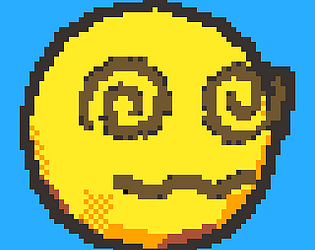
As a throwback to the original launch of picoCAD nearly 3 years ago, we're revisiting an early jam theme: Emoji. Qualifying submissions will be added to the Discord server as emojis, with permission. Make it readable at this scale: 😃
Top emojis will be added to the Discord. Be digitally immortalised!
"Focused on the bare essentials of 3D modelling, picoCAD 2 blends simplicity with creativity, letting you make low-poly 3D models with just a few clicks. Whether you are a total beginner or an expert, picoCAD 2 is a unique and approachable tool for expressing your art. " -Johan, creator of picoCAD
picoCAD 2 is available here:
Also, don't forget to
Please submit an animated GIF of your model, the model TXT file, and, if textured, the model's texture PNG. Example.
To create a spin, navigate to the top left drop-down menu and click "Export GIF". Select any settings that best showcase your artwork.
To find the model TXT file, click "Open" in the top-left menu, then click the folder icon.
For learning how to create an Itch.io page, read Your First Itch.io Page.
To create a submission with multiple participants, first have one person upload the project. Then, in the edit project page, go to "More" and "Admins" to add the other person. Make sure to check "Display as a contributor?" so that they get credit.

Models will be voted based on the following criteria:
Voting will be open to submitters only. Submit so you can participate in voting!
However, commenting is open to everyone - Let the artists know you enjoyed their work even if you don't submit!
Be sure to read the manual included with picoCAD2!
Waporwave and Munro have written a supplementary guide for picoCAD. Included is a beginner tutorial, an overview of modeling and texturing, and a FAQ section answering common questions and showcasing tricks like inverted normal or spheres!
picoCAD Guide
And picoCAD2 Guide
If you have any questions about the jam or picoCAD please reach out on the Discord in the #jams-and-challenges channel.
Thanks!
No submissions match your filter