Tutorial 1 - Having a Unity Moment™

Unity, My Beloved
When we last left off, I had successfully(ish) managed to cobble together two decent(ish) looking models in Blender. On this episode of "Cyber Security student tries Game Dev", I'll be attempting to turn those models into actual things inside Unity.
Exporting from Blender
Unity Time
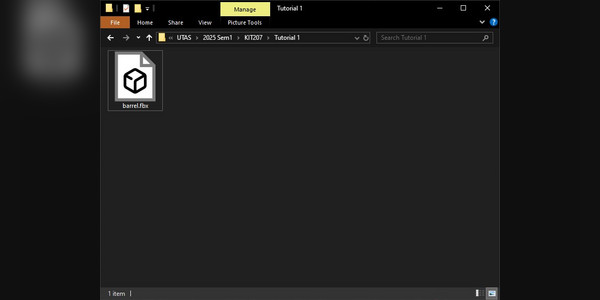
Alright, so now I have a file I can import into Unity. Next, I need the Unity Project itself. For the sake of maintaining parity with the coursework, I will be using version 6000.0.35f1, which, while not the latest version available, is close enough to it. As a starting point, I've use a blank 3D Project template with UDP rendering, though using the In-Software Rendering version would work, too.

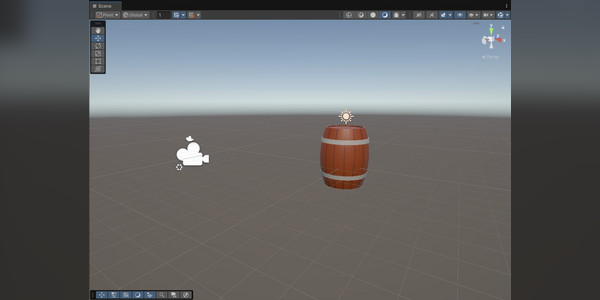
Eventually, I was able to load into the Unity Editor, and from there its just a matter of dragging the model I created into the project folder, and I should be able to-
The Actual Task I'm Supposed to be Doing
And now, to put everything together. After adding the Chairlift chair from the last devlog in the same manner as above, I went online and found a nice looking tree that I could use to add a little bit of colour to my scene.
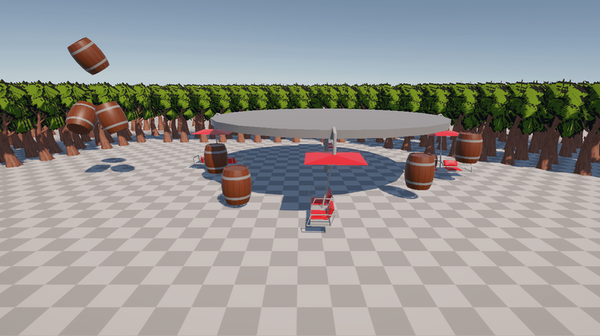
After adding a decent amount of trees into the scene, I used some default unity objects to make a rudimentary wheel for the chairs to sit on, added some more barrels, some collision and a script to rotate the wheel, and the end result is, in my view, quite impressive.
Final Thoughts
And with that, I'm done in Unity for this week. Overall, I'm happy with how everything turned out. For now, however, its back to Blender to work on Animations.