Best Practices for Using PixelAfterAll
PixelAfterAll (PixelArt Conversion Tool)
A downloadable tool for Windows and macOS
In this tutorial, we will explain how to convert images into pixel art using PixelAfterAll.
Result examples
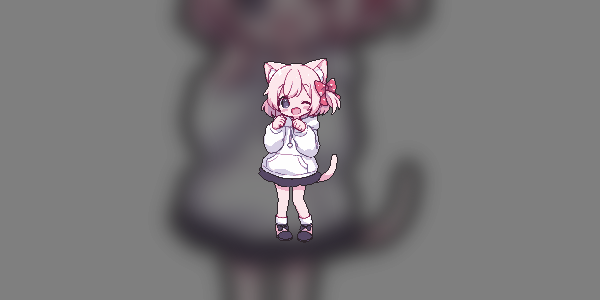
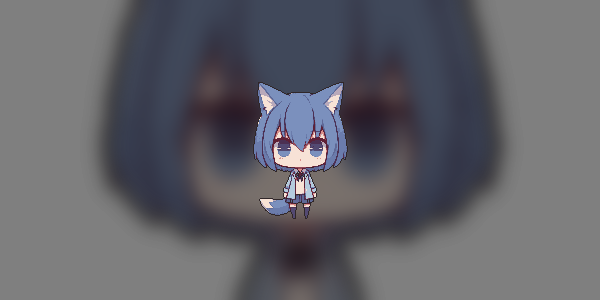
In this tutorial, you will be able to create pixel art as shown below.
Acquiring Images (Image before processing)
Obtain images to convert to pixel art.
Here are the images I used before conversion, feel free to save them to your PC and use them.
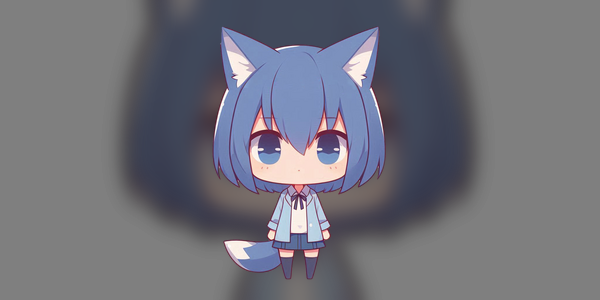
These images were generated by MidJourney.
How else can you acquire images?
MidJourney, Copilot Designer, NovelAI
Background Removal
You can do it manually or use an online service.
https://myedit.online/jp/photo-editor/background-removal
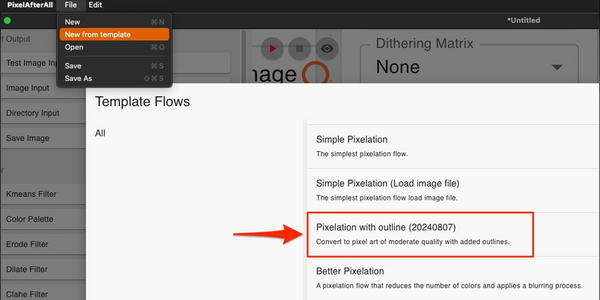
Launching PixelAfterAll and Selecting a Template
Select "Pixelation with outline (2024/08/15)".
Execution
Input Image