
Indie game storeFree gamesFun gamesHorror games
Game developmentAssetsComics
SalesBundles
Jobs
TagsGame Engines

Pokémon Expedition

Gotta Catch 'em All! Travel Kanto, Johto and Sevii Islands, collect 16 badges and take down Team Rocket for good! · By PkmnTrainerKatelyn

Gamepad Config

A topic by AzoxTobias created 28 days ago Views: 81 Replies: 2
Viewing posts 1 to 3
(1 edit)

Hello,

I can't mangae to config the input like m'y phone is a DS or a GBA do you have some advice on which button do what ?


Heyy, what are you using to run the game? Ie Windows or Joiplay? Also, what version. There's a known issue of a crash with F8 that I haven't fixed yet, but any other configuration, I might have to dig into further.
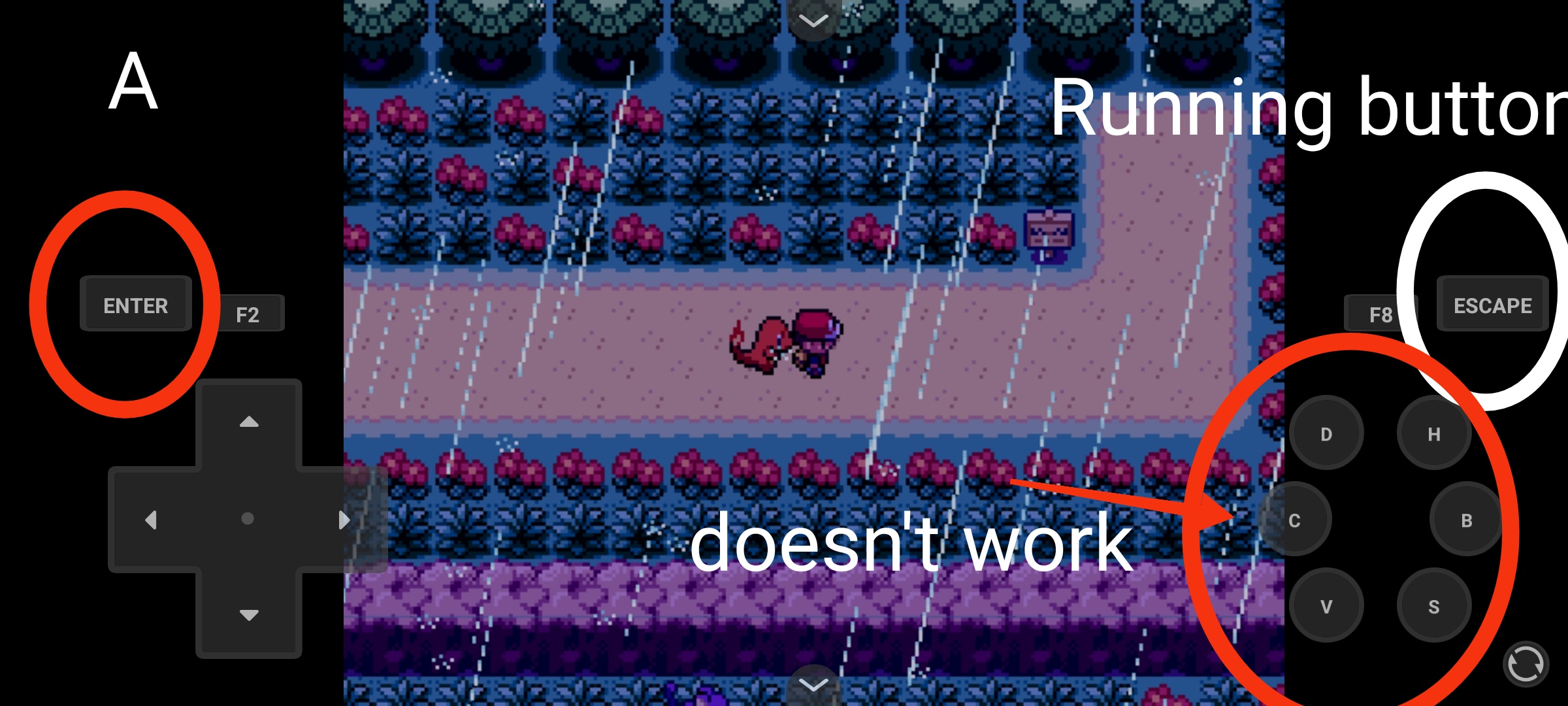
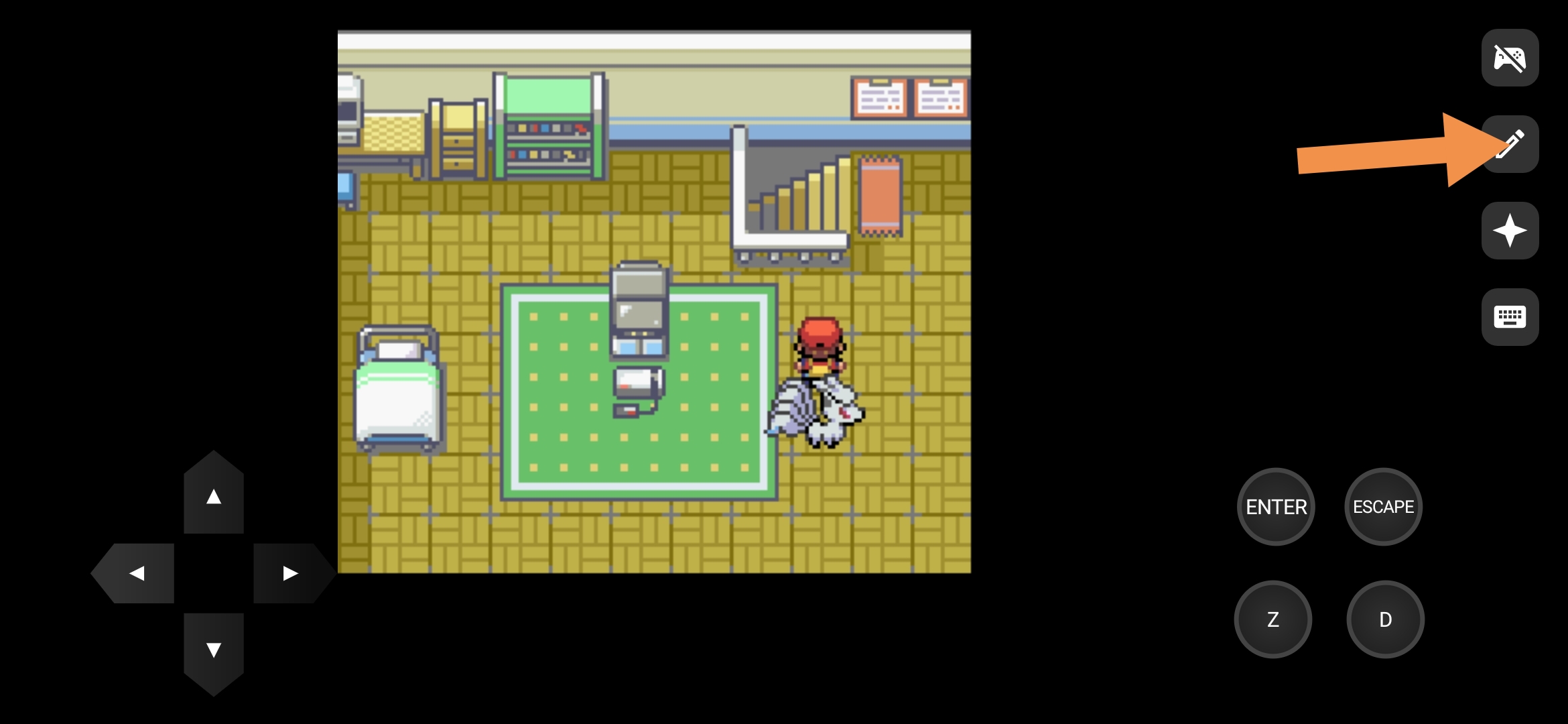
I play on Joiplay, i just have some trouble to play because my buttons aren't configured like a GBA or DS device,


Here a photo of my problem

(1 edit)

D is the button linked to the registered item. Press the arrow at the bottom right to change some input for other input. You will have a Z button that will be for the menu. I personally only used Enter, Escape, D and Z aswell ass the directional cross ofc. If you want to not have that many "useless" button I would advise you to download the last version of joiplay from their Patreon. They did an update about the controls