

My pleasure !
I first went into the settings, used the option "Show only 1", it turned off my second screen, after a few tests, I confirmed I could no longer access it and whatever window was open there was automatically transferred to the main screen. I then unplugged the power cable of the screen, and restarted the computer (just in case). All to no avail, the issue is still there.
There's a screenshot folder to debug the OCR ? Wonderful !
This is a photo I took of the area I highlighted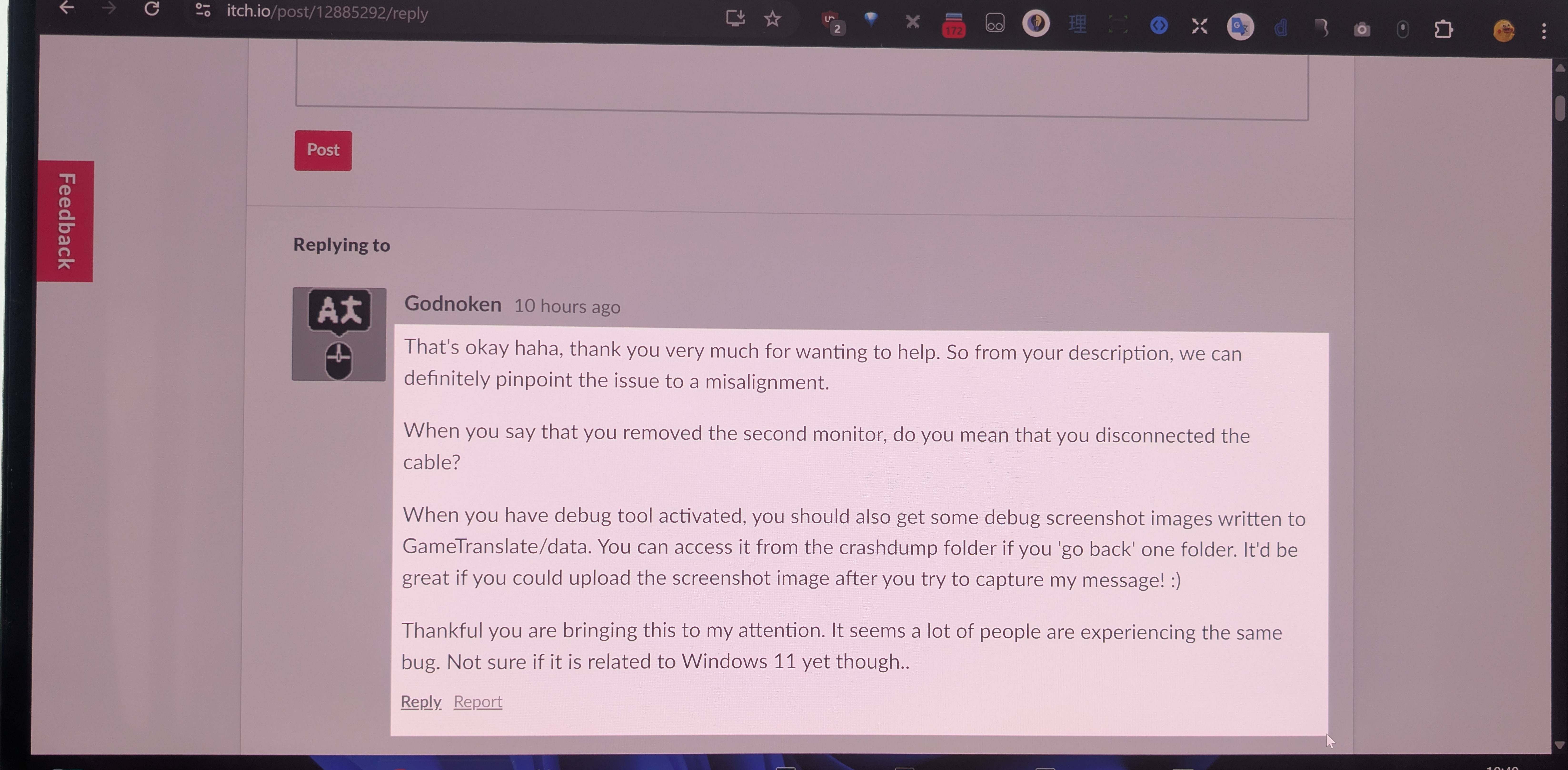
Here are the debug screenshots
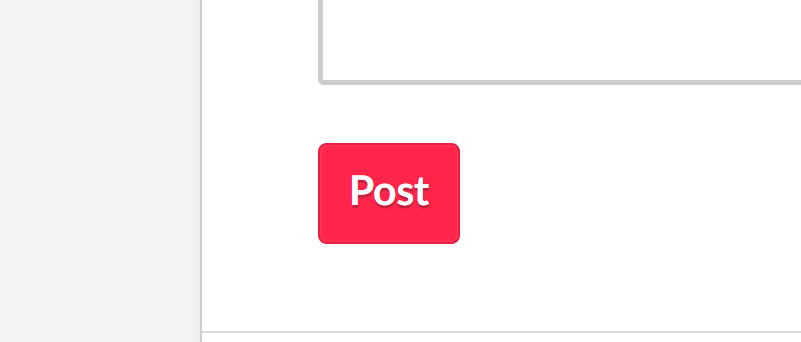
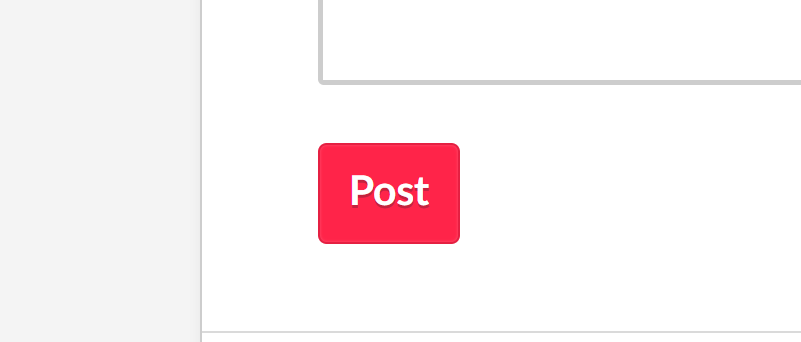
The two similar screenshots are respectively "screenshot.png" and "text_boxes.png".
Looks misaligned indeed ! And the size is all wrong, what's seen by the OCR is significantly smaller.
My computer screen is at 4K resolution. I'll try to change the resolution to 1080p and give it another shot... Nope ! Same issue.
Looks like it's a tough nut to crack, huh ?



Hmm.. The 'Sandow' screenshot is not the screenshot.png is it? That looks like one of the debug_.png images.
Either way, it is clearly being completely misaligned.. I'll have to dig into this as soon as I have time and let you try a debug version. I'm going to try to install Windows 11 on one of my devices too.
Scaling hotfix is now out!
https://godnoken.itch.io/gametranslate/devlog/949651/update-041-text-capture-fix...
However, there are two caveats;
- Font scaling is out of whack when Windows is scaled up.
- Tesseract seems unusable when using a large scaling value.
These will be fixed in the next update.
Massive thank you to @Sandow for helping me debug this!